CAPTCHA basics
What is a CAPTCHA and what does it prevent?
Learn what CAPTCHA means, how verification fits into a website, and why a solved challenge is only one signal when preventing automated abuse.
By the easycaptcha team · Published
CAPTCHA stands for Completely Automated Public Turing test to tell Computers and Humans Apart. In a web application, it is a checkpoint intended to make automated abuse harder. A familiar version asks a visitor to recognize something in an image; other systems rely on background checks or device computation. Cloudflare’s CAPTCHA explainer introduces the term and basic purpose.
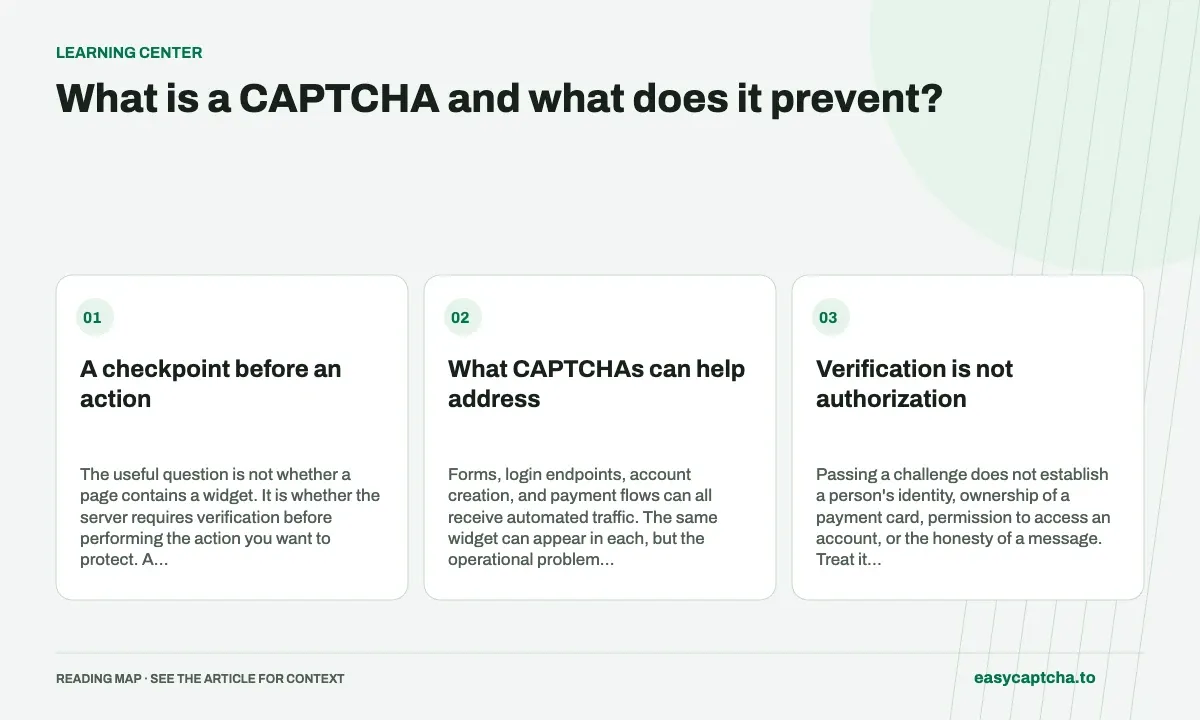
A checkpoint before an action
The useful question is not whether a page contains a widget. It is whether the server requires verification before performing the action you want to protect. A visible challenge on a contact page provides little protection if the contact endpoint accepts requests without checking it.
What CAPTCHAs can help address
Forms, login endpoints, account creation, and payment flows can all receive automated traffic. The same widget can appear in each, but the operational problem is different. A spam form needs to control message volume; a login flow must protect account access; a payment flow must avoid becoming a tool for testing card details.
Choose a protected action first, then decide where a challenge belongs. Requiring a challenge on every page may inconvenience users without improving the endpoint that receives the abuse. Consider what an attacker can do through your API, mobile application, or alternate form as well as through the visible webpage.
Verification is not authorization
Passing a challenge does not establish a person’s identity, ownership of a payment card, permission to access an account, or the honesty of a message. Treat it as one condition in an application policy. Authentication, authorization, payment checks, and message handling still have separate jobs.
For example, a checkout should not accept a transaction merely because a token is present. Your server still needs to validate the order, amount, account permissions, and payment outcome. A login flow must still check credentials and apply its account controls.
Recognition and verification are different
A recognition service interprets a challenge. A provider’s verification service decides whether a submitted proof meets its policy. Your application needs to handle both failures and the surrounding business action. This is why easycaptcha has distinct recognition and token task types, documented in the API reference.
If you own the website, test the complete server flow rather than relying on a frontend success callback. If you are integrating a solver, record the final acceptance outcome rather than assuming a returned result means success.
Balance abuse prevention with completion
A challenge that stops everyone is not a useful success. Review how genuine visitors recover from expiration, network errors, and unsupported browsers. Make sure the form keeps their input and offers an understandable next step.
For concrete examples, read how to prevent carding, credential stuffing prevention, and form spam prevention. For the user’s perspective, start with CAPTCHA accessibility.
Frequently asked questions
What does CAPTCHA verify?
It provides evidence at a checkpoint before an action. The application still decides authorization and whether the operation should proceed.
Can CAPTCHA make a website harder to use?
Yes. Challenges, timing, and recovery can create barriers. Evaluate completion for legitimate visitors as well as the unwanted traffic you are addressing.
Can I try easycaptcha browser assistance for free?
Yes. Install the Chromium extension and activate its free plan for 25 recognitions a day, without an account or credit. Larger or multi-round challenges can use multiple recognition groups.