Payment abuse prevention
How to prevent carding and card-testing attacks
Learn how to protect payment flows from card testing with server-side verification, payment-provider controls, rate limits, and monitoring.
By the easycaptcha team · Published
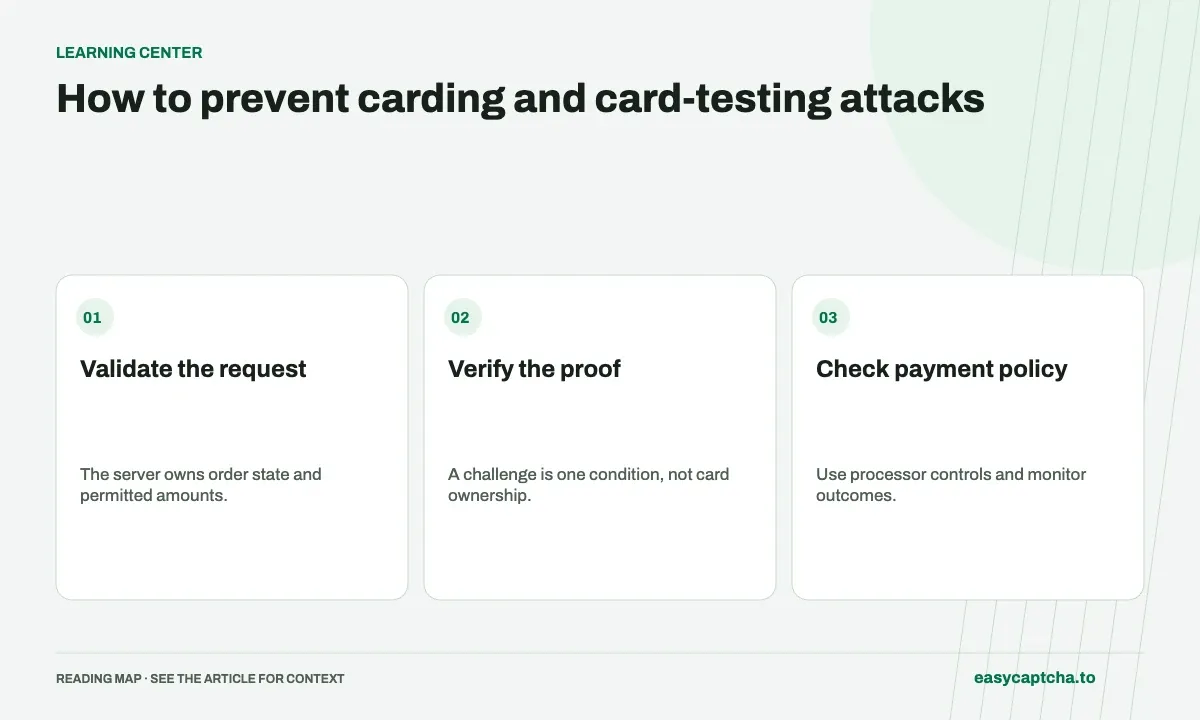
Carding tests stolen payment-card details against a payment flow to identify usable cards. OWASP identifies this as OAT-001. A merchant can become the testing surface even when the attacker is not trying to complete an ordinary purchase.
Card-testing patterns
Investigate a sudden increase in failed payment attempts, repeated small orders, or bursts of new customers making similar requests. Those observations are reasons to review traffic, not proof that an individual customer is fraudulent. Compare the payment provider’s events with your own endpoint activity before deciding where to intervene.
Protect the server action, including alternate paths
Map every route that can create a payment attempt, save a payment method, or authorize a charge. Include mobile clients, express checkout, donation forms, and older API versions. A challenge on the main checkout cannot protect an alternate endpoint that does the same work without verification.
Validate order state, permitted amounts, and the user’s authorization before creating payment work. Keep the server in control of the operation. Frontend fields and disabled buttons are not a substitute for endpoint checks.
Use the payment provider’s controls
Review the controls and integration requirements of the processor you actually use. Stripe’s card-testing prevention documentation covers its defenses, integration considerations, and signals to investigate. Apply provider guidance to your account and payment flow rather than assuming another merchant’s configuration fits yours.
Keep a clear escalation route to the processor when traffic changes quickly. Preserve event IDs and timestamps for investigation. Do not include full card numbers, verification codes, or unrelated customer information in support requests or application logs.
Add verification and rate controls together
A CAPTCHA or background verification step can add friction before a sensitive action. It cannot establish ownership of a card. Verify proofs on the server and enforce the result at every protected endpoint. Keep payment authorization, fraud decisions, and account permissions as separate checks.
Design limits around more than one dimension. For example, review activity per account, session, payment operation, and network source, with processor-supported identifiers where appropriate. A single IP rule can punish a shared network while missing traffic distributed across many addresses. Start with measurements and examine false positives before tightening a limit.
Preserve the order when a genuine shopper needs to verify again. Explain the retry without exposing detailed risk rules. A recovery path that repeatedly loses the cart can turn a protective change into avoidable abandonment.
Monitor business outcomes after a change
Track failed and successful payment attempts, suspicious bursts, checkout completion, and support contacts. Compare affected routes and visitor segments rather than only total traffic. Keep an incident record of what changed and when, so you can distinguish an attack from a payment-provider outage or an application regression.
This article explains defensive application design; easycaptcha is a recognition and token service, not a payment fraud product. Read what CAPTCHA can and cannot establish when deciding how a challenge fits into your checkout policy.
Frequently asked questions
What is a card-testing attack?
It uses payment attempts to test stolen card details. Bursts of declines or similar small orders can warrant investigation alongside processor events.
Can CAPTCHA alone prevent carding?
No. Enforce payment rules, use processor controls, verify protected requests on the server, and monitor outcomes. Preserve a usable path for legitimate shoppers.
Can I try easycaptcha browser assistance for free?
Yes. Install the Chromium extension and activate its free plan for 25 recognitions a day, without an account or credit. Larger or multi-round challenges can use multiple recognition groups.