Integration concepts
What is an hCaptcha sitekey?
Understand the difference between an hCaptcha sitekey, a verification secret, and an easycaptcha API key, and supply the correct sitekey in your integration.
By the easycaptcha team · Published
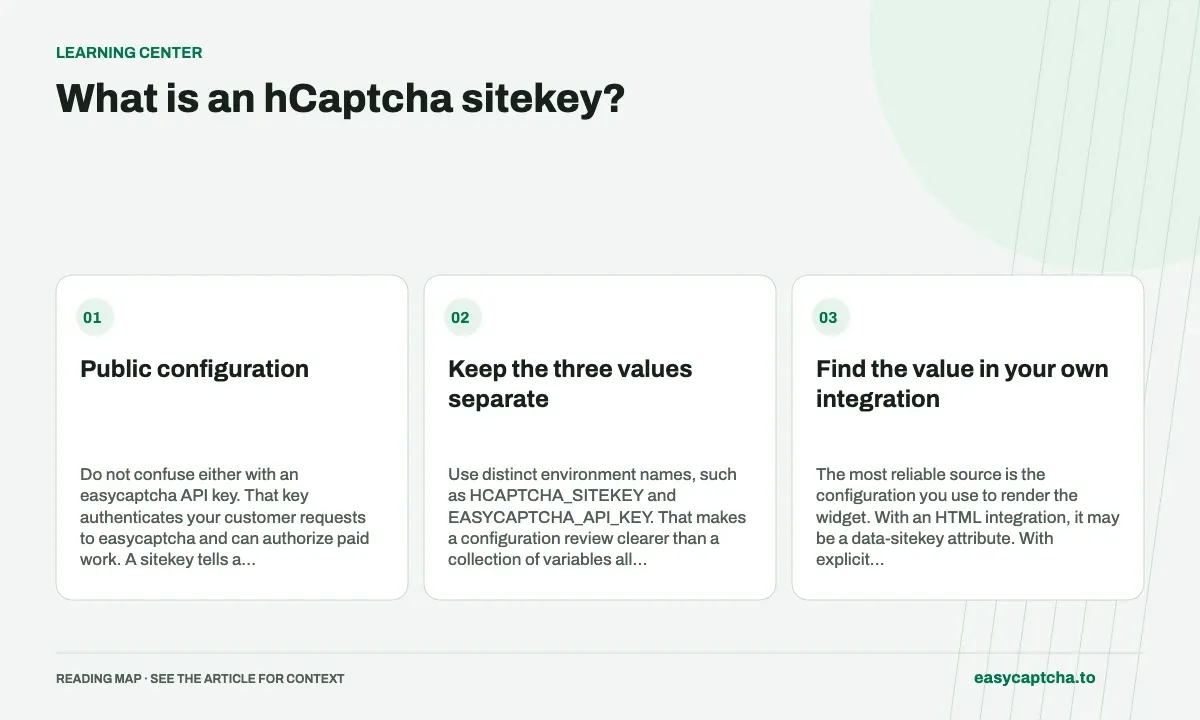
An hCaptcha sitekey identifies a configured site or flow. It is public and is supplied to the frontend widget. A site’s verification secret stays on its server. hCaptcha’s developer guide explains this division and the use of separate sitekeys for different flows.
Public configuration
Do not confuse either with an easycaptcha API key. That key authenticates your customer requests to easycaptcha and can authorize paid work. A sitekey tells a token task which challenge configuration it targets; it does not grant access to your easycaptcha account.
Keep the three values separate
| Value | Purpose | Where it belongs |
|---|---|---|
| hCaptcha sitekey | Identifies the challenge configuration | Widget configuration and token task requests |
| hCaptcha verification secret | Authorizes verification for the site owner | The site owner’s server configuration |
| easycaptcha API key | Authenticates a customer’s task requests | Your integration’s protected credential storage |
Use distinct environment names, such as HCAPTCHA_SITEKEY and EASYCAPTCHA_API_KEY. That makes a configuration review clearer than a collection of variables all called CAPTCHA_KEY.
Find the value in your own integration
The most reliable source is the configuration you use to render the widget. With an HTML integration, it may be a data-sitekey attribute. With explicit rendering, it is a property supplied to the widget’s render call. See the hCaptcha configuration reference.
A large application can have more than one widget or flow. Do not assume that a key copied from a marketing page belongs to the checkout or login screen. Keep the sitekey alongside the page URL and integration configuration that actually use it.
Supply it to the token API
A regular easycaptcha token request includes the task type, sitekey, and page URL:
{
  "type": "hcaptcha_token",
  "sitekey": "YOUR_SITEKEY",
  "url": "https://your-site.example/login",
  "hold": 30
}
Send your easycaptcha key in the Authorization header, not in the sitekey field. Enterprise tasks additionally use the enterprise type and the integration’s rqdata; account approval is required. The token API documentation has complete request examples.
For recognition tasks, sitekey is optional. It attributes challenge statistics to the originating site. That does not change a recognition result into a token or replace the challenge object supplied in task.
Diagnose a configuration mismatch
When a task behaves differently across environments, compare the task type, sitekey, URL, and enterprise data before changing your polling code. Keep test and production configuration distinct. A valid customer credential cannot correct a task pointed at the wrong challenge flow.
When reporting a problem, retain the task ID and the relevant public configuration. Keep account keys and website verification secrets out of logs, browser bundles, and support messages.
Frequently asked questions
What does an hCaptcha sitekey identify?
It identifies public challenge configuration for a site or flow. It is distinct from a private verification secret or easycaptcha API key.
Is sitekey required for easycaptcha recognition jobs?
It is optional for recognition and can attribute work to the originating configuration. Token jobs require a sitekey and page URL.
How do I start using the easycaptcha API?
Create an account and get an API key, then follow the getting-started guide. Submit recognition or token tasks through raw HTTP or the typed Python and JavaScript SDKs.