Form abuse prevention
How to prevent form spam without blocking real users
Protect contact and signup forms with server-side validation, rate controls, verification, moderation, and accessible recovery.
By the easycaptcha team · Published
A contact form can be abused to flood an inbox. A signup form can create unwanted accounts. A comment form can publish unwanted content. Although all three may display the same CAPTCHA widget, they have different downstream consequences and should not share a policy by accident.
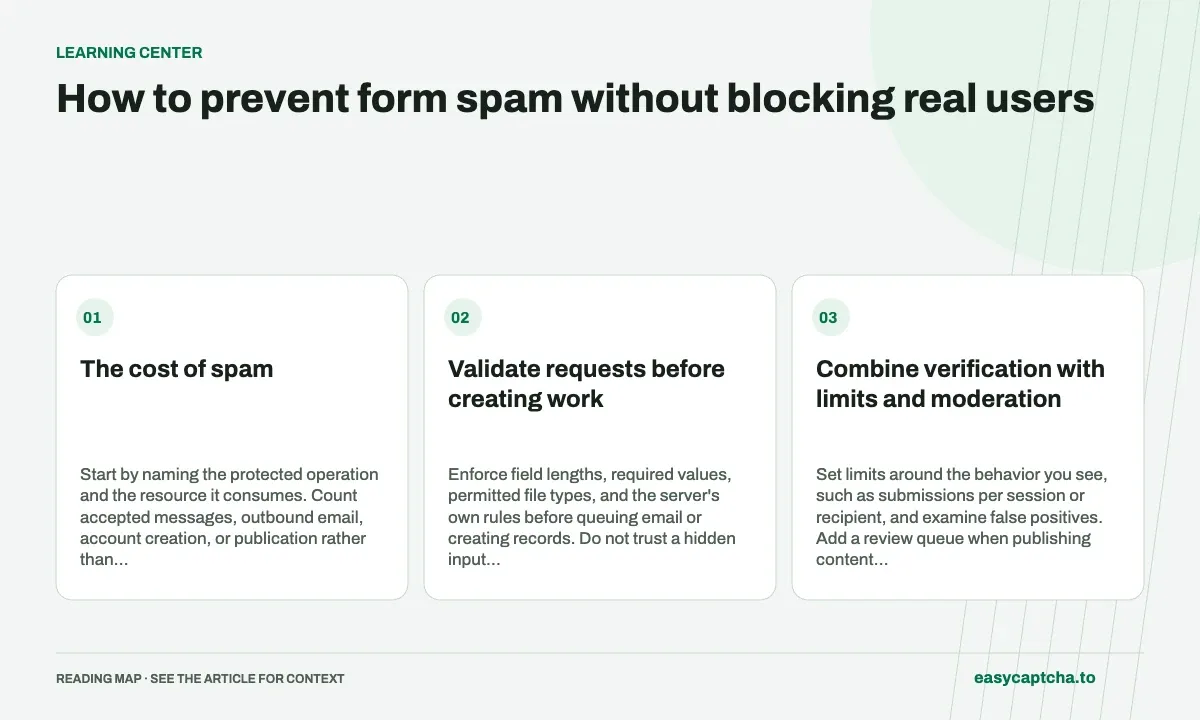
The cost of spam
Start by naming the protected operation and the resource it consumes. Count accepted messages, outbound email, account creation, or publication rather than only page visits. This helps you choose controls that stop the expensive step.
Validate requests before creating work
Enforce field lengths, required values, permitted file types, and the server’s own rules before queuing email or creating records. Do not trust a hidden input that says verification passed. Require your server’s verification result at the operation that accepts the submission.
Handle direct HTTP requests too. A challenge displayed in a webpage cannot protect an endpoint that accepts equivalent requests without a proof. Include alternate forms and integrations in your review.
Combine verification with limits and moderation
Set limits around the behavior you see, such as submissions per session or recipient, and examine false positives. Add a review queue when publishing content would be costly to undo. Do not turn every accepted submission into an automatic email containing arbitrary attacker-controlled links.
The OWASP automated-threat guidance treats bot management as a set of controls rather than one widget. For your own design, list which check handles volume, which handles verification, and which handles harmful content. A passed challenge should not cause the application to skip the others.
Preserve an accessible recovery path
If verification expires, keep the visitor’s message and let them obtain a new proof. Place error text where keyboard and screen-reader users can find it. Prevent duplicate submissions while a request is pending, but allow retry after a clear failure.
Avoid relying solely on hidden-field tricks that can be triggered by autofill or assistive software. Test the whole flow with the browser tools your users actually use. A control that suppresses legitimate contact requests also suppresses the evidence you need to discover it is failing.
Measure accepted abuse and genuine completion
Compare spam reaching its destination before and after a change. Also track form completion and support requests from genuine visitors. If submissions fall, investigate whether abuse decreased or the form simply became harder to use.
Keep enough metadata to correlate failures and review patterns, without copying full private messages into analytics. Decide how long investigation records are retained and who can access them. The accessibility guide offers a review checklist, while verification basics explains the boundary between a challenge and your application policy.
Frequently asked questions
Where should a form reject unwanted submissions?
On the server that accepts the submission, including alternate routes. Browser-only checks are easy to omit from direct requests.
How can I reduce spam without blocking genuine messages?
Measure unwanted submissions and legitimate completion together. Provide clear recovery when verification expires or the form rejects a request.
Can I try easycaptcha browser assistance for free?
Yes. Install the Chromium extension and activate its free plan for 25 recognitions a day, without an account or credit. Larger or multi-round challenges can use multiple recognition groups.