Account abuse prevention
How to prevent credential stuffing
Protect login flows from reused stolen credentials with layered controls, account safeguards, server-side verification, and recovery that works for real users.
By the easycaptcha team · Published
Credential stuffing attempts to sign in using username and password pairs obtained elsewhere. It exploits password reuse rather than requiring the attacker to discover a new password for every account. OWASP’s overview describes this distinction.
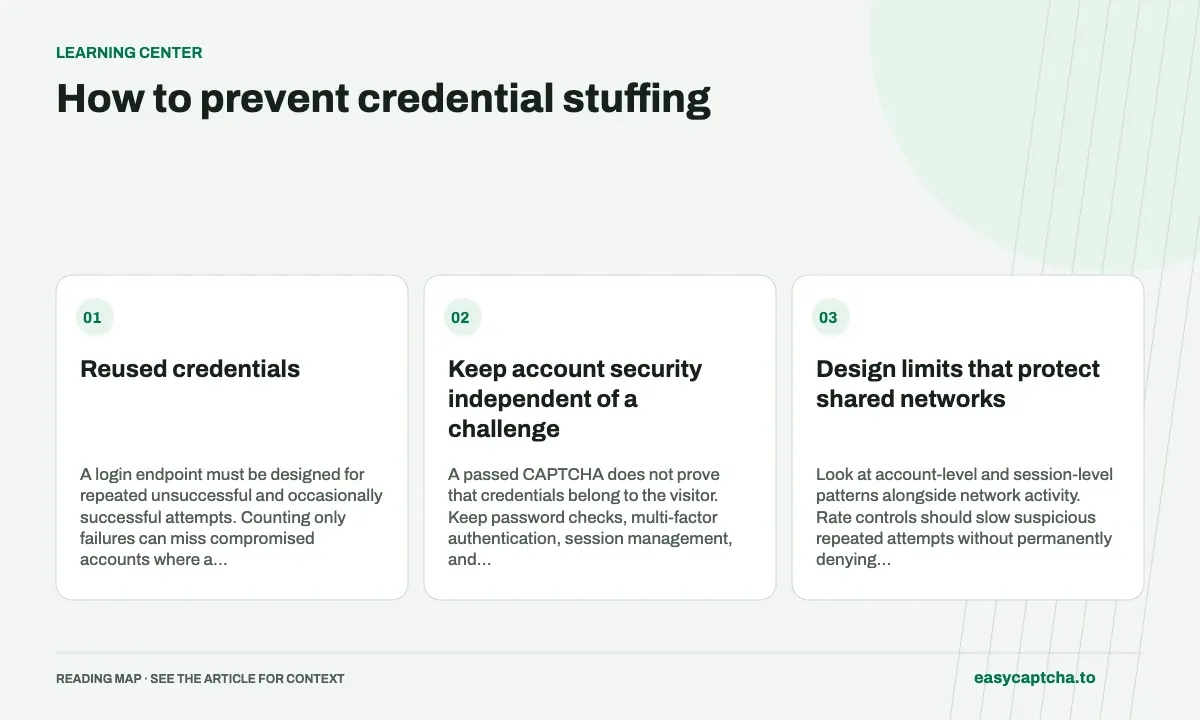
Reused credentials
A login endpoint must be designed for repeated unsuccessful and occasionally successful attempts. Counting only failures can miss compromised accounts where a reused password works immediately. Review the surrounding account activity as well as the result of an individual login.
Keep account security independent of a challenge
A passed CAPTCHA does not prove that credentials belong to the visitor. Keep password checks, multi-factor authentication, session management, and authorization separate from verification. A challenge may be one layer, but it should never become a shortcut around account safeguards.
Apply the same thinking to password reset, recovery, and enrollment of a new authentication factor. If login is protected but recovery has weaker limits, the application can simply move the abuse to another route. Document which operations can establish or change account access.
Design limits that protect shared networks
Look at account-level and session-level patterns alongside network activity. Rate controls should slow suspicious repeated attempts without permanently denying access to an account because someone else targeted it. Review recovery behavior and the effect on people behind shared network addresses.
For a risk-triggered challenge, verify the result on your server before checking or accepting the protected operation according to your policy. Enforce that requirement consistently across browser, API, and mobile routes. OWASP’s bot-management guidance provides a broader framework for layered defenses.
Make failure messages and recovery usable
A visitor should understand whether they need to retry verification, reset a forgotten password, or contact support. You can explain the next step without disclosing whether an arbitrary email address has an account. Keep entered non-sensitive form data where appropriate, and do not persist a plaintext password for convenience.
Test the flow with a keyboard, password manager, assistive technology, expired proof, and interrupted connection. Include the case where verification succeeds but credentials are wrong; the next attempt must be able to use a fresh proof.
Watch for account impact
Measure challenge completion, login acceptance, recovery use, and subsequent account changes. An improvement in challenge rejection alone does not show that account takeovers fell. Investigate unusual sessions and sensitive account actions using your application’s own event model.
Build a response path for suspected compromise: invalidate affected sessions, guide users through recovery, and review how the incident was detected. Keep passwords, proof tokens, and complete authentication headers out of incident logs.
For related flows, see form spam prevention. For the visitor experience, read CAPTCHA accessibility.
Frequently asked questions
What is credential stuffing?
It is the automated reuse of exposed username and password pairs against other services. It differs from generating password guesses.
Is adding a CAPTCHA sufficient against credential stuffing?
Use it alongside authentication controls, monitoring, and recovery measures. Review the protected action rather than equating solved challenges with safe logins.
Can I try easycaptcha browser assistance for free?
Yes. Install the Chromium extension and activate its free plan for 25 recognitions a day, without an account or credit. Larger or multi-round challenges can use multiple recognition groups.