Support workflows
Designing support that resolves CAPTCHA-blocked tasks
Give staff a limited diagnostic record and an independent assistance workflow so a blocked visitor can reach the original service rather than another dead end.
By the easycaptcha team · Published
When verification blocks a task, adding a Contact us link can look like a solution. It helps only if that route is usable and the people receiving it can act on the original problem. A visitor who reaches another form with the same failing verification has not gained an alternative.
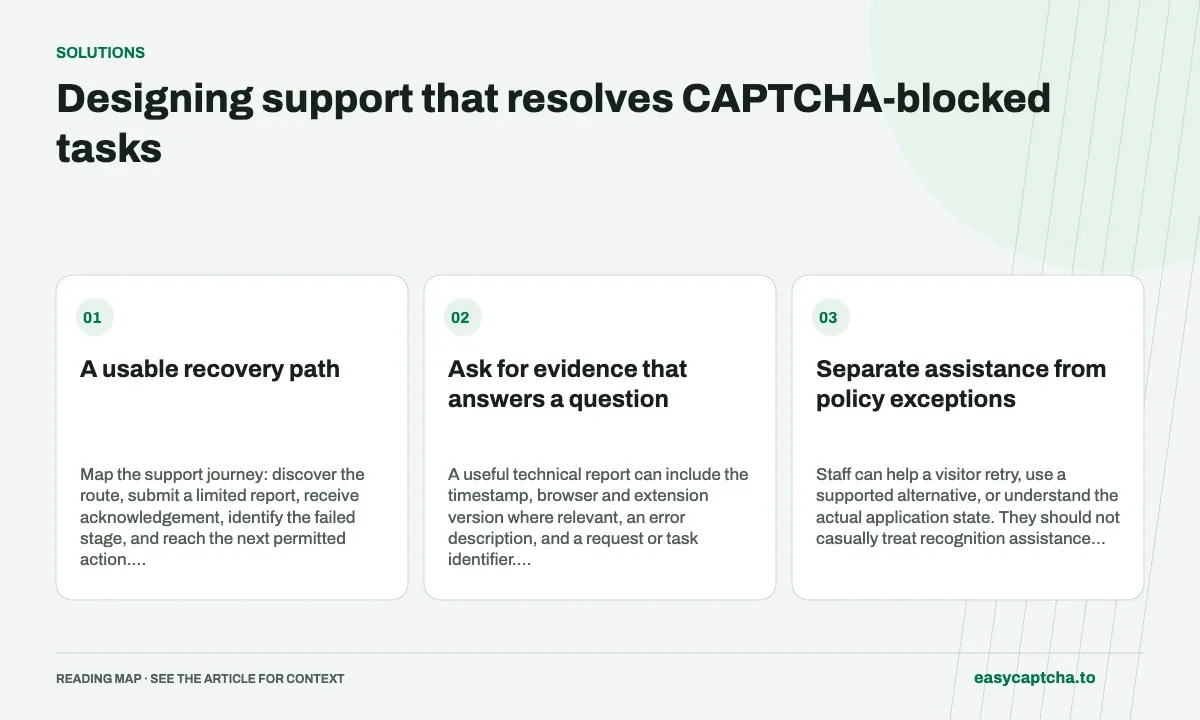
A usable recovery path
Map the support journey: discover the route, submit a limited report, receive acknowledgement, identify the failed stage, and reach the next permitted action. Decide who owns each step and how the visitor learns what happened.
Ask for evidence that answers a question
A useful technical report can include the timestamp, browser and extension version where relevant, an error description, and a request or task identifier. Begin with those rather than a complete form body or credential-bearing screenshot.
| Evidence | Investigation question |
|---|---|
| Error stage | Loading, verification, or application failure? |
| Request identifier | Which server operation was observed? |
| Browser/version | Is the failure environment-specific? |
| Known receipt state | Was the original action accepted? |
Do not request passwords, full API keys, proof tokens, or unrelated private documents in a general ticket.
Separate assistance from policy exceptions
Staff can help a visitor retry, use a supported alternative, or understand the actual application state. They should not casually treat recognition assistance as proof of account ownership or payment authorization. Keep any exception process under the service owner’s explicit policy.
For Chromium users encountering hCaptcha, easycaptcha offers image recognition assistance. Its scope should be explained: it does not resolve every inaccessible control or submit every surrounding operation. A staff recommendation must reflect the provider and task actually present.
Test the route end to end
Use a controlled blocked attempt and follow it through support to a known outcome. Check that acknowledgement reaches the visitor, private information is limited, and the next step does not repeat the barrier.
Include users who rely on keyboard and assistive technology. A support route may be operationally independent of the verifier while still having an inaccessible form of its own.
Measure resolved tasks
Track known assisted completions, time to a useful response, unresolved requests, and repeat contacts. Closing a ticket is not necessarily evidence the visitor completed the original task.
The diagnostic packet article develops the evidence model. Data minimization covers collection limits, and accessibility review keeps the assistance route focused on completion rather than the mere presence of a link.
Frequently asked questions
What makes a support recovery path usable?
It needs a clear next step, suitable context, and a way to resume the intended task. A contact link alone may not recover the workflow.
When should support suggest easycaptcha browser assistance?
When a visitor using Chromium is blocked by a supported hCaptcha image challenge. Investigate unrelated application failures separately.
Can I try easycaptcha browser assistance for free?
Yes. Install the Chromium extension and activate its free plan for 25 recognitions a day, without an account or credit. Larger or multi-round challenges can use multiple recognition groups.