Privacy fundamentals
CAPTCHA data minimization for application logs
Keep useful verification diagnostics while limiting proof values, credentials, private form content, and unnecessary personal data in logs and analytics.
By the easycaptcha team · Published
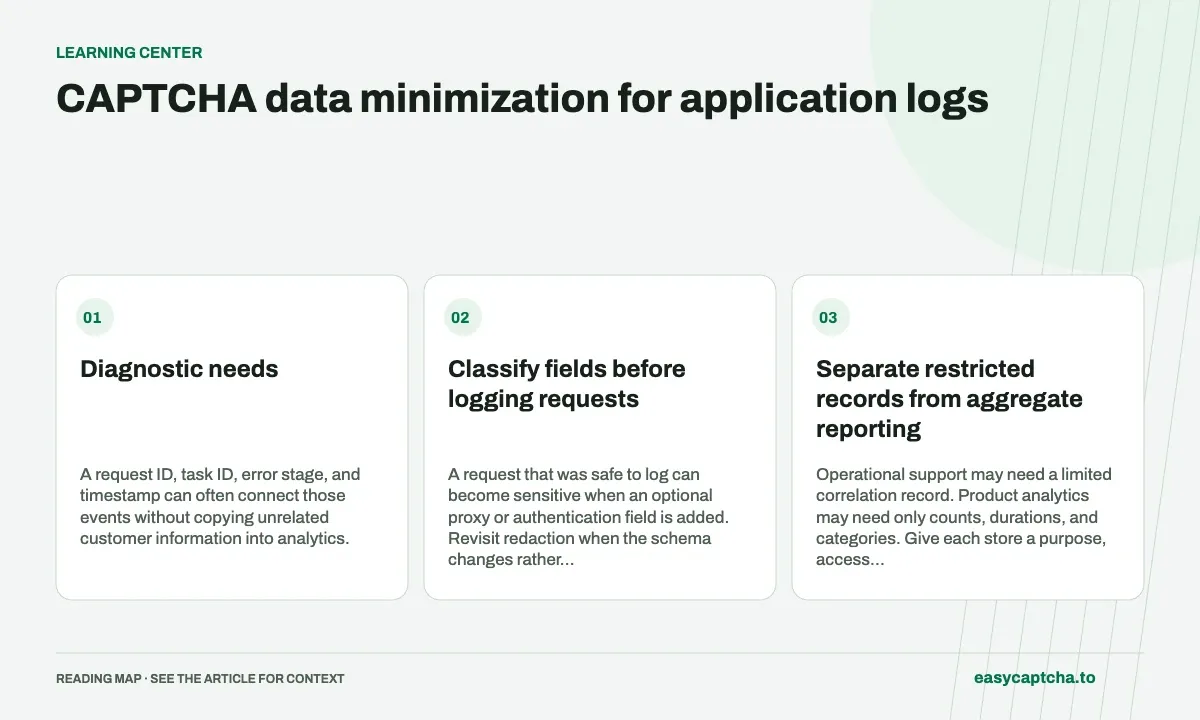
An investigation needs evidence about what failed. It rarely needs every byte of a form body or a complete proof. Define the questions first: did configuration load, did the provider respond, did verification succeed, and did the application complete the action?
Diagnostic needs
A request ID, task ID, error stage, and timestamp can often connect those events without copying unrelated customer information into analytics.
Classify fields before logging requests
| Field family | Handling to review |
|---|---|
| Account and API credentials | Redact from general logs |
| Proxy password | Redact from request-body traces |
| Verification proof | Avoid routine storage in analytics |
| Private form content | Keep outside unrelated telemetry |
| Public configuration | Record only what investigation needs |
A request that was safe to log can become sensitive when an optional proxy or authentication field is added. Revisit redaction when the schema changes rather than relying indefinitely on an old allowlist.
Separate restricted records from aggregate reporting
Operational support may need a limited correlation record. Product analytics may need only counts, durations, and categories. Give each store a purpose, access boundary, and retention policy instead of treating one unrestricted event stream as the answer to every question.
This is application-design guidance, not a compliance determination about a CAPTCHA provider. Review actual data flows and the obligations relevant to your deployment with the appropriate people.
Test what leaves the process
Exercise a normal request, a failed request, and an exception path. Inspect logs, error reporting, browser traces, and support tooling. A carefully redacted HTTP log does not help if an exception tracker uploads the whole request elsewhere.
Privacy-aware metrics proposes a compact outcome model. Secret-leak triage covers exposed credentials, and server validation keeps proof handling tied to the protected operation rather than a broad data collection habit.
Frequently asked questions
What should I log when investigating a failed challenge?
Start with task IDs, timestamps, statuses, and the observed failure stage. Add media or other payload data only when it is needed.
Should CAPTCHA tokens go into analytics events?
Avoid sending temporary proofs or unrelated visitor information to general analytics. Record the outcome and a limited correlation identifier instead.
How do I start using the easycaptcha API?
Create an account and get an API key, then follow the getting-started guide. Submit recognition or token tasks through raw HTTP or the typed Python and JavaScript SDKs.