Operations
A useful diagnostic packet for CAPTCHA support
Collect the failure stage, limited identifiers, versions, and known acceptance state instead of asking for credentials or an entire private form.
By the easycaptcha team · Published
Support should be able to distinguish a widget-load failure, a rejected proof, an accepted task still pending, and an application error after verification. A full screenshot or traffic dump is not always the most useful first request and can collect private information unrelated to the failure.
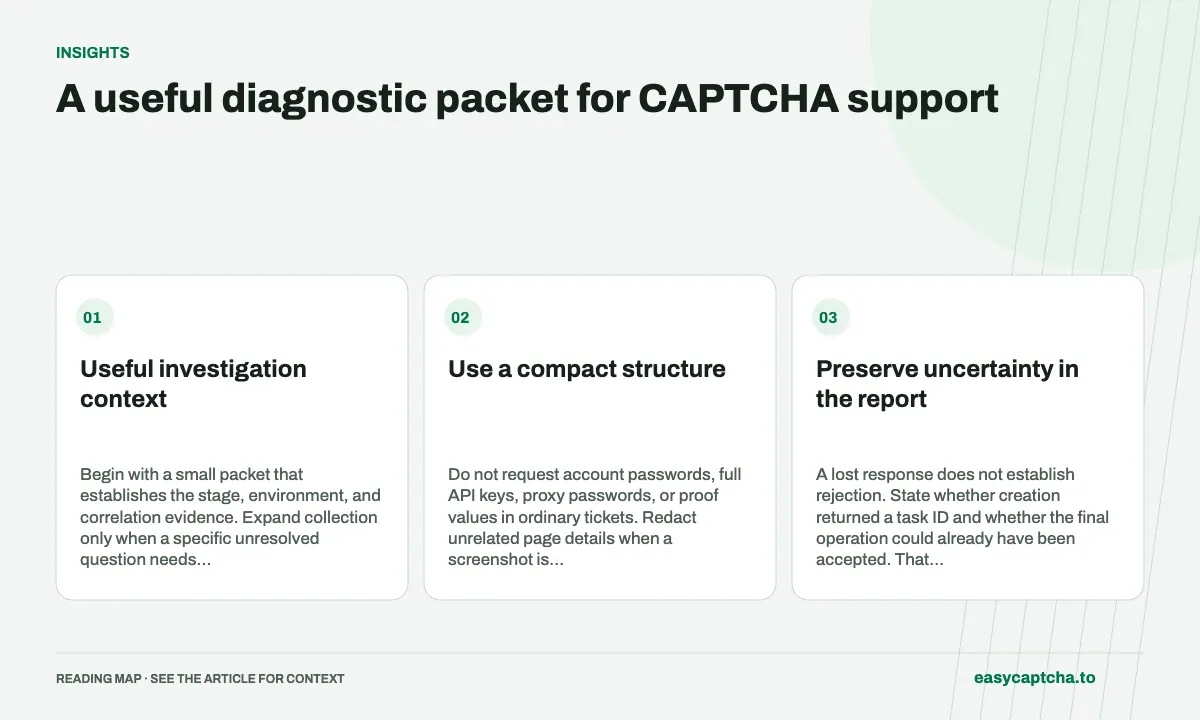
Useful investigation context
Begin with a small packet that establishes the stage, environment, and correlation evidence. Expand collection only when a specific unresolved question needs it.
Use a compact structure
| Item | Investigation value |
|---|---|
| Timestamp and environment | Finds the relevant deployment window |
| Error description and stage | Routes the issue to the right boundary |
| Task/request identifier | Connects permitted operational records |
| Browser/extension version | Detects setup or release differences |
| Known receipt state | Prevents duplicate accepted actions |
Do not request account passwords, full API keys, proxy passwords, or proof values in ordinary tickets. Redact unrelated page details when a screenshot is genuinely needed.
Preserve uncertainty in the report
A lost response does not establish rejection. State whether creation returned a task ID and whether the final operation could already have been accepted. That evidence changes the safe next action: observe existing work or investigate unknown acceptance rather than always resubmit.
A new successful attempt does not resolve the original unknown record by itself. Keep the relationship explicit so support can identify duplicate work or receipts.
Tie diagnosis to a recovery action
Once the failed stage is known, offer the next permitted step: correct configuration, obtain fresh verification, restore a draft, replace a revoked key, or use the service’s supported acceptance lookup. Do not tell a visitor to repeat a long form when the backend evidence can show it was already received.
Test support’s route with a controlled blocked task. A closed ticket is not proof the visitor completed the original action.
Support-assisted completion defines the operational journey, data minimization limits collection, and widget debugging supplies browser-specific evidence before a generic traffic dump becomes the default request.
Frequently asked questions
What should I include in an easycaptcha support request?
Include task IDs, timestamps, expected behavior, observed status, and concise reproduction steps. Add environment details relevant to the failure.
Should I include API keys or full CAPTCHA tokens in a ticket?
Do not include private credentials or unnecessary proof values. Limited identifiers and failure-stage evidence are safer starting points.
How can easycaptcha fit into my integration tests?
Use the documented recognition or token API for the hCaptcha stage, preserve task IDs, and inspect terminal results. Measure verifier acceptance and application completion separately from job completion.