Testing workflows
Testing reCAPTCHA recognition in a browser workflow
Testing reCAPTCHA recognition in a browser workflow. Follow practical setup steps and checks for your easycaptcha reCAPTCHA workflow.
By the easycaptcha team · Published
Use a page and testing workflow you control. Record the initial grid mode, instruction, and expected application behavior. Test the recognition integration separately from unrelated form validation so failures have a useful location.
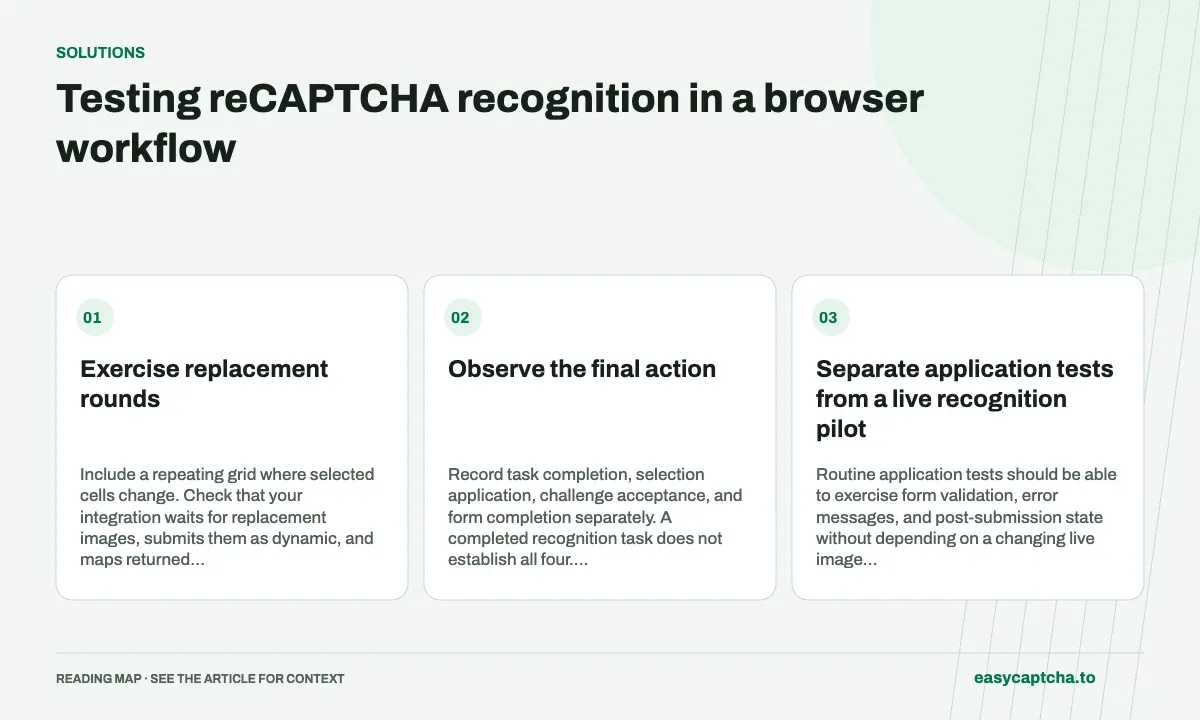
Exercise replacement rounds
Include a repeating grid where selected cells change. Check that your integration waits for replacement images, submits them as dynamic, and maps returned booleans to the intended cells. A correct answer applied to an old image is still an integration failure.
Observe the final action
Record task completion, selection application, challenge acceptance, and form completion separately. A completed recognition task does not establish all four. Retain task IDs for diagnosis without collecting sensitive form contents.
Separate application tests from a live recognition pilot
Routine application tests should be able to exercise form validation, error messages, and post-submission state without depending on a changing live image challenge. In a flow you control, use your testing configuration and controlled fixtures to cover those application behaviors. Keep a smaller, explicit integration pilot for the recognition path itself.
This separation makes failures actionable. A form-field regression should not require interpreting a live grid before it can be reproduced. Conversely, a passing mocked form test cannot establish that the browser applies a dynamic recognition result to the right cell. Label the scope of each test so the team knows which boundary it actually covers.
Build fixtures for mapping and freshness
A compact fixture set should include a nine-value full-grid answer, a sixteen-value answer, and a sparse dynamic batch from nonadjacent cells. Use different positive positions in each fixture. An answer that selects only the first cell is too easy for an incorrect mapping implementation to pass accidentally.
Also simulate a challenge reset while a recognition request is running. Deliver the old result after the new round appears and assert that it is not applied. This tests the association between a task and the browser snapshot it describes, rather than merely checking whether your code can iterate over an array of booleans.
Write assertions for each visible boundary
| Boundary | Useful assertion |
|---|---|
| Task completion | A terminal result or error is handled |
| Result application | Intended current cells receive selections |
| Replacement | Newly loaded tiles are collected in the right order |
| Challenge completion | The browser reports the observed outcome |
| Application action | The form reaches its intended confirmation |
Keep these observations separate in test output. When the final form fails because an unrelated required field is empty, the earlier recognition stages can still have worked correctly. A single generic “CAPTCHA failed” assertion hides that evidence and sends investigation to the wrong component.
Capture a useful failure packet
For a controlled integration failure, retain the task IDs, grid mode, local round identifier, timing, and expected versus applied positions. Include an error code or concise state history where available. These details usually explain more than an unannotated screenshot taken after the page has already changed.
Avoid broad capture of account forms, passwords, or customer keys. Use sanitized local fixtures to reproduce mapping defects when possible, and reserve real challenge inputs for a narrowly scoped diagnosis. Review stale-result debugging and error triage when deciding which stage needs further evidence.
Exercise failures without duplicating paid work
Use controlled client fixtures to simulate creation rejection, a queued snapshot, a running snapshot, an embedded failure, and a completed result. Verify that the polling code retrieves the known task instead of creating another task whenever it sees a nonterminal status. This tests a costly failure mode without depending on the timing of remote work.
Then simulate separate creation and retrieval timeouts. After a creation timeout without an ID, the application should retain uncertainty rather than claim that no task exists. After a retrieval timeout, it should retain the known ID and the distinction between a failed observation and a failed recognition task. A generic retry of the entire script can erase both distinctions.
In a live integration pilot, keep the number of paid trials small and purposeful once deterministic mapping checks pass. Use them to validate actual image capture, task transport, and browser transitions. Broader application regressions belong in the routine controlled suite. This makes a failed live trial easier to investigate because the team already has evidence that array indexing and task-state handling behave as intended.
Frequently asked questions
Is a completed recognition task enough to pass a browser test?
No. Assert the intended application outcome after applying the selections.
Which mapping fixtures are most useful?
Cover nine-value and sixteen-value full grids, sparse dynamic replacements, and a stale response after a reset.
Should every application test use a live challenge?
Use controlled testing configuration and fixtures for routine application behavior, with a separate integration pilot for recognition and browser transitions.