Integration workflows
Preventing wrong-cell clicks in reCAPTCHA replacement rounds
Preventing wrong-cell clicks in reCAPTCHA replacement rounds. Follow practical setup steps and checks for your easycaptcha reCAPTCHA workflow.
By the easycaptcha team · Published
Before submitting dynamic images, build an ordered list of cell positions. For example, images from cells two, five, and eight must remain paired with those positions even if the upload list contains only three images.
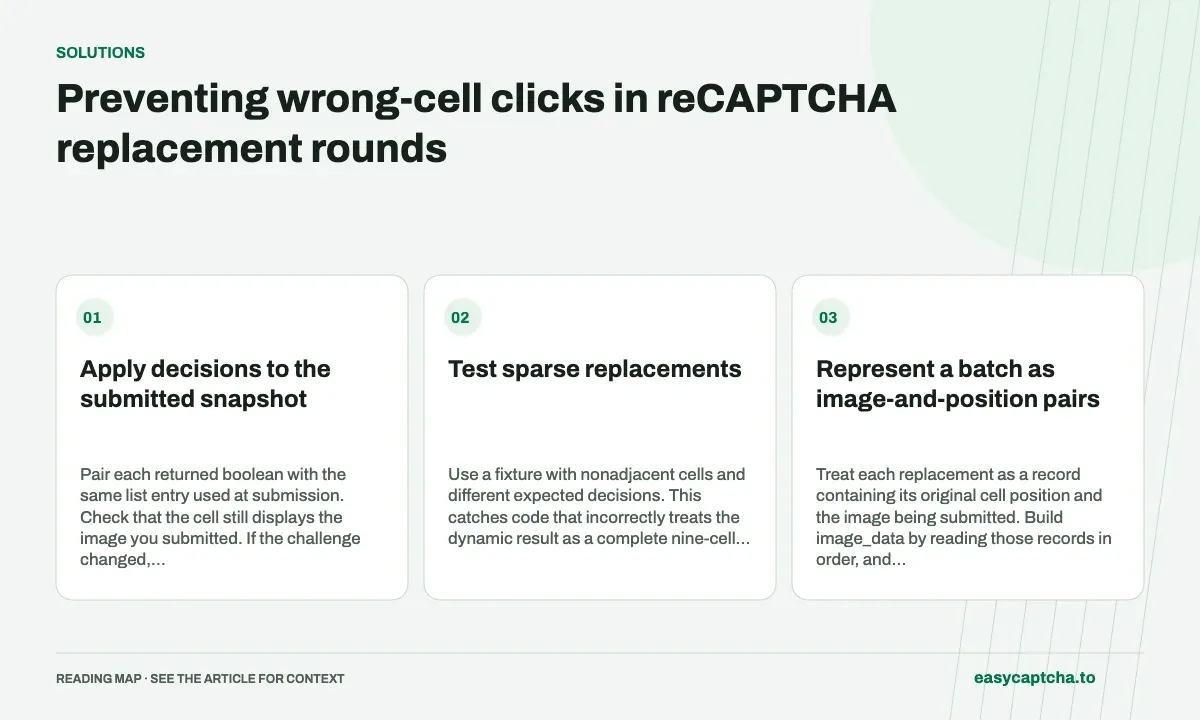
Apply decisions to the submitted snapshot
Pair each returned boolean with the same list entry used at submission. Check that the cell still displays the image you submitted. If the challenge changed, discard the stale mapping and collect the current round.
Test sparse replacements
Use a fixture with nonadjacent cells and different expected decisions. This catches code that incorrectly treats the dynamic result as a complete nine-cell grid. Also test a single replacement and the largest supported batch of nine.
Represent a batch as image-and-position pairs
Treat each replacement as a record containing its original cell position and the image being submitted. Build image_data by reading those records in order, and retain the records until the result is handled. This keeps the information needed for application next to the information used for recognition.
The position should be meaningful in your own grid representation: for example, a zero-based cell index with an explicitly known column count. Do not confuse that position with the batch index. A three-image batch can describe cells anywhere in a nine-cell challenge, and its second result belongs to the second submitted record regardless of screen location.
Work through a sparse batch
Suppose your ordered records identify zero-based cells 1, 4, and 7. The returned dynamic result is [false, true, true]. Leave cell 1 unchanged, select cell 4, and select cell 7. The array does not refer to cells 0, 1, and 2, even though those are the three indexes used to read it.
This example is useful as a fixture because it detects two common defects: treating dynamic output as a full-grid prefix and losing the order of asynchronous image collection. Deliberately complete image preparation in a different order during a local test, then verify that the submitted array and stored records still agree.
Revalidate before applying a delayed answer
An accurate map can still become unsafe to apply after a reset or navigation. Keep a round identifier with the batch and verify that the current instruction and cell images belong to that round. Position alone is insufficient: the same cell can display several different images during one challenge.
If the snapshot no longer matches, discard the result for application purposes and collect current input. Record that as a stale application outcome instead of a recognition rejection. This distinction helps you identify timing defects without incorrectly attributing them to the classifier or sending misleading feedback about images it never received.
Validate structure and lifecycle separately
Before selecting cells, confirm that the task completed successfully, the result is a boolean array, and its length equals the number of submitted replacement images. An embedded task error is not an empty set of positive selections. Similarly, an all-false array is not an instruction to retry identical input until something becomes true.
Keep the pure mapping operation small enough to exercise with local fixtures. Test one image, several sparse images, and nine images, plus a length mismatch and a stale round. Live browser trials can then focus on capture and replacement timing rather than repeatedly rediscovering a deterministic indexing bug. See boolean result interpretation for full-grid ordering.
Keep geometry and cell identity separate
A logical cell index tells your application which part of the grid the result describes. A browser interaction coordinate tells it where that cell currently appears on screen. They can diverge after zoom, layout changes, scrolling, or a resized challenge. Correct recognition and a correct logical map can still produce a wrong click if geometry was captured from an earlier layout.
Test the mapping function independently from the function that locates current cell bounds. A fixture can establish that the second dynamic answer belongs to original cell four without requiring any browser coordinates. A separate controlled browser test can establish that cell four’s current bounds are located correctly. Keeping the two checks separate makes failures much easier to assign.
Before applying a response, verify both snapshot freshness and the current geometry needed for interaction. Avoid storing one absolute coordinate and assuming it remains valid through every round. If the page changed enough that the target cannot be established, stop application of that response and recover from current state rather than guessing at a click location.
Frequently asked questions
Do dynamic result indexes identify screen cells?
They identify submitted image order. Your integration supplies the mapping back to screen cells.
What information should I store with a dynamic batch?
Keep an ordered list of original cell positions, submitted image identities, instruction, and local round identifier alongside the task ID.
What should happen if the page resets before the answer arrives?
Retain the task record but avoid applying its selections to the new round. Collect current input for the changed challenge.