Operational diagnostics
Diagnosing reCAPTCHA recognition failures by stage
Diagnosing reCAPTCHA recognition failures by stage. Measure recognition requests, workflow outcomes, and integration errors with clear criteria.
By the easycaptcha team · Published
Check type, task instruction, grid, data URI encoding, and serialized body size. The native API accepts documented grid names and image data URIs. A malformed request does not provide evidence about recognition quality.
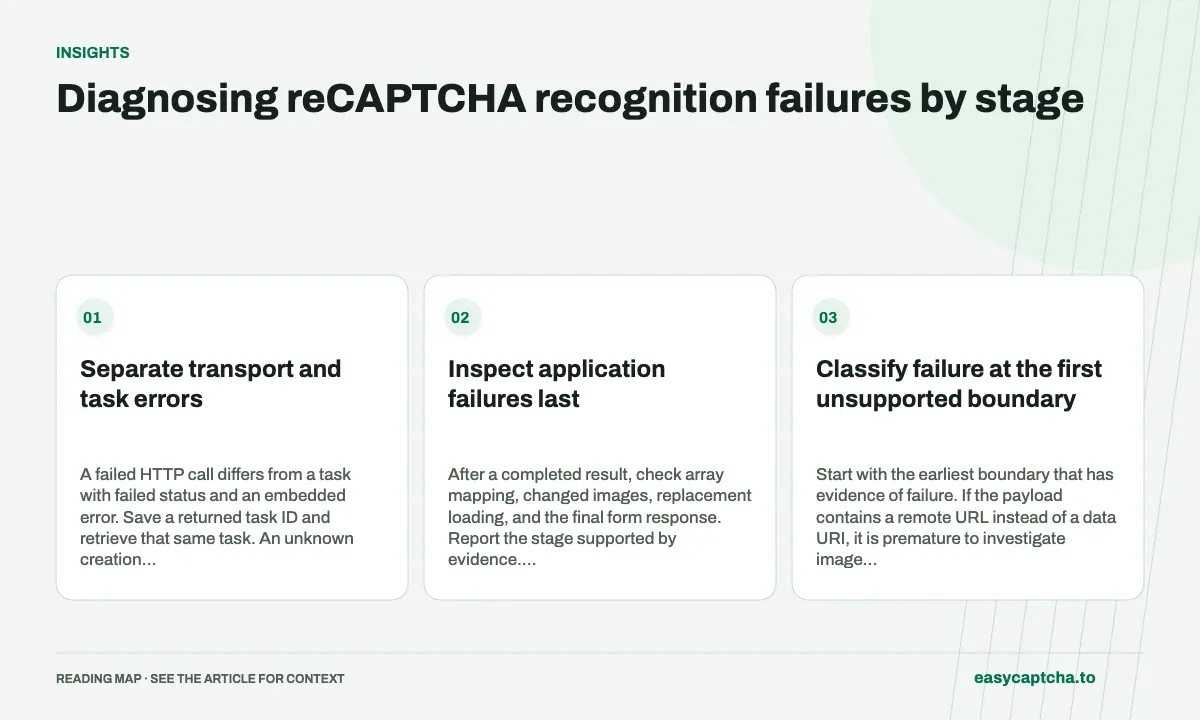
Separate transport and task errors
A failed HTTP call differs from a task with failed status and an embedded error. Save a returned task ID and retrieve that same task. An unknown creation outcome requires care because a retry can duplicate paid work.
Inspect application failures last
After a completed result, check array mapping, changed images, replacement loading, and the final form response. Report the stage supported by evidence. Include task IDs and a concise state history in support reports without customer keys.
Classify failure at the first unsupported boundary
| Boundary | Evidence to inspect first |
|---|---|
| Local preparation | Instruction extraction, grid choice, image encoding |
| HTTP submission | Transport error or request rejection |
| Remote task | Terminal status and embedded error |
| Result interpretation | Boolean types, length, ordering |
| Browser application | Snapshot freshness and cell map |
| Final action | Challenge outcome and form messages |
Start with the earliest boundary that has evidence of failure. If the payload contains a remote URL instead of a data URI, it is premature to investigate image selection accuracy. If the task completed but the page reset before application, inspect local state rather than classifying the delayed answer as a failed remote task.
Check native request constraints systematically
Confirm type: "recaptcha_recognition", a nonempty English instruction within the 254-byte limit, a documented grid name, and valid base64 image data URIs. Full-grid modes take one complete image; dynamic takes one to nine replacement images. Measure the serialized body against the 4 MiB limit, including base64 overhead.
If you migrated from a compatibility endpoint, verify that the client is not sending adapter-only aliases or a vendor-specific envelope to the native API. Keep a sanitized request summary containing mode, input count, byte size, and task ID where available. That often identifies a schema mismatch without exposing the account credential or retaining all image bytes in logs.
Treat timeouts according to what is known
A timeout during creation can happen before the client learns whether work was accepted. A timeout retrieving an already known task means observation failed, not that the task disappeared. A local waiting deadline similarly ends the observer’s wait without establishing remote cancellation. These cases need different recovery behavior.
Persist task IDs promptly and retain the distinction between unknown submission, known running work, terminal failure, and unobserved browser outcome. An unconditional retry around the entire workflow can create duplicate tasks while hiding the original uncertainty. Consult the task recovery guide when designing how a later worker resumes observation.
Close the diagnostic loop with targeted evidence
For a mapping defect, reproduce expected and actual selected positions with a local fixture. For an input rejection, inspect the exact validation error and sanitized request shape. For a completed task followed by a browser failure, record the round transition and final visible state. Choose evidence that can establish the suspected cause.
A support report should include available task IDs, approximate times, grid mode, application or extension version, and the last known successful stage. Leave account keys, passwords, and private form data out. After a fix, rerun the case that crossed the failing boundary; a successful unrelated single-grid attempt does not validate a repaired dynamic mapping path.
Use an incident timeline to separate cause and consequence
Order the evidence from capture through final action: instruction and image collected, task submitted, ID received, terminal result observed, selections attempted, replacements or reset observed, and form outcome. Mark missing events as unknown. A screenshot of the final rejection alone rarely establishes which earlier boundary caused it.
For instance, an application may log a form error after a stale answer was applied. The form error is the final symptom, while the earlier reset and missing freshness check identify the integration defect. Another case may show a valid current answer and accepted challenge followed by an unrelated required-field message. Both end on the form, but they call for different repairs.
After identifying a cause, choose a targeted verification rather than rerunning a broad trial without a hypothesis. Reproduce the invalid payload, exercise the sparse mapping fixture, or delay an old response across a reset as appropriate. Retain the task IDs and state sequence that support the diagnosis so the resolution can be reviewed without exposing account credentials or private page contents.
Frequently asked questions
Can an HTTP success response contain a failed task?
Yes. Check the task status and embedded error before reading result.
Which evidence helps distinguish a schema mismatch?
Inspect grid name, instruction byte length, image count, data URI encoding, body size, and the exact endpoint contract.
What belongs in a useful support report?
Include available task IDs, approximate times, grid mode, version, and last successful stage. Omit account keys and sensitive form content.