Integration diagnostics
Debugging stale reCAPTCHA recognition results
Debugging stale reCAPTCHA recognition results. Measure recognition requests, workflow outcomes, and integration errors with clear criteria.
By the easycaptcha team · Published
Store a local round identifier with the instruction, grid, and cell map used at creation. An asynchronous result describes that submitted snapshot. It should not silently inherit whatever challenge happens to be visible when polling ends.
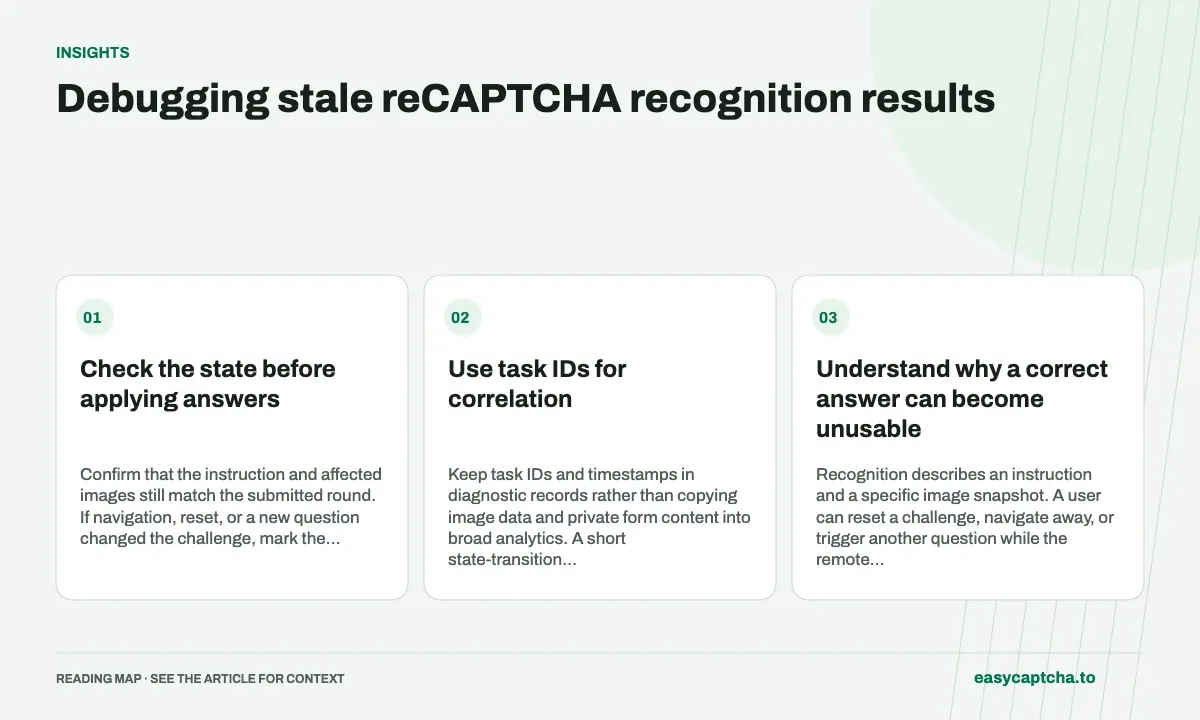
Check the state before applying answers
Confirm that the instruction and affected images still match the submitted round. If navigation, reset, or a new question changed the challenge, mark the result stale and obtain current inputs. Do not report a stale result as a measured recognition rejection.
Use task IDs for correlation
Keep task IDs and timestamps in diagnostic records rather than copying image data and private form content into broad analytics. A short state-transition history can reveal an ordering bug without retaining the entire browsing session.
Understand why a correct answer can become unusable
Recognition describes an instruction and a specific image snapshot. A user can reset a challenge, navigate away, or trigger another question while the remote task is running. The answer may be correct for its submitted input and still be inappropriate for the currently visible page. That is a freshness problem at the application boundary.
Task completion alone cannot detect it. The remote service knows the images it received, not every later browser transition. Your integration needs a local relationship between the submitted task and the browser round. Keep that relationship even when capture, upload, polling, and application happen in separate workers or processes.
Reproduce the race with a controlled fixture
Build a local sequence in which round A starts recognition, the page resets to round B, and round A’s result arrives afterward. The expected behavior is to retain the task record but avoid applying its selections to round B. This reproduces the defect without depending on a live challenge changing at just the right moment.
Next, test a replacement in the same cell under the same instruction. A round identifier that tracks only the question text may miss this case because the instruction did not change. You also need to associate the answer with the submitted image snapshot or replacement generation, not just its position and target phrase.
Apply a result only when the necessary context matches
| Context | Why it matters |
|---|---|
| Local round identity | Detects resets and replacement generations |
| Instruction | Detects a changed recognition question |
| Grid mode | Preserves expected array size and geometry |
| Ordered cell map | Preserves dynamic input-to-position mapping |
| Image snapshot identity | Distinguishes old and new contents in the same cell |
Use identifiers or controlled fingerprints appropriate to your application rather than logging full images by default. If freshness cannot be established, mark the response as stale for application and collect current input. Do not guess based on whether the current cell looks similar to the one you remember submitting.
Classify the outcome so the repair is visible
Separate recognition failure, invalid response shape, stale response, and browser application failure. Otherwise a state-management fix can be obscured by a metric labeled only “solver rejection.” The classifier never received the new image, so rejection after applying its old answer is not evidence about recognition of that new input.
Correlate the original task ID with capture, reset, completion, and attempted application times. That short timeline often establishes the race without retaining private form content. After repairing the application boundary, rerun the fixture and a controlled replacement sequence, then review stale-response frequency alongside completion and latency rather than assuming fewer clicks alone proves the problem is resolved.
Avoid repairs that only make the race less frequent
Adding a longer sleep can make one timing sequence appear stable without proving that an answer belongs to the current image. Network and browser delays vary, and a user can still reset the challenge during any fixed wait. Freshness checks should depend on application state relationships rather than an assumption that the race window has probably passed.
Similarly, suppressing all responses after a short deadline can reduce stale clicks while discarding useful known work. Retain the difference between remote completion and local applicability. A result may be valid for reconciliation or diagnosis even when it must not be applied to the current page. Preserve its task identity instead of erasing it as a generic timeout.
After a repair, exercise delayed completion before and after a reset, same-instruction image replacement, navigation away and back, and out-of-order task responses. Confirm that only the result belonging to the current stored snapshot can reach selection application. Then monitor stale-discard frequency and final completion together so correctness improvements are not confused with simply abandoning more workflows.
Frequently asked questions
What makes a recognition result stale?
The instruction or images changed after submission, so its selections no longer describe the current challenge.
Is matching the instruction enough to prove freshness?
No. A cell can contain a new replacement image under the same instruction. Preserve image snapshot or replacement-generation identity too.
How can I reproduce a stale-response race locally?
Start work for round A, reset to round B, then deliver A’s result and verify that it is retained as a task record without being applied to B.