Public-service access
Making CAPTCHA-gated public-service forms recoverable
Preserve drafts and receipts, explain verification errors, and maintain an assistance route for visitors completing important public-service tasks.
By the easycaptcha team · Published
A public-service form can be the entry point for an appointment, request, or application. A visitor who cannot complete verification may have no equivalent easy alternative. The design therefore needs to consider the whole service journey: preparing information, saving progress, verification, acceptance, and confirmation.
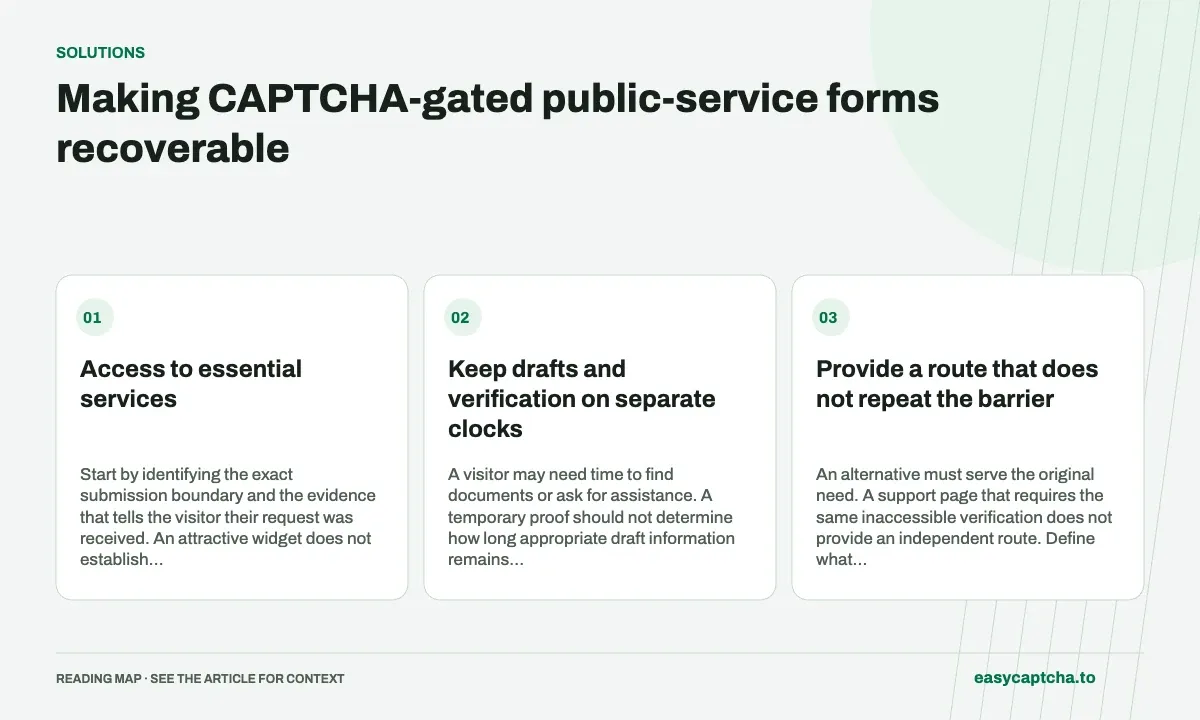
Access to essential services
Start by identifying the exact submission boundary and the evidence that tells the visitor their request was received. An attractive widget does not establish a usable service, and a successful proof does not establish acceptance of the request.
Keep drafts and verification on separate clocks
A visitor may need time to find documents or ask for assistance. A temporary proof should not determine how long appropriate draft information remains available. Document draft retention independently and obtain fresh verification when the protected action is actually attempted.
If the request response is interrupted, show a supported way to resolve whether the form was received. Do not tell every visitor to submit again when the backend could already have accepted the first attempt. Duplicate requests can create operational confusion for both sides.
Provide a route that does not repeat the barrier
An alternative must serve the original need. A support page that requires the same inaccessible verification does not provide an independent route. Define what assistance staff can do, what limited identifiers they require, and how requests are acknowledged.
For Chromium users facing hCaptcha, easycaptcha offers recognition assistance. It is not a replacement for the service owner’s accessibility review and does not establish legal compliance. The owner still needs to test instructions, focus, errors, and recovery with the relevant users.
Protect information without over-collecting diagnostics
Use operation stages and request identifiers to investigate failure. Avoid recording complete application bodies or sensitive documents in general analytics. A screenshot request can unintentionally collect information unrelated to the challenge; prefer a redacted error description when it answers the question.
Exercise missing verification, provider unavailability, expiration, slow completion, and an application rejection after valid verification. Confirm that the message guides the visitor to the correct next action.
Measure receipt and recovery
Count confirmed requests, successful draft recovery, assistance completion, and unknown acceptance outcomes. Review where people abandon the task before reaching the server, not only errors the server happened to log.
Long-form recovery explains the state model. Support-assisted completion covers operational alternatives, and the accessibility guide provides a review checklist for the full form.
Frequently asked questions
Why evaluate the whole public-service task?
The form may be a visitor's practical route to a service. Verification barriers, lost drafts, and unusable recovery can block that route.
What does browser assistance change in the form?
It can help with supported hCaptcha image challenges. Eligibility, submitted information, and service decisions remain with the application.
Can I try easycaptcha browser assistance for free?
Yes. Install the Chromium extension and activate its free plan for 25 recognitions a day, without an account or credit. Larger or multi-round challenges can use multiple recognition groups.