Form recovery
Recovering long forms after CAPTCHA expiration
Separate draft persistence, proof freshness, submission acceptance, and receipt lookup so visitors can retry verification without repeating the whole task.
By the easycaptcha team · Published
A form may take twenty minutes to prepare even though its verification proof is temporary. If the application treats the proof as the lifetime of the whole form, a normal pause can become a destructive reset. The visitor loses work for a reason unrelated to whether the information was valid.
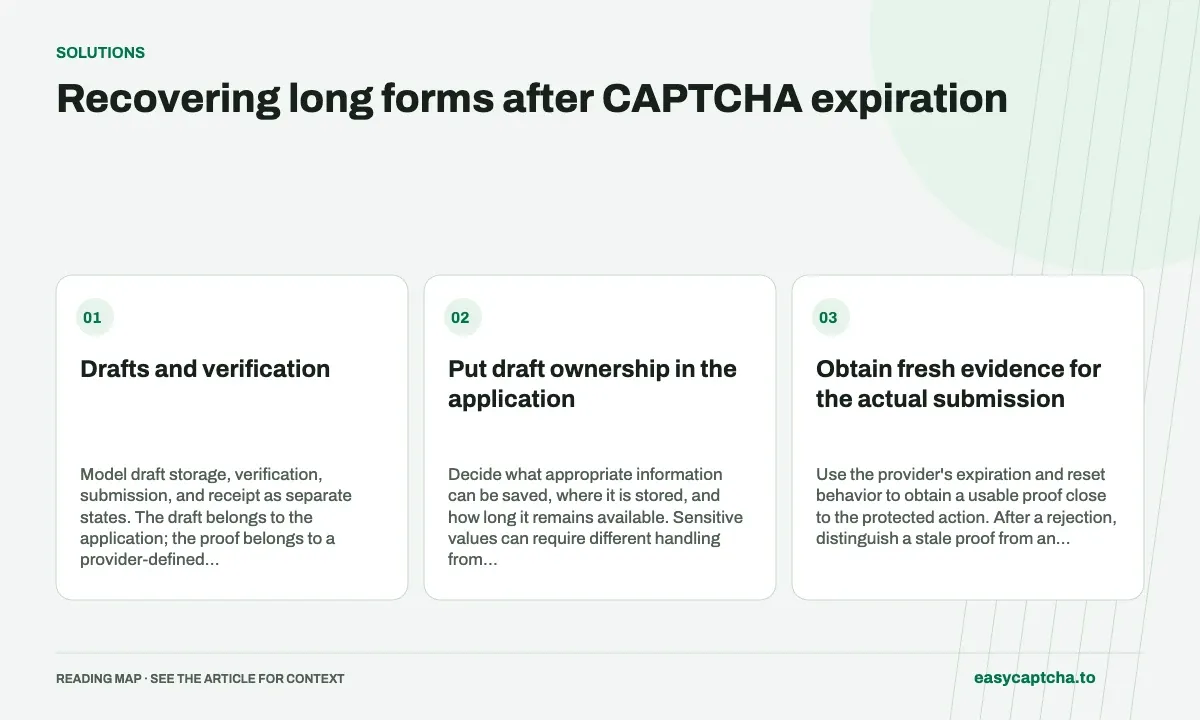
Drafts and verification
Model draft storage, verification, submission, and receipt as separate states. The draft belongs to the application; the proof belongs to a provider-defined verification lifecycle. A proof needing renewal should not automatically erase the draft.
Put draft ownership in the application
Decide what appropriate information can be saved, where it is stored, and how long it remains available. Sensitive values can require different handling from ordinary text; do not persist a password or payment credential merely to make retry easier.
Give visitors a clear indication of what was saved and what still needs completing. If draft restoration is supported, test it independently of provider availability. A saved draft that can be loaded only through the same failing widget may not offer meaningful recovery.
Obtain fresh evidence for the actual submission
Use the provider’s expiration and reset behavior to obtain a usable proof close to the protected action. After a rejection, distinguish a stale proof from an invalid form field. Keep focus and the next allowed action near the error.
A proof may have been consumed even when the browser did not receive the final response. The application should resolve whether submission was accepted using its own supported state mechanism before inviting a duplicate. Do not use a fresh proof as evidence that the previous submission never occurred.
Exercise interruption paths
Create a controlled test form with enough content to reveal loss of work. Pause before submission, force an expired proof, simulate a provider error, and lose the response after application acceptance. Compare what the visitor sees with the actual stored record.
Then test keyboard navigation and assistive feedback. A restored draft is not useful if focus returns somewhere unexpected and the visitor cannot find the refreshed verification step.
Define the successful outcome
Measure restored drafts, known accepted submissions, retry completion, and unknown states. A decrease in form errors may reflect fewer people reaching submission rather than better recovery.
Token expiration covers the proof clock; expired-token debugging helps locate delays. Job applications offers an example where losing a long draft can materially prevent the visitor from finishing their intended task.
Frequently asked questions
Should a long form depend on one temporary CAPTCHA proof?
Keep the draft and proof lifecycles separate. Preserve appropriate draft state while obtaining fresh verification when required.
What should an expiration message tell the visitor?
Explain that verification must be repeated and provide the next step. Keep the visitor's work available rather than restarting the whole form.
Can I try easycaptcha browser assistance for free?
Yes. Install the Chromium extension and activate its free plan for 25 recognitions a day, without an account or credit. Larger or multi-round challenges can use multiple recognition groups.