Contact workflows
Keeping CAPTCHA from silencing nonprofit contact requests
Balance message-abuse controls with accessible contact, draft preservation, and a support route that helps visitors reach the organization.
By the easycaptcha team · Published
A contact form can protect staff from unwanted messages, but it can also prevent genuine visitors from asking for help. If verification fails before submission, the organization may see no ticket or email explaining the barrier. A lower inbox volume can therefore look successful while useful contact disappears.
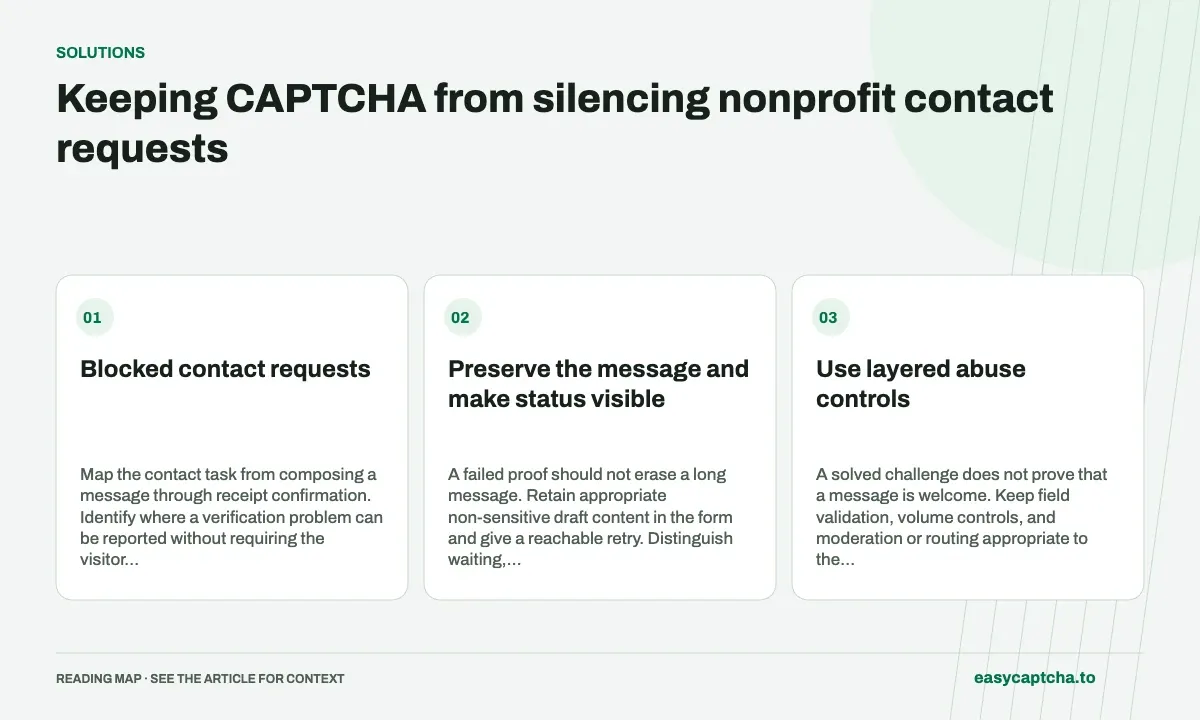
Blocked contact requests
Map the contact task from composing a message through receipt confirmation. Identify where a verification problem can be reported without requiring the visitor to complete the same broken flow again.
Preserve the message and make status visible
A failed proof should not erase a long message. Retain appropriate non-sensitive draft content in the form and give a reachable retry. Distinguish waiting, rejected verification, message validation, and actual acceptance in the UI.
Do not automatically send arbitrary message text to an external analytics service to understand failure. A small event model—task started, verification outcome, submission outcome, and assistance requested—can answer many operational questions without copying private conversations.
Use layered abuse controls
A solved challenge does not prove that a message is welcome. Keep field validation, volume controls, and moderation or routing appropriate to the organization’s needs. Enforce verification on the actual send endpoint, including direct API routes.
The form-spam guide explains that separation. Avoid interpreting every rejection as useful filtering without examining whether the visitor can recover and whether the rules affect shared networks or assistive browsing.
Offer assistance suited to the visitor
For hCaptcha in Chromium, easycaptcha can help with image recognition. It does not determine the urgency or validity of a message and cannot fix unrelated form controls. The organization should maintain an assistance route appropriate to the service it offers.
Describe what staff need to locate a failed attempt, such as a timestamp and a limited request identifier. Do not ask visitors for account passwords, API keys, or a screenshot containing unrelated private details.
Judge delivery as well as filtering
Use controlled test messages to check expiration, an interrupted response, keyboard navigation, screen-reader feedback, and receipt confirmation. Verify that a retry does not send the same message repeatedly when acceptance was merely unobserved.
Measure delivered legitimate messages, unwanted-message handling, recovery, and support burden together. Support-assisted completion provides an operational plan, and accessibility review helps expose barriers that would otherwise remain invisible to the inbox.
Frequently asked questions
Why provide an alternate support path for a contact form?
A visitor blocked by verification may be unable to report the problem through the same form. Make recovery practical for that situation.
Can easycaptcha help with an hCaptcha-gated contact form?
Its Chromium extension can assist with supported image challenges. The site must still accept and deliver the message.
Can I try easycaptcha browser assistance for free?
Yes. Install the Chromium extension and activate its free plan for 25 recognitions a day, without an account or credit. Larger or multi-round challenges can use multiple recognition groups.