Troubleshooting
Locating the delay behind expired CAPTCHA tokens
Track when a proof is obtained, held, submitted, and retried so an expiration problem is fixed in the workflow rather than hidden by duplicate solving.
By the easycaptcha team · Published
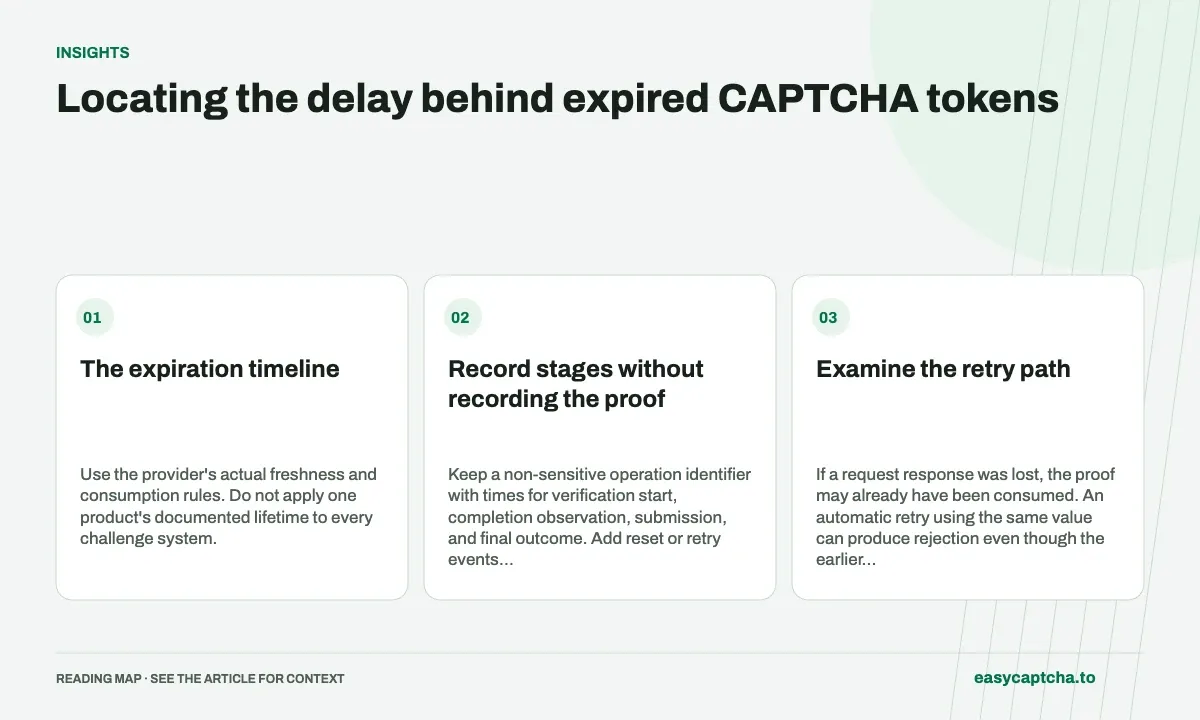
A proof can be obtained long before the protected action is submitted. A visitor may continue writing, a client queue may delay work, or the application may retry a value already consumed. Start by documenting the lifecycle instead of asking for another result without understanding why the first was unusable.
The expiration timeline
Use the provider’s actual freshness and consumption rules. Do not apply one product’s documented lifetime to every challenge system.
Record stages without recording the proof
Keep a non-sensitive operation identifier with times for verification start, completion observation, submission, and final outcome. Add reset or retry events when relevant. Those observations can reveal delay without copying the proof into analytics.
A client-observed completion time is not necessarily the provider’s authoritative issuance timestamp. State what each clock actually measures and where evidence is unavailable.
Examine the retry path
If a request response was lost, the proof may already have been consumed. An automatic retry using the same value can produce rejection even though the earlier verification succeeded. A new attempt needs fresh evidence according to policy and an application-level check for whether the original action was accepted.
Likewise, a long form should not require the visitor to lose all input when refreshing verification. Separate draft persistence from proof freshness and place the retry near a clear explanation.
Test the delay deliberately
In a controlled environment, pause before submission, trigger an expiration callback, simulate a lost response, and perform a second protected action. Verify that the UI clears stale state and can obtain a fresh proof without duplicate application work.
Do not call every final form failure token expiration. A valid proof followed by an invalid field needs a different next step.
Proof lifecycle explains consumption, long-form recovery covers preserving work, and unknown outcomes keeps interrupted acceptance visible until the application can reconcile it.
Frequently asked questions
What should I record to investigate token expiration?
Record the timing of creation, result observation, application, and verification. Use task IDs rather than exposing proof values in logs.
Will submitting the same expired token again fix the problem?
Obtain a fresh proof through the intended flow. Repeating stale evidence does not address the delay or lifecycle issue that caused expiration.
How can easycaptcha fit into my integration tests?
Use the documented recognition or token API for the hCaptcha stage, preserve task IDs, and inspect terminal results. Measure verifier acceptance and application completion separately from job completion.