Accessible forms
Keeping CAPTCHA from blocking a job application
Preserve application drafts, make retries understandable, and provide a workable assistance route when hCaptcha interrupts a long employment form.
By the easycaptcha team · Published
A job application may include employment history, attachments, and answers that take substantial time to prepare. If an image challenge appears only at submission, the applicant can discover the barrier after completing all that work. A timeout that clears the form is more than a minor inconvenience: it can prevent the applicant from meeting a deadline.
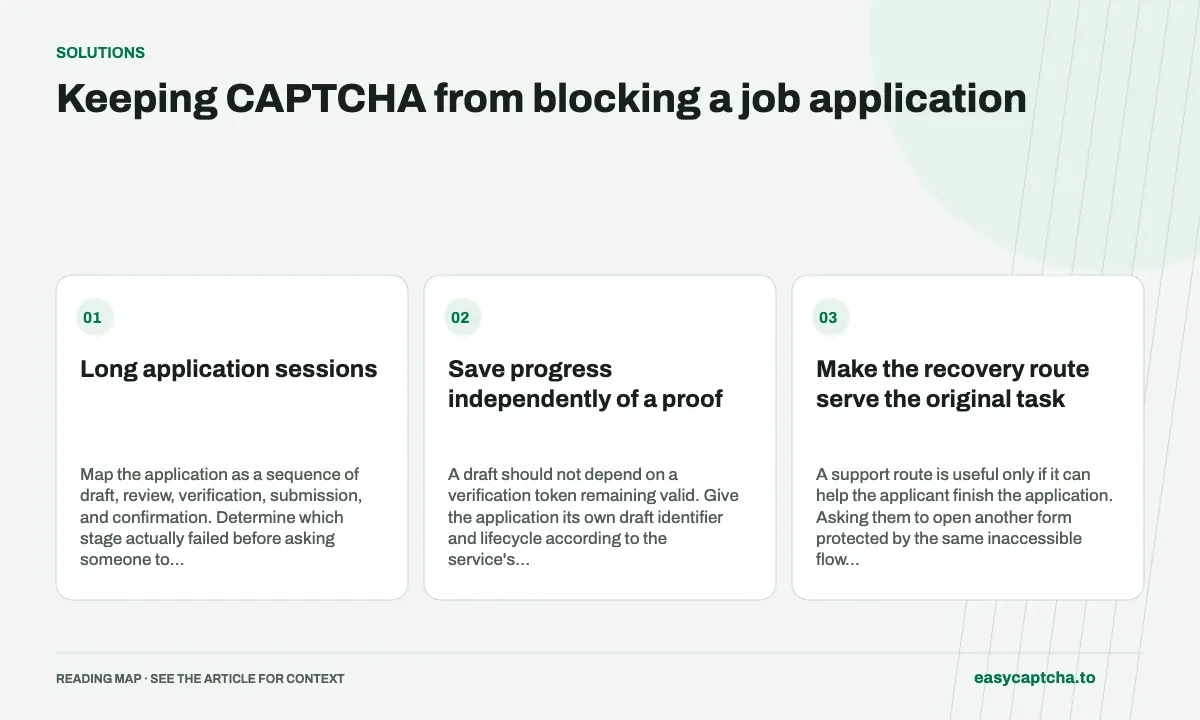
Long application sessions
Map the application as a sequence of draft, review, verification, submission, and confirmation. Determine which stage actually failed before asking someone to repeat the entire form. Use controlled test applications and avoid copying applicants’ résumés or personal history into general analytics.
Save progress independently of a proof
A draft should not depend on a verification token remaining valid. Give the application its own draft identifier and lifecycle according to the service’s policy. When verification expires, retain the appropriate draft and request fresh evidence for submission.
Explain whether an interrupted submission was received. A visitor uncertain about acceptance may submit again, creating duplicate applications or attachments. Where your application supports an authoritative receipt lookup, use it to resolve that uncertainty instead of relying on a screenshot of a successful checkbox.
Make the recovery route serve the original task
A support route is useful only if it can help the applicant finish the application. Asking them to open another form protected by the same inaccessible flow may repeat the barrier. Document who handles assistance, what limited information is needed, and how a deadline-related request is routed.
For hCaptcha in Chromium, easycaptcha can assist with image recognition. It does not rewrite the application, upload documents, or determine whether a submission was received. Keep those responsibilities with the applicant and the recruiting application.
Review attachments and verification as separate failures
An upload can fail before the challenge starts; a challenge can succeed before a required attachment is rejected. Present specific next steps and preserve the parts that already completed. Avoid collapsing every error into a CAPTCHA message that sends the applicant toward the wrong fix.
Test with a keyboard, enlarged text, slow connectivity, expired verification, and a interrupted confirmation response. Confirm that retries can obtain a fresh proof without duplicating attachments or discarding a valid draft.
Measure application completion, not just widget success
Track submitted applications, known acceptance, draft recovery, and assistance requests with appropriate retention. Keep unknown outcomes separate from definitive rejection. A returned proof does not establish that an application reached the recruiting system.
Long-form recovery develops the draft/proof separation. Accessibility review covers the complete interaction, and browser assistance describes the recognition option without promising that every application site will become accessible.
Frequently asked questions
Why preserve application state during verification retries?
Applicants may have entered substantial information before the challenge. Losing that work creates an avoidable barrier and may prevent completion.
Does challenge assistance submit a job application automatically?
No. The applicant and application still handle the surrounding fields and submission. Track confirmation from the application itself.
Can I try easycaptcha browser assistance for free?
Yes. Install the Chromium extension and activate its free plan for 25 recognitions a day, without an account or credit. Larger or multi-round challenges can use multiple recognition groups.