Verification fundamentals
CAPTCHA token replay and expiration explained
Understand why a proof should be fresh for the protected submission, and design retries that obtain a new token rather than reusing consumed evidence.
By the easycaptcha team · Published
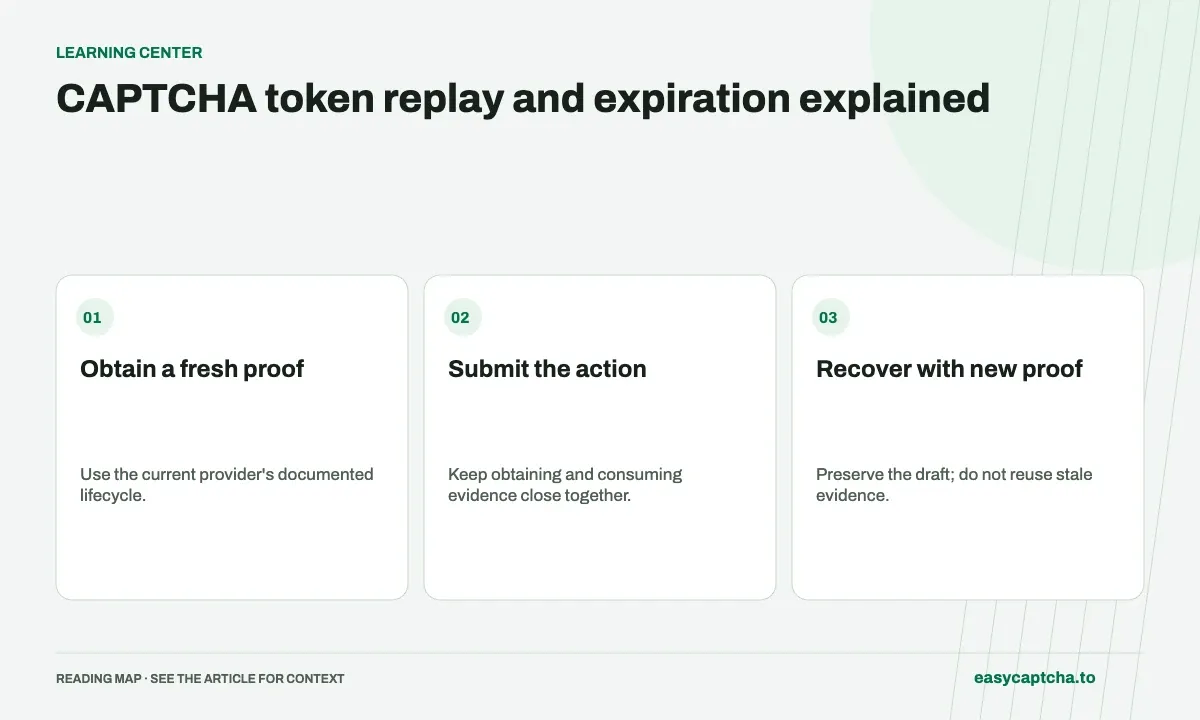
A verification value is not an indefinite reusable credential. Providers can constrain its freshness and consumption. Cloudflare’s Turnstile validation reference documents single-use tokens with a five-minute lifetime. Use the actual provider contract rather than applying that number to every CAPTCHA system.
The proof lifecycle
Your application should distinguish a newly obtained proof from a value left over after a previous protected request. A frontend success callback from minutes ago may not satisfy the next operation.
Keep obtaining and consuming close together
Long forms can outlive a proof. Preserve non-sensitive input and obtain fresh verification when needed instead of discarding the message or purchase. Explain the retry near the form so visitors can complete it without guessing why submission failed.
If registration is followed by a separately protected login, do not assume the same proof authorizes both requests. Each action should satisfy its own policy according to the provider’s consumption rules.
Separate replay rejection from unrelated failure
A rejected proof can reflect expiration, prior use, context mismatch, or provider failure. Keep those stages distinguishable in restricted diagnostics without recording the complete proof. A later form validation error does not necessarily mean verification failed.
An interrupted client request can leave uncertainty about whether the proof was consumed. Design the next attempt to obtain fresh evidence rather than endlessly submitting the old value.
Test real retry sequences
Exercise a wait before submitting, a second submission, a retry after an interrupted response, and a new protected action after an earlier success. Verify that the endpoint blocks invalid proofs and that the UI can recover.
Expired-token debugging helps locate the delay. Token concepts explains the proof/action boundary, and domain and action checks explains why freshness is only one property the server may need to enforce.
Frequently asked questions
Can I reuse a CAPTCHA token for another action?
Treat proofs as temporary and specific to their flow. Obtain fresh evidence according to the provider's lifecycle instead of caching tokens for later users.
What should happen when a proof expires?
Explain the retry, preserve appropriate form state, and obtain a fresh proof. Do not keep resubmitting stale evidence.
How do I start using the easycaptcha API?
Create an account and get an API key, then follow the getting-started guide. Submit recognition or token tasks through raw HTTP or the typed Python and JavaScript SDKs.