Browser workflows
Using recognition assistance in browser data-entry workflows
Keep human review and application acceptance explicit when an hCaptcha challenge interrupts an authorized, repetitive browser workflow.
By the easycaptcha team · Published
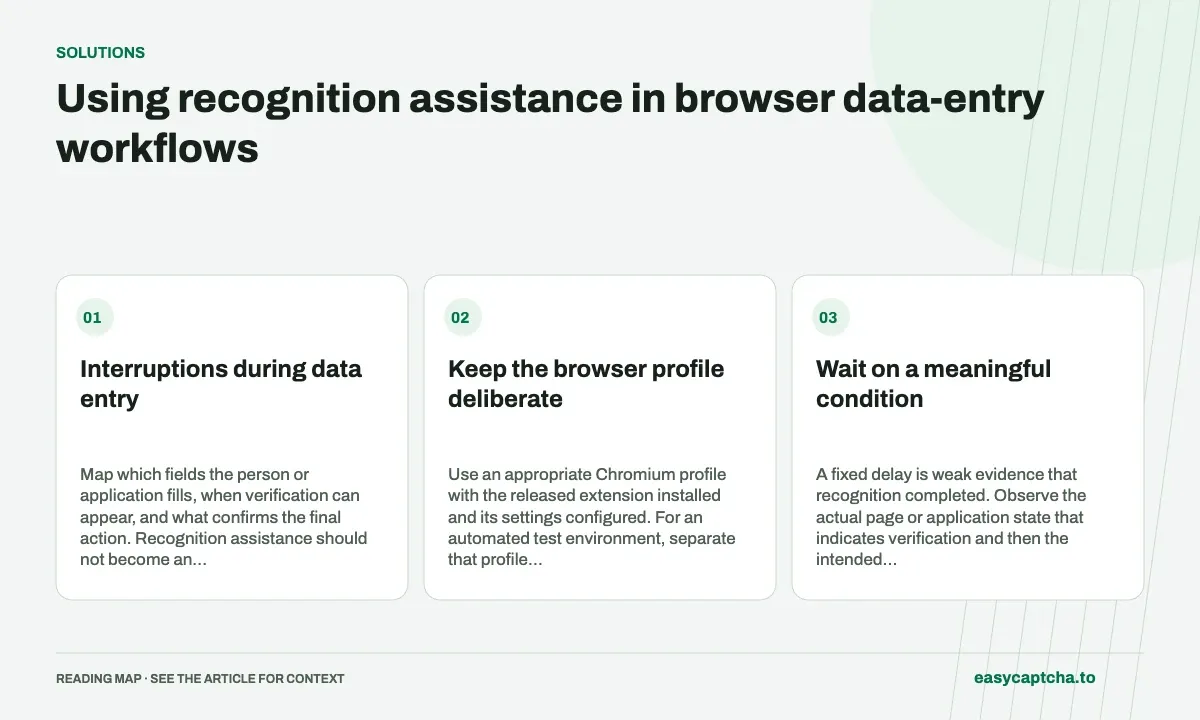
An authorized browser workflow can repeat ordinary data entry while a challenge appears only occasionally. That interruption can be difficult for a person using assistive technology or for a test operator managing a controlled process. A useful solution keeps the operator’s intended action and permissions clear.
Interruptions during data entry
Map which fields the person or application fills, when verification can appear, and what confirms the final action. Recognition assistance should not become an excuse to skip review of the entered data or the website’s permitted workflow.
Keep the browser profile deliberate
Use an appropriate Chromium profile with the released extension installed and its settings configured. For an automated test environment, separate that profile from everyday personal browsing. Record browser and extension versions rather than assuming an old profile always behaves the same after updates.
The extension handles hCaptcha recognition, not every form field or submit action. Configure a separately revocable paid key when paid usage is needed, or follow the supported free-plan setup where applicable. Do not put an account password into an API-key field.
Wait on a meaningful condition
A fixed delay is weak evidence that recognition completed. Observe the actual page or application state that indicates verification and then the intended action. A disabled extension, exhausted allowance, slow job, and lost connection can all outlast a guessed pause.
If an action response is interrupted, resolve known acceptance before repeating the form. Recognition completing does not prove the business action was accepted, and another fresh proof does not establish that the earlier action failed.
Preserve limited troubleshooting evidence
Record the stage, task or request ID when available, release, and non-sensitive error description. Avoid retaining complete entry forms in routine traces. Profile state can contain private cookies and credentials, so it should not be casually uploaded as a support artifact.
Test a new profile, a configured profile, a revoked key, and an updated package using controlled data. Distinguish setup loss from recognition quality.
Review the operator’s final outcome
Measure correct accepted entries, recoverable interruptions, duplicate prevention, and operator support effort. A higher count of returned recognition answers is not sufficient evidence that the repetitive task became safer or easier.
Browser assistance defines scope, profile setup contains product instructions, and profile hygiene explains the evidence to retain during an evaluation.
Frequently asked questions
Does easycaptcha fill every field in a form?
Its extension assists with supported hCaptcha image challenges. The surrounding data-entry workflow remains the user's or application's responsibility.
How should I assess whether assistance helps repetitive work?
Measure completed tasks, verification interruptions, retries, and recovery. A solved challenge alone does not establish that the full task completed.
Can I try easycaptcha browser assistance for free?
Yes. Install the Chromium extension and activate its free plan for 25 recognitions a day, without an account or credit. Larger or multi-round challenges can use multiple recognition groups.