Evaluation hygiene
Browser profile state can change a CAPTCHA evaluation
Record browser, extension, settings, and permitted session state so a profile reset is not confused with a solver regression.
By the easycaptcha team · Published
Browser profiles can carry extension settings, cookies, account sessions, and preferences. Reusing one may make a test more realistic, but it also makes the conditions less obvious. A new profile and a configured profile are different evaluation environments.
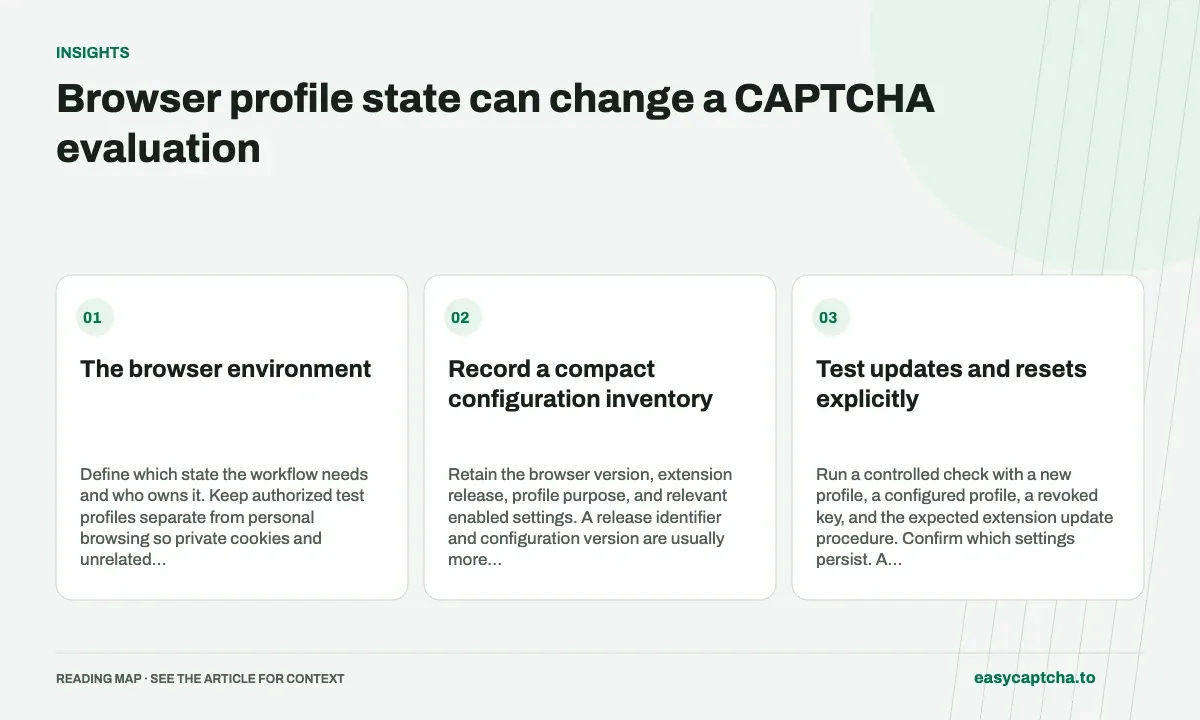
The browser environment
Define which state the workflow needs and who owns it. Keep authorized test profiles separate from personal browsing so private cookies and unrelated extensions do not become accidental test dependencies.
Record a compact configuration inventory
Retain the browser version, extension release, profile purpose, and relevant enabled settings. A release identifier and configuration version are usually more useful than copying the whole directory into an artifact store.
Never treat a profile as a harmless screenshot-like attachment. It can contain credential and session data. Support collection should begin with limited diagnostics that answer a specific failure question.
Test updates and resets explicitly
Run a controlled check with a new profile, a configured profile, a revoked key, and the expected extension update procedure. Confirm which settings persist. A profile reset that removed the API key should be reported as setup loss, not a recognition-quality decline.
Use one running browser process per profile directory. Concurrent ownership can create state behavior unrelated to the challenge being evaluated.
Compare outcomes within the right environment
Keep cohorts separate when browser or extension versions differ. If you intentionally evaluate multiple configurations, label them rather than silently pooling them. Observe the final application task, not just the extension’s returned answer.
An environment report should also show unresolved attempts and what state was known when observation stopped. Reusing a profile can conceal a missing setup step that new users would encounter.
Profile instructions cover supported setup. Team rollout applies the evidence to adoption, and release integrity explains how to establish which bytes and version were actually used in the trial.
Frequently asked questions
Why use a separate browser profile for CAPTCHA testing?
A dedicated profile makes extension settings, cookies, sessions, and permissions easier to control and compare across attempts.
Should every failed challenge be blamed on the solver?
No. Check browser state, loading, integration behavior, and the final verification outcome before assigning the failure to recognition.
Can I try easycaptcha browser assistance for free?
Yes. Install the Chromium extension and activate its free plan for 25 recognitions a day, without an account or credit. Larger or multi-round challenges can use multiple recognition groups.