Accessible commerce
Reducing CAPTCHA barriers at checkout
Help shoppers finish an hCaptcha-gated checkout without confusing recognition assistance with payment authorization or fraud controls.
By the easycaptcha team · Published
A shopper can successfully find a product, choose delivery, and enter payment details, yet still be unable to finish an image challenge. The barrier is especially costly at this point: the visitor has already invested time, and starting again may mean losing the cart or reentering private information. A checkout team needs to distinguish that interaction problem from a declined payment or an inventory change.
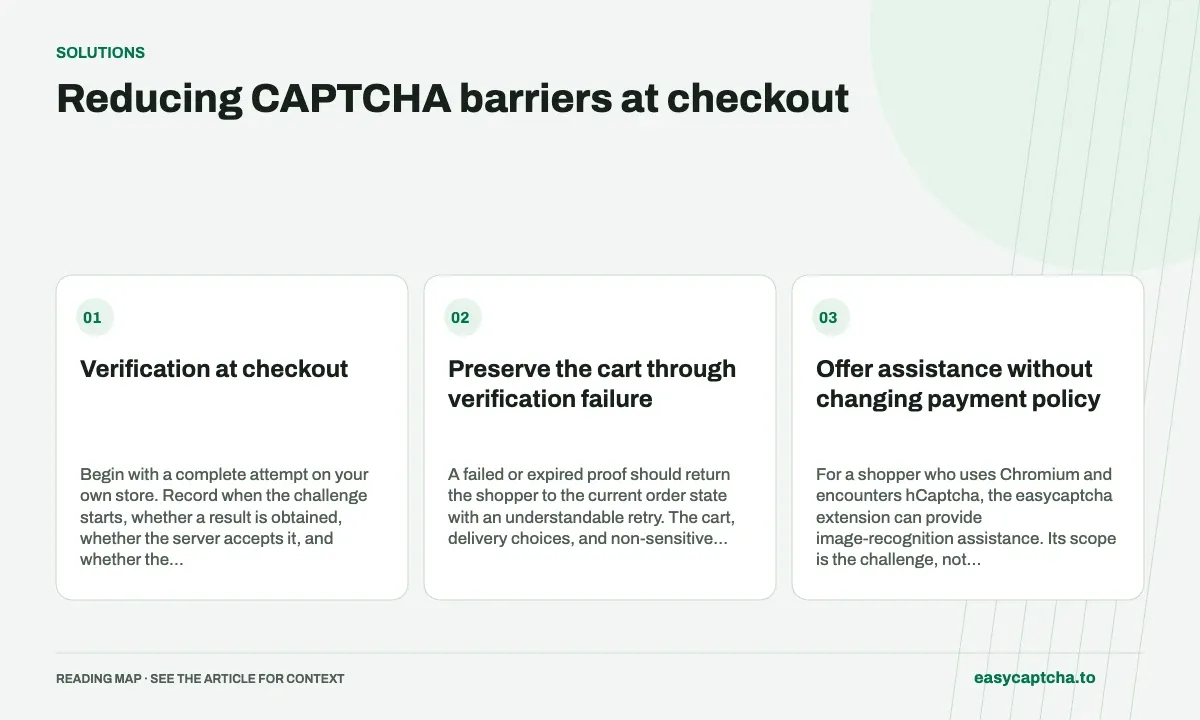
Verification at checkout
Begin with a complete attempt on your own store. Record when the challenge starts, whether a result is obtained, whether the server accepts it, and whether the order reaches its intended confirmation. Do not record full payment details to obtain that evidence. Use limited operation identifiers and the stage at which the shopper stopped.
Preserve the cart through verification failure
A failed or expired proof should return the shopper to the current order state with an understandable retry. The cart, delivery choices, and non-sensitive information should not disappear merely because verification needs repeating. Review which payment fields your payment integration can safely retain; do not store sensitive credentials just to make a CAPTCHA retry convenient.
Give waiting and failure states distinct messages. A spinner that never ends and a button that remains disabled after a definite error make the challenge appear indistinguishable from a broken checkout. Keyboard focus should lead to the relevant error and next step.
Offer assistance without changing payment policy
For a shopper who uses Chromium and encounters hCaptcha, the easycaptcha extension can provide image-recognition assistance. Its scope is the challenge, not authorization of the order. It does not establish ownership of a card, fix inaccessible product controls, or submit every surrounding field.
The store must continue to enforce its payment and fraud policy. A solved challenge is one condition before an operation, not permission to ignore account eligibility, amount validation, or payment-provider controls. See carding prevention for that separate responsibility.
Test a realistic recovery sequence
Use a test cart and non-production payment configuration. Exercise a slow verification, an expired proof, a rejected proof, a provider outage, and a payment decline after successful verification. The final case matters: a payment error should not be reported as recognition failure simply because both occurred in the same visit.
Include visitors using keyboard navigation, enlarged text, and assistive technology. Review the complete purchase task rather than only whether the widget is operable in isolation. The accessibility checklist identifies those boundaries.
Judge the result by completed shopping tasks
Compare completed purchases, verification retries, and related support contacts. Investigate abandonment before and after the challenge rather than claiming every lower request count is a security improvement. A useful solution lets legitimate shoppers complete the order while the store retains its own controls.
The browser-assistance guide explains the extension’s limits and allowance. Website owners should also maintain an appropriate support route for visitors whose task remains blocked; recognition assistance alone is not an accessibility certification.
Frequently asked questions
Can easycaptcha help a shopper blocked by hCaptcha?
The Chromium extension provides recognition assistance for supported hCaptcha image tasks. The store remains responsible for accepting the order and payment.
Should a verification retry empty the shopping cart?
Preserve the cart and appropriate non-sensitive choices. A temporary verification failure should have a clear recovery path within the order flow.
Can I try easycaptcha browser assistance for free?
Yes. Install the Chromium extension and activate its free plan for 25 recognitions a day, without an account or credit. Larger or multi-round challenges can use multiple recognition groups.