Integration concepts
Writing the task instruction for reCAPTCHA recognition
Writing the task instruction for reCAPTCHA recognition. Learn the inputs, limits, and result handling for easycaptcha reCAPTCHA recognition.
By the easycaptcha team · Published
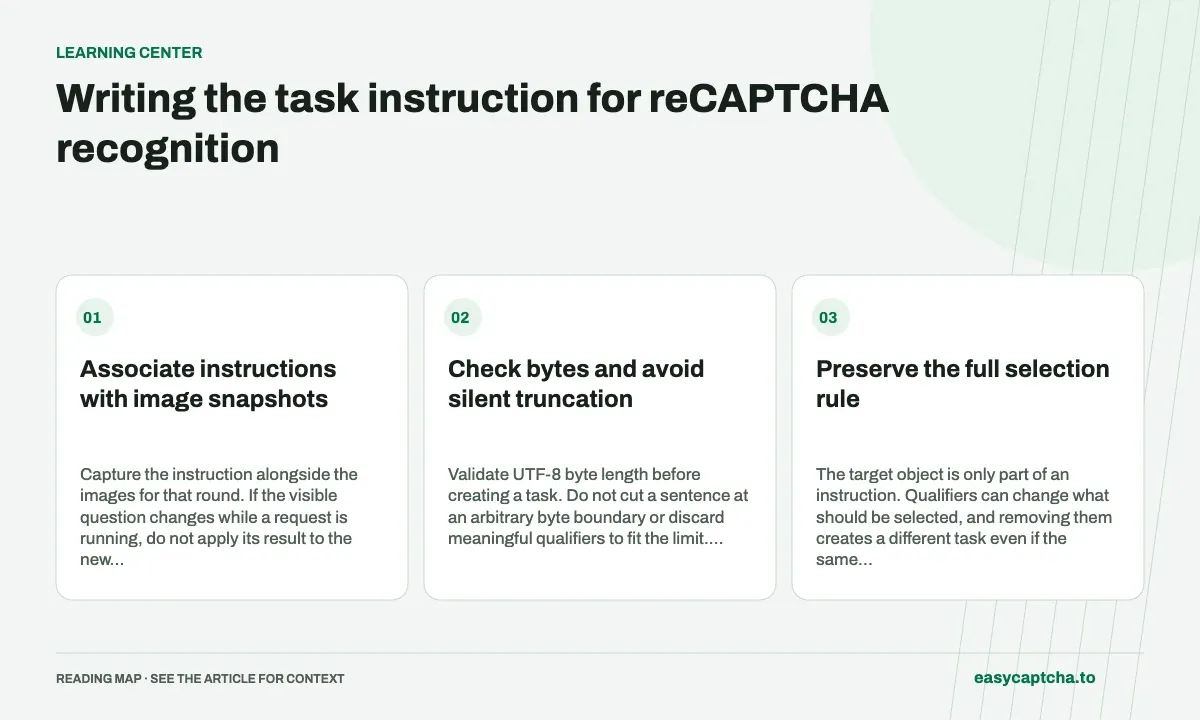
The task field contains the nonempty English challenge instruction and accepts up to 254 bytes. Preserve the object being requested and any selection qualifier. A different target paired with the same image changes what a correct boolean result means.
Associate instructions with image snapshots
Capture the instruction alongside the images for that round. If the visible question changes while a request is running, do not apply its result to the new challenge. Correlate each task ID with the instruction and cell map used at submission.
Check bytes and avoid silent truncation
Validate UTF-8 byte length before creating a task. Do not cut a sentence at an arbitrary byte boundary or discard meaningful qualifiers to fit the limit. Record validation errors separately from recognition outcomes.
Preserve the full selection rule
The target object is only part of an instruction. Qualifiers can change what should be selected, and removing them creates a different task even if the same images are submitted. Preserve the question’s meaning when preparing the English task string. Do not substitute a broad internal label when the visible instruction contains a narrower rule.
Store the original displayed instruction separately from any normalized value you send. This makes it possible to investigate whether a mismatch arose during text preparation or recognition. A normalizer that silently rewrites several distinct instructions into one phrase can produce systematic errors that no change to image encoding will fix.
Validate the documented byte limit
The request accepts a nonempty English instruction up to 254 bytes. Character count and UTF-8 byte count are not always equal. An integration should check the encoded length and reject an oversized value with a clear local error instead of truncating arbitrary bytes. A truncated string can lose a qualifier or become invalid text.
Trimming incidental leading and trailing whitespace can be reasonable, but keep meaningful content intact. Also validate that text extraction actually found the instruction: an empty heading, a loading placeholder, or a navigation label is not a useful recognition question. Input validation should happen before creating paid work so avoidable collection errors are visible immediately.
Handle instruction changes as new context
During a replacement sequence, retain the instruction that accompanied the initial grid and verify that it still applies to each dynamic batch. If a reset presents a new question, earlier decisions no longer belong to the current task context. The same image position can require a different answer under a different target.
Pair a local round identifier with the text and image map. When a delayed API response arrives, compare the stored context with the current challenge before using it. This is stronger than checking only the task ID, because a remote task can complete correctly after the browser has navigated to a different question.
Design a text-preparation test set
Keep a small collection of representative instruction strings and the expected submitted text. Include whitespace variations, different targets, meaningful qualifiers, empty extraction, and an over-limit value. These fixtures can test your preparation code without consuming recognition requests or relying on a live page remaining unchanged.
When comparing production outcomes, group by the actual question meaning rather than a label that hides distinctions. If failures concentrate on one normalized phrase, inspect the preparation path before changing unrelated transport settings. The question-normalization article provides broader guidance on preserving semantics while keeping comparisons interpretable.
Diagnose a mismatch between text and pixels
A capture pipeline can read the instruction at one moment and the image after the challenge resets. Both values may be individually valid, yet together they describe a task the user never saw. Associate them with the same local capture context and check that the context did not change before submitting. Validation of text length alone cannot detect that race.
When an instruction appears to produce unusual results, first verify the exact submitted string against the input image. Check for stale text, a missing qualifier, a placeholder captured during loading, or a normalizer using the wrong target label. Keep this review separate from translating browser controls or page navigation text that is not part of the image question.
A reproducible fixture should include the source instruction, submitted instruction, grid mode, and image reference. If text preparation changed across releases, compare its output on the same fixtures before attributing outcome changes to recognition. This narrows the investigation to an observable transformation and avoids repeatedly sending the same mislabeled image as if more attempts could correct its meaning.
Frequently asked questions
How long can the reCAPTCHA task instruction be?
The documented limit is 254 bytes, and the instruction must be nonempty English text.
Can I shorten the instruction to fit the limit?
Do not silently truncate meaningful content or qualifiers. Validate the UTF-8 byte length and report an input error when the documented limit is exceeded.
What if the instruction changes while recognition runs?
Treat the old result as belonging to its original context. Collect current inputs rather than applying old decisions to the new question.