Challenge fundamentals
Why reCAPTCHA images keep changing after selection
Why reCAPTCHA images keep changing after selection. Learn the inputs, limits, and result handling for easycaptcha reCAPTCHA recognition.
By the easycaptcha team · Published
Some image challenges replace selected cells with new images. A selection result belongs to the images that were submitted. When a cell changes, the old result no longer describes its contents. Keep the instruction and current cell identities together.
Submit only the replacement images
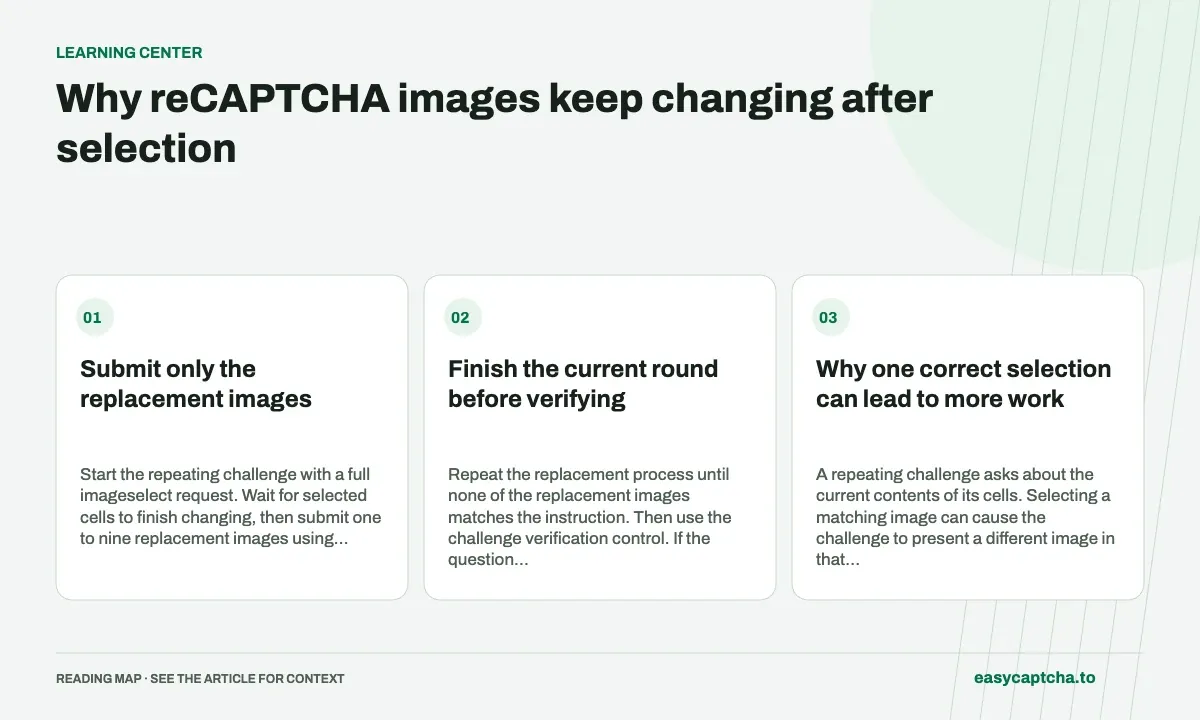
Start the repeating challenge with a full imageselect request. Wait for selected cells to finish changing, then submit one to nine replacement images using dynamic. Preserve their submission order and map the returned booleans back to the original cells.
Finish the current round before verifying
Repeat the replacement process until none of the replacement images matches the instruction. Then use the challenge verification control. If the question changes, start a fresh round instead of applying decisions made for the previous instruction.
Why one correct selection can lead to more work
A repeating challenge asks about the current contents of its cells. Selecting a matching image can cause the challenge to present a different image in that position, creating another decision under the same instruction. The replacement is new input. It cannot inherit the old image’s positive selection just because it occupies the same coordinates.
This explains why a successful recognition call may be followed by another call rather than immediate verification. Your workflow needs a way to represent “waiting for replacement” separately from “ready to submit.” Otherwise it can capture an animation, resubmit old pixels, or verify while new matching images remain on screen.
Use an explicit round state
A useful application sequence is: capture the initial grid, submit recognition, apply positive selections, wait for changed cells, capture replacements, and submit a dynamic batch. Each step has a different completion condition. Recognition completion means an answer is available; replacement completion means the browser has the new images that answer will need to describe.
Keep a local round identifier with the instruction, submitted images, and original cell positions. That record lets you reject a delayed response after a reset or navigation. A task ID identifies remote work, while the round identifier identifies the browser state that work belongs to. You usually need both to diagnose an asynchronous mapping failure.
Batch changed cells without changing their meaning
Imagine three nonadjacent cells finish replacing. Submit their image data in a deliberate order and store that same ordered list of positions. A three-value response must be paired with those positions, rather than applied to the first three cells in the grid. This remains true if only the last submitted replacement matches.
The dynamic mode accepts one to nine replacement images, and billing is per request. Batching the available replacements can reduce request count, but do not combine images from different instructions or challenge resets. A larger batch is useful only when every answer still has an unambiguous image and destination.
Diagnose a loop before increasing retries
If the same cell appears to be selected repeatedly, first check whether you captured the replacement after it finished loading. Then compare the stored image identity and instruction against the state at application time. Repeatedly classifying an old image can look like persistent recognition failure even when every answer describes its input correctly.
Also check the result-to-cell map and the distinction between false and a failed task. A completed dynamic result containing no positive selections is a valid outcome for those images. It does not require resubmitting the same inputs. Review stale-result debugging when responses arrive after the challenge has moved on.
Decide how an interrupted sequence recovers
Replacement sequences can be interrupted by a user closing the challenge, a page reset, or a local waiting deadline. Define the recovery path before enabling automatic interaction. If the current snapshot still exists and you have a task ID, you may be able to resume observation of that task. If the challenge has changed, the old response belongs to the old input even if it arrives successfully.
Avoid carrying positive selections forward as a remembered property of a cell. The cell’s position remains stable while its contents change, so the application must distinguish “this position was previously selected” from “the current image should be selected.” A replacement generation or image identity in the local record makes that distinction explicit.
When reporting an interruption, describe the last known state: waiting for replacement, waiting for recognition, stale result discarded, or verification outcome unknown. These labels explain where the sequence stopped without inventing a provider rejection. They also let support distinguish an unfinished observation from a loop in which the same outdated image is repeatedly submitted.
Frequently asked questions
Does each replacement round use another recognition?
Yes. Each dynamic request is a separate recognition, even within the same visible challenge.
When should I submit replacement images?
Wait until the selected cells finish replacing, then capture the current images under the same instruction.
Why might the same cell be selected repeatedly?
Check for old image capture, stale responses, and incorrect cell mapping before attributing repeated selections to recognition quality.