Integration concepts
What is a reCAPTCHA sitekey in a recognition integration?
What is a reCAPTCHA sitekey in a recognition integration. Learn the inputs, limits, and result handling for easycaptcha reCAPTCHA recognition.
By the easycaptcha team · Published
A sitekey identifies the widget configuration used by a page. In an integration you control, obtain it from the widget configuration alongside the actual page URL. A public sitekey and a customer API key serve different purposes.
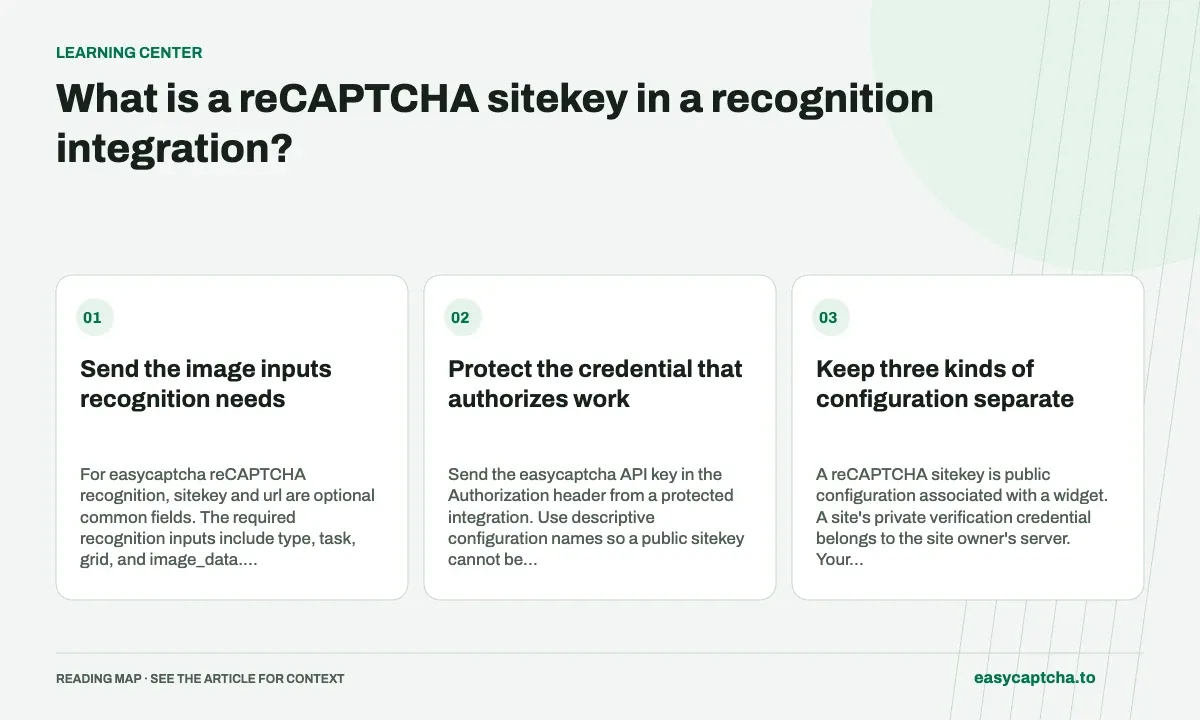
Send the image inputs recognition needs
For easycaptcha reCAPTCHA recognition, sitekey and url are optional common fields. The required recognition inputs include type, task, grid, and image_data. Supplying a sitekey alone cannot classify a grid or request a reCAPTCHA token.
Protect the credential that authorizes work
Send the easycaptcha API key in the Authorization header from a protected integration. Use descriptive configuration names so a public sitekey cannot be mistaken for an account credential. Keep private keys out of support attachments and browser bundles.
Keep three kinds of configuration separate
A reCAPTCHA sitekey is public configuration associated with a widget. A site’s private verification credential belongs to the site owner’s server. Your easycaptcha API key authenticates requests to your customer account. Similar names do not make these values interchangeable, and an integration should not store all three under an ambiguous setting such as CAPTCHA_KEY.
Use names that describe the role of each value and review where it is loaded. The public sitekey can appear in widget configuration; your paid easycaptcha key should remain in protected application configuration. A support packet can usually include a public sitekey and page URL when appropriate, but it should omit account credentials and sensitive URL query parameters.
What an optional sitekey does not supply
The recognition request still needs an English instruction, a supported grid mode, and the actual image data. A sitekey does not contain those pixels or tell the recognizer which cells match the current question. It also does not turn the recognition endpoint into a token endpoint. easycaptcha does not accept reCAPTCHA token submissions.
This is especially important when adapting an existing token integration. A request that previously contained only a sitekey and URL needs a different input collection and result application path for recognition. Treat that as a change in the operation your application performs, rather than a credential replacement. The recognition-versus-token comparison covers this boundary in more detail.
Collect configuration from the correct flow
An application may render different configurations in login, checkout, staging, and support flows. Obtain the sitekey from the configuration that actually produced the challenge you are handling. A value copied from an unrelated page may be public and syntactically plausible while describing the wrong widget.
If you include optional sitekey and url fields, keep them with the request’s local context so diagnostics are meaningful. Avoid treating the URL as a place to put user form values. Usually the page identity and task ID provide better correlation than retaining an entire query string containing email addresses, reset tokens, or other private data.
Investigate the error that actually occurred
If image input is missing or the grid name is invalid, changing the sitekey will not repair the request. Check the required fields first and inspect the returned error. If task creation succeeds but the browser later rejects the flow, inspect selection mapping, round freshness, and surrounding application state rather than assuming the optional field caused it.
A useful diagnostic record contains the task ID, grid mode, timestamps, and the relevant public configuration with sensitive parts removed. Keep those records separate from your protected key storage. For exact field requirements, follow the reCAPTCHA request documentation rather than copying the required fields of an hCaptcha token task.
Review a configuration change without exposing secrets
For a staging-to-production review, compare public site configuration, page identity, task type, and the source of the actual challenge images. Confirm that optional context describes the same flow as the submitted image. Then separately check that the protected environment contains the intended easycaptcha customer credential. These are two configuration checks with different exposure rules, not one generic “key works” test.
Suppose a request is accepted but selections are applied to a checkout widget after capture came from a login widget. Correct public configuration alone cannot repair that input-to-browser mismatch. You need a record associating the task with its originating page and round. The optional sitekey can be useful context, but it cannot replace that local state relationship.
If an account key was accidentally exposed, follow your account’s credential-management process rather than trying to conceal it by renaming the sitekey variable. Keep private verification credentials on the site owner’s server and paid customer keys in their intended protected storage. Clear role names reduce the chance that a later integration refactor sends the wrong value in a public field.
Frequently asked questions
Is sitekey required for reCAPTCHA recognition?
No. It is optional; the instruction, grid, and image data supply the recognition task.
Can a sitekey replace the challenge images?
No. Recognition still needs the instruction, grid mode, and image data. A sitekey does not contain the current challenge pixels.
Which key authorizes paid recognition?
Your easycaptcha API key authenticates customer requests. Keep it separate from public widget configuration and private website verification credentials.