Account abuse
How to reduce brute-force login attempts
Protect authentication with layered attempt controls and usable account recovery, while distinguishing password guessing from credential stuffing.
By the easycaptcha team · Published
A brute-force login attempt tries candidate passwords. Credential stuffing tries previously obtained credential pairs. They can affect the same endpoint, but their evidence and user impact differ. Preserve those distinctions in incident reporting rather than calling every failed login one attack type.
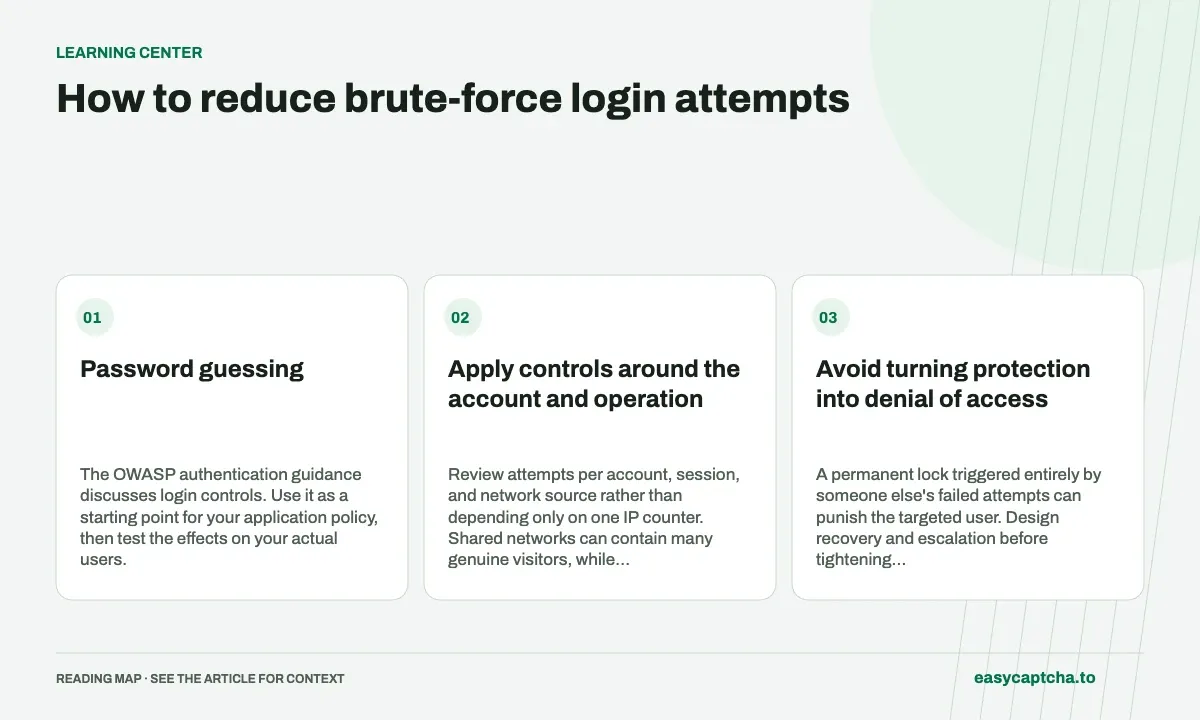
Password guessing
The OWASP authentication guidance discusses login controls. Use it as a starting point for your application policy, then test the effects on your actual users.
Apply controls around the account and operation
Review attempts per account, session, and network source rather than depending only on one IP counter. Shared networks can contain many genuine visitors, while abusive activity can use many sources. The relevant operation is the attempt to gain account access, including alternate API and mobile paths.
A challenge can add friction when policy requires it. Verify the proof on the server and enforce the decision before the protected operation. It is not a replacement for credential checks or multi-factor authentication.
Avoid turning protection into denial of access
A permanent lock triggered entirely by someone else’s failed attempts can punish the targeted user. Design recovery and escalation before tightening restrictions. Make the next step understandable without revealing sensitive account-existence information.
Test a valid login after repeated failures, a password-manager interaction, an expired proof, and a network interruption. Preserve appropriate form state and ensure each retry can obtain a fresh proof.
Investigate successful logins too
A correct password can be used by an unauthorized party. Review the application’s own account events and sensitive actions instead of counting only failed attempts. Keep passwords and full authentication headers out of traces.
For adjacent issues, read credential stuffing, account enumeration, and MFA versus a challenge. Each addresses a separate boundary in the login policy.
Frequently asked questions
How does brute-force login differ from credential stuffing?
Brute force guesses passwords; credential stuffing tries credentials exposed elsewhere. Their traffic and account-risk patterns can differ.
Where should login attempt limits be enforced?
Enforce them on the server and review more than one relevant identifier. Consider genuine users on shared networks when evaluating false positives.
Can I try easycaptcha browser assistance for free?
Yes. Install the Chromium extension and activate its free plan for 25 recognitions a day, without an account or credit. Larger or multi-round challenges can use multiple recognition groups.