Authentication fundamentals
MFA and CAPTCHA: separate authentication controls
Understand why a visitor challenge cannot establish account ownership or replace an authentication factor, and review recovery alongside login.
By the easycaptcha team · Published
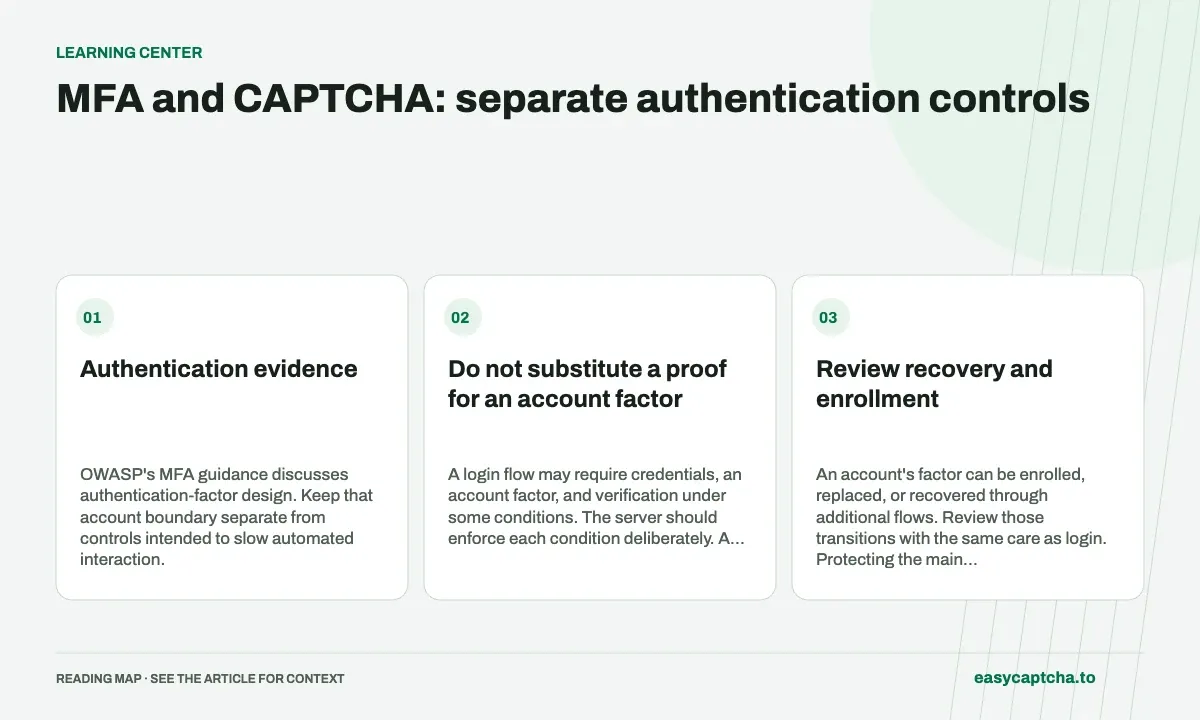
Multi-factor authentication asks for additional authentication evidence according to an account policy. A CAPTCHA checks a challenge proof. Passing the latter does not establish ownership of an account, even when a widget labels the visitor human.
Authentication evidence
OWASP’s MFA guidance discusses authentication-factor design. Keep that account boundary separate from controls intended to slow automated interaction.
Do not substitute a proof for an account factor
A login flow may require credentials, an account factor, and verification under some conditions. The server should enforce each condition deliberately. A successful proof cannot compensate for an incorrect password or missing required factor.
Likewise, a correct factor does not automatically grant unrestricted access to every application operation. Authorization continues to apply after authentication.
Review recovery and enrollment
An account’s factor can be enrolled, replaced, or recovered through additional flows. Review those transitions with the same care as login. Protecting the main sign-in page while allowing weaker account changes elsewhere can undermine the intended policy.
Design the visitor experience for expired proofs and interrupted connections without losing essential progress. Do not store plaintext passwords in analytics or a recovery record to simplify retries.
Measure the account outcome
Count login and recovery completion alongside challenge results. A change that produces more CAPTCHA rejections does not necessarily reduce unauthorized account access. Investigate the application events that represent the actual security concern.
Test a valid challenge with invalid credentials, correct credentials with a missing required factor, and recovery after a provider failure. Keep error stages distinguishable while avoiding unnecessary account-existence disclosure.
Read credential stuffing, password-reset protection, and brute-force controls to map the surrounding operations rather than asking one widget to establish every part of account security.
Frequently asked questions
Can CAPTCHA replace multi-factor authentication?
No. MFA checks additional authentication evidence. CAPTCHA addresses a different step and does not establish possession of an authentication factor.
Where does CAPTCHA fit in an MFA flow?
Treat it as a separate condition where appropriate. Keep factor validation, account authorization, and recovery rules independently enforced.
Can I try easycaptcha browser assistance for free?
Yes. Install the Chromium extension and activate its free plan for 25 recognitions a day, without an account or credit. Larger or multi-round challenges can use multiple recognition groups.