Troubleshooting
Debugging a CAPTCHA widget that never becomes ready
Separate script loading, policy errors, render lifecycle, configuration, and server verification before changing the application’s security controls.
By the easycaptcha team · Published
A widget that never appears can fail at script download, browser policy, initialization, rendering, or configuration. A widget that appears but cannot complete can fail later. Record the first observable problem rather than repeatedly clicking submit and labeling every attempt a recognition failure.
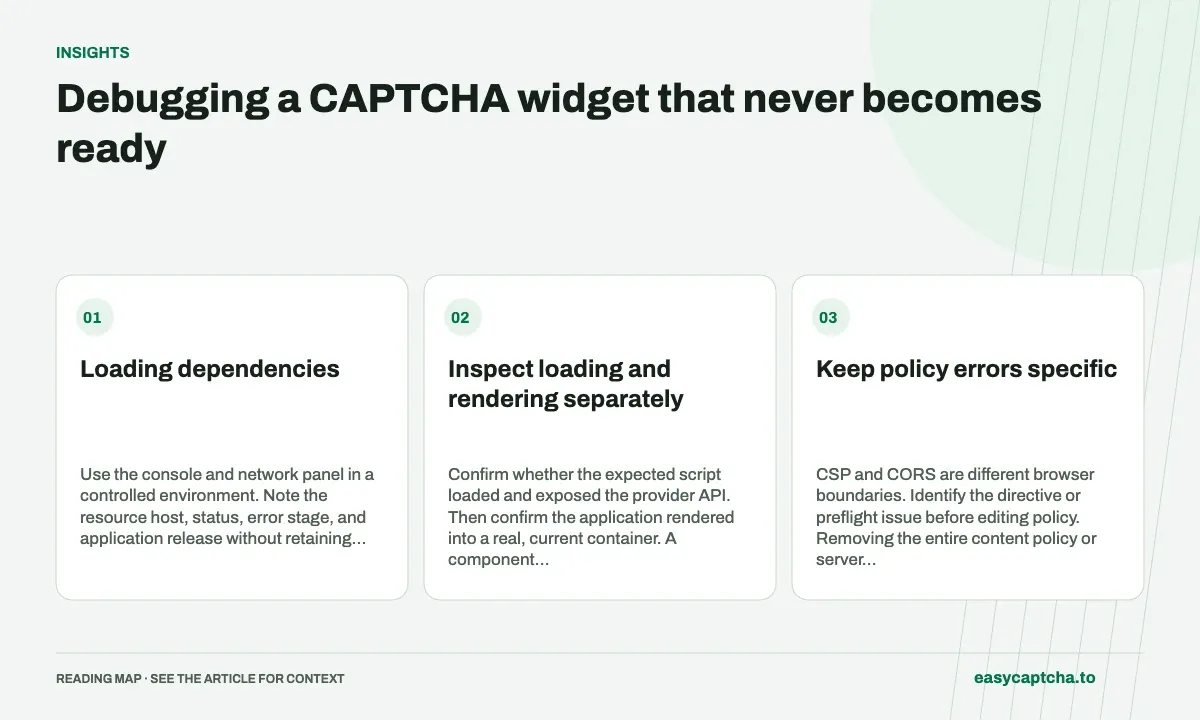
Loading dependencies
Use the console and network panel in a controlled environment. Note the resource host, status, error stage, and application release without retaining credential-bearing URLs or complete form state.
Inspect loading and rendering separately
Confirm whether the expected script loaded and exposed the provider API. Then confirm the application rendered into a real, current container. A component unmount or rerender can remove the target while an asynchronous loader is still resolving.
Review duplicate initialization and cleanup. Multiple widgets or repeatedly reset work can produce a confusing ready state even when no individual network call failed.
Keep policy errors specific
CSP and CORS are different browser boundaries. Identify the directive or preflight issue before editing policy. Removing the entire content policy or server authentication to fix one load error changes unrelated protections.
Use the provider’s documented script and asset requirements. A locally cached or self-hosted asset is not a supported assumption for every provider. Keep deployment origin and environment values explicit.
Test ready, failure, and recovery
Simulate script load failure, invalid configuration, render failure, and cleanup during initialization. Ensure the form disables submission only for the actual incomplete condition and presents a reachable retry after a definite failure.
A widget becoming ready still does not establish server enforcement. Test missing proof and rejected verification at the protected endpoint independently.
The CSP guide covers permitted resources, CORS fundamentals covers browser response access, and widget versus challenge prevents an initialization bug from being counted as evidence about the solver’s ability to answer a question.
Frequently asked questions
What should I check when the widget never loads?
Find the first failed boundary: page code, scripts, frames, network requests, browser policy, or configuration. Recognition cannot fix an unloaded widget.
How do I separate loading failures from recognition failures?
Record when the widget and challenge become available, then track submitted jobs and applied answers as later stages.
Can I try easycaptcha browser assistance for free?
Yes. Install the Chromium extension and activate its free plan for 25 recognitions a day, without an account or credit. Larger or multi-round challenges can use multiple recognition groups.