Browser fundamentals
CAPTCHA and Content Security Policy: what to review
Identify the script, frame, connection, and asset requirements of a widget, and verify a restrictive CSP without disabling unrelated protections.
By the easycaptcha team · Published
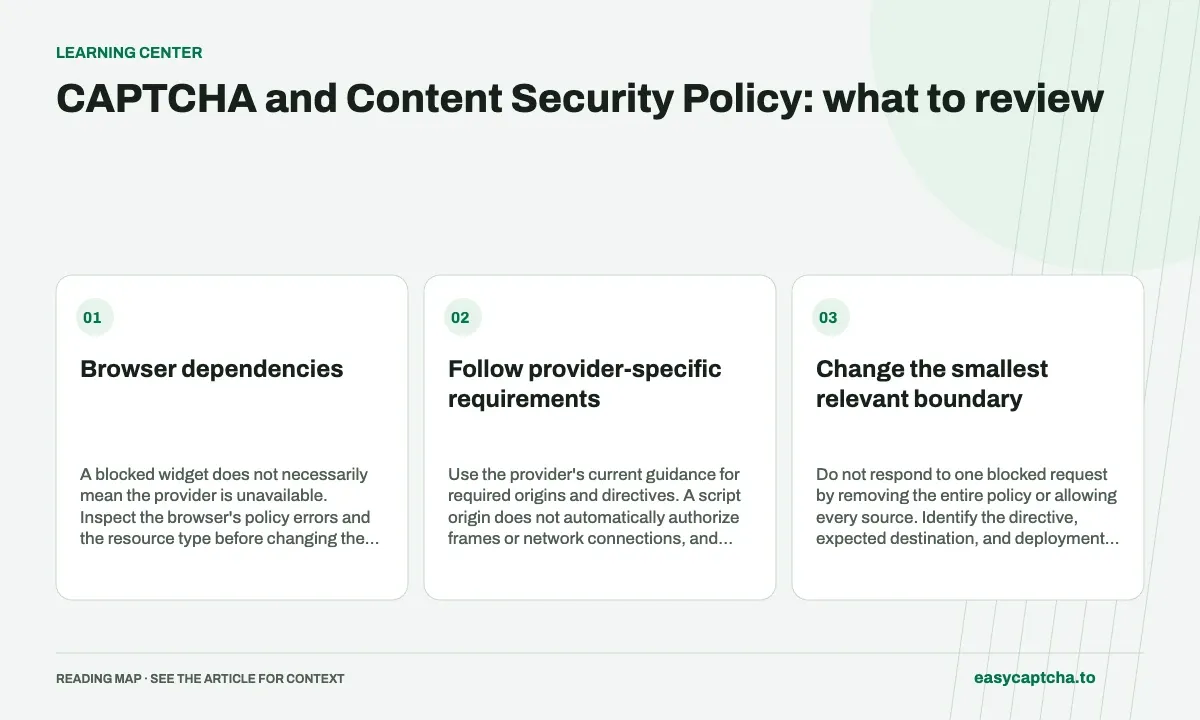
A verification widget can load scripts, create frames, fetch assets, and make network requests. Content Security Policy controls which of those browser operations are permitted. The W3C CSP specification defines those policy mechanisms.
Browser dependencies
A blocked widget does not necessarily mean the provider is unavailable. Inspect the browser’s policy errors and the resource type before changing the integration.
Follow provider-specific requirements
Use the provider’s current guidance for required origins and directives. A script origin does not automatically authorize frames or network connections, and self-hosting an asset is not universally permitted by every provider.
hCaptcha’s configuration guidance is a starting point for widget options; its developer guide covers CSP requirements. Keep a reference to the actual policy you tested in your deployment review.
Change the smallest relevant boundary
Do not respond to one blocked request by removing the entire policy or allowing every source. Identify the directive, expected destination, and deployment environment. An unrelated analytics or form request may be the failing operation rather than the widget itself.
Review both response headers and any policy supplied through markup. Multiple policies can combine in ways that leave a request blocked even after one location was edited.
Test loading and protected actions separately
Verify widget loading, proof generation, and server acceptance. A page displaying the widget is not evidence that the server enforces verification. Also test a direct request without a proof and a rejected verification case.
Keep error records free of credential-bearing URLs and complete proofs. Record the directive and resource host where practical, along with the environment and release. Widget-load debugging separates browser failures, while CORS fundamentals explains another distinct browser boundary that a CSP change cannot fix.
Frequently asked questions
Why can a CAPTCHA widget fail under CSP?
The page may block a required script, frame, or network destination. Inspect the browser's policy violations against the provider's documented requirements.
Should I disable CSP to make the widget load?
Prefer a scoped policy change for the required resources. Check the actual failing directive instead of broadly allowing every external source.
How can easycaptcha fit into my integration tests?
Use the documented recognition or token API for the hCaptcha stage, preserve task IDs, and inspect terminal results. Measure verifier acceptance and application completion separately from job completion.