Browser fundamentals
CAPTCHA API calls and CORS: understand the browser boundary
Separate browser cross-origin permission from authentication, worker networking, and server-side verification when diagnosing an integration.
By the easycaptcha team · Published
Cross-Origin Resource Sharing lets a server describe which browser origins may access a cross-origin response under the protocol. The WHATWG Fetch standard defines that boundary. It is not a substitute for authenticating a customer or authorizing an operation.
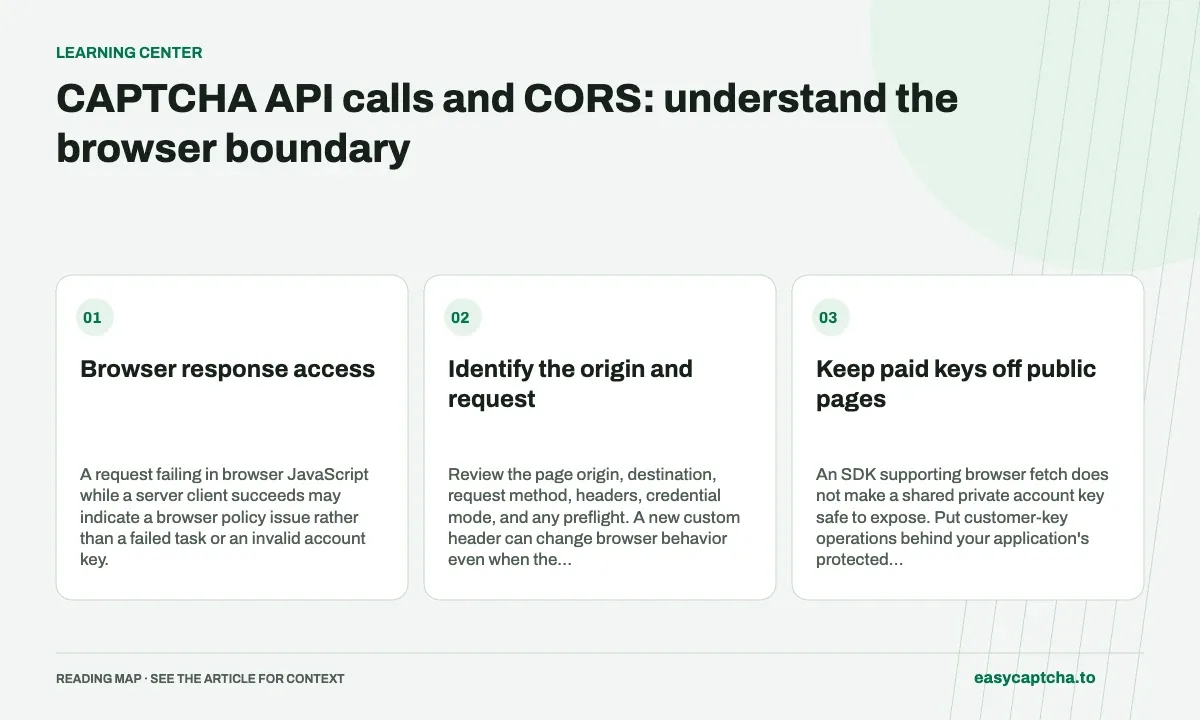
Browser response access
A request failing in browser JavaScript while a server client succeeds may indicate a browser policy issue rather than a failed task or an invalid account key.
Identify the origin and request
Review the page origin, destination, request method, headers, credential mode, and any preflight. A new custom header can change browser behavior even when the JSON body is identical.
| Layer | What it answers |
|---|---|
| CORS | Whether this browser origin can access the response |
| Authentication | Which customer or account made the call |
| Authorization | Whether that customer may perform the operation |
| Verification | Whether the required proof meets policy |
Keep those layers explicit in diagnostics rather than treating an allowed origin as a trusted account.
Keep paid keys off public pages
An SDK supporting browser fetch does not make a shared private account key safe to expose. Put customer-key operations behind your application’s protected server boundary when the application is public. The server still needs its own policy for which operations visitors may request.
Do not try to fix CORS by removing server authentication or copying an account password into the frontend. A transport proxy also does not automatically change the verification provider’s policy.
Test browser and server behavior separately
Inspect console and network errors, the preflight response, and the actual API problem when available. Then use a server-side client or curl to isolate response construction and credentials.
CSP can block resource loading independently of CORS. Read CSP review, fetch integration, and widget-load debugging before weakening unrelated application controls to address one browser failure.
Frequently asked questions
Does CORS authenticate an API request?
No. CORS governs browser access to responses. Authentication and authorization remain responsibilities of the API and its caller.
Why can an HTTP request work outside the browser but fail inside it?
Browsers enforce CORS and may require a preflight. Check the response headers and request context before treating this as a solver failure.
How do I start using the easycaptcha API?
Create an account and get an API key, then follow the getting-started guide. Submit recognition or token tasks through raw HTTP or the typed Python and JavaScript SDKs.