Challenge fundamentals
CAPTCHA widget vs challenge: what is the difference?
Separate the embedded UI from the individual question or computational task, and use that distinction when debugging, testing, or measuring outcomes.
By the easycaptcha team · Published
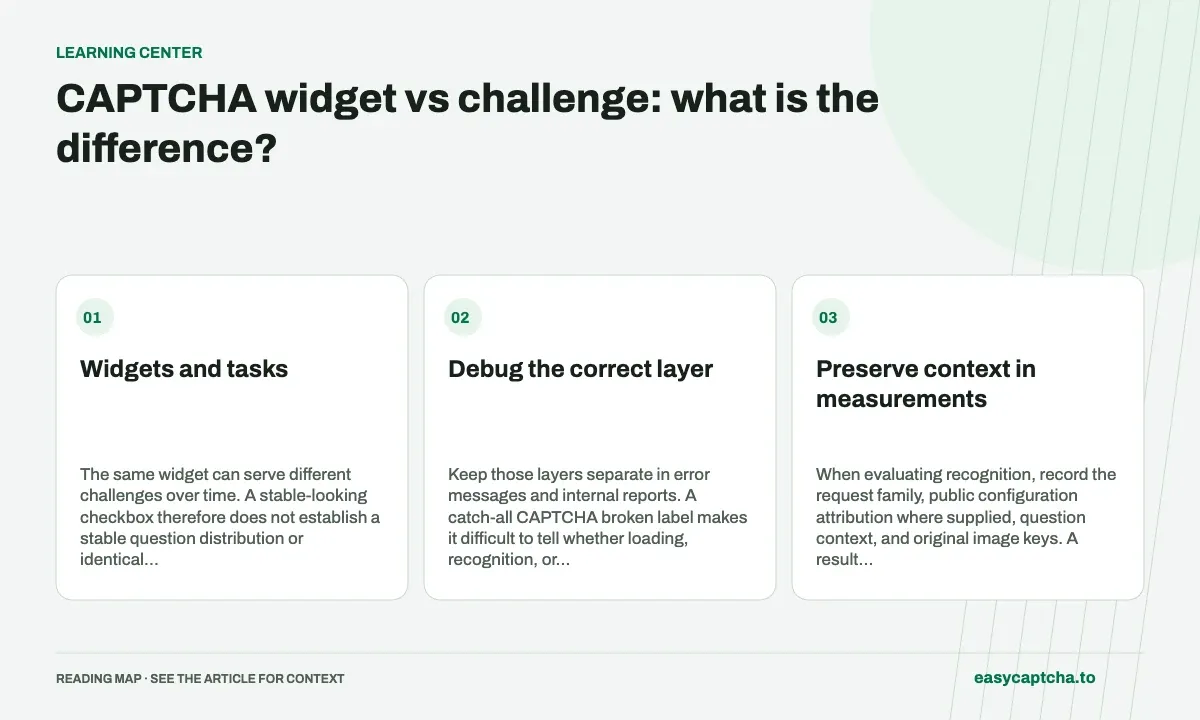
A widget is the embedded interface that initializes verification, shows states, and connects the page to a provider. A challenge is the individual task served through that interface, such as an image question or computational work.
Widgets and tasks
The same widget can serve different challenges over time. A stable-looking checkbox therefore does not establish a stable question distribution or identical work for every visitor.
Debug the correct layer
| Observation | Layer to investigate |
|---|---|
| No widget appears | Loading, rendering, policy, or page integration |
| Widget appears but no challenge completes | Challenge flow and provider response |
| Result arrives but form fails | Server verification or application validation |
| Repeated question variant fails | Challenge cohort and answer application |
Keep those layers separate in error messages and internal reports. A catch-all CAPTCHA broken label makes it difficult to tell whether loading, recognition, or the application changed.
Preserve context in measurements
When evaluating recognition, record the request family, public configuration attribution where supplied, question context, and original image keys. A result from one challenge should not be reported as evidence about every challenge served by that widget.
Question wording and image content can vary independently. Two tasks with the same instruction can ask the model to resolve different visual relationships. Avoid treating a question-text match as proof of equivalent difficulty.
Test lifecycle transitions
Exercise widget initialization, challenge completion, expiration, reset, and retry after a server rejection. Review whether application rerenders recreate the widget unnecessarily or retain a stale proof.
Read recognition families for typed challenge models, question-variant drift for cohort changes, and load debugging for browser initialization. The distinction helps both website owners enforcing verification and integrations consuming a solving result.
Frequently asked questions
What is the difference between a widget and a challenge?
The widget is the browser interface around verification. A challenge is the task it presents, which can involve several images or rounds.
Should I choose image recognition or token solving?
Use recognition when your software handles challenge media and answers. Use token solving when your workflow needs a token result.
Can I try easycaptcha browser assistance for free?
Yes. Install the Chromium extension and activate its free plan for 25 recognitions a day, without an account or credit. Larger or multi-round challenges can use multiple recognition groups.