Recognition measurement
Metrics for reCAPTCHA replacement rounds
Metrics for reCAPTCHA replacement rounds. Measure recognition requests, workflow outcomes, and integration errors with clear criteria.
By the easycaptcha team · Published
Group related task IDs by challenge and number the initial grid and replacement rounds. Keep grid mode and submitted tile count. This shows whether a change affects the number of rounds rather than only the speed of one recognition call.
Separate tiles from requests
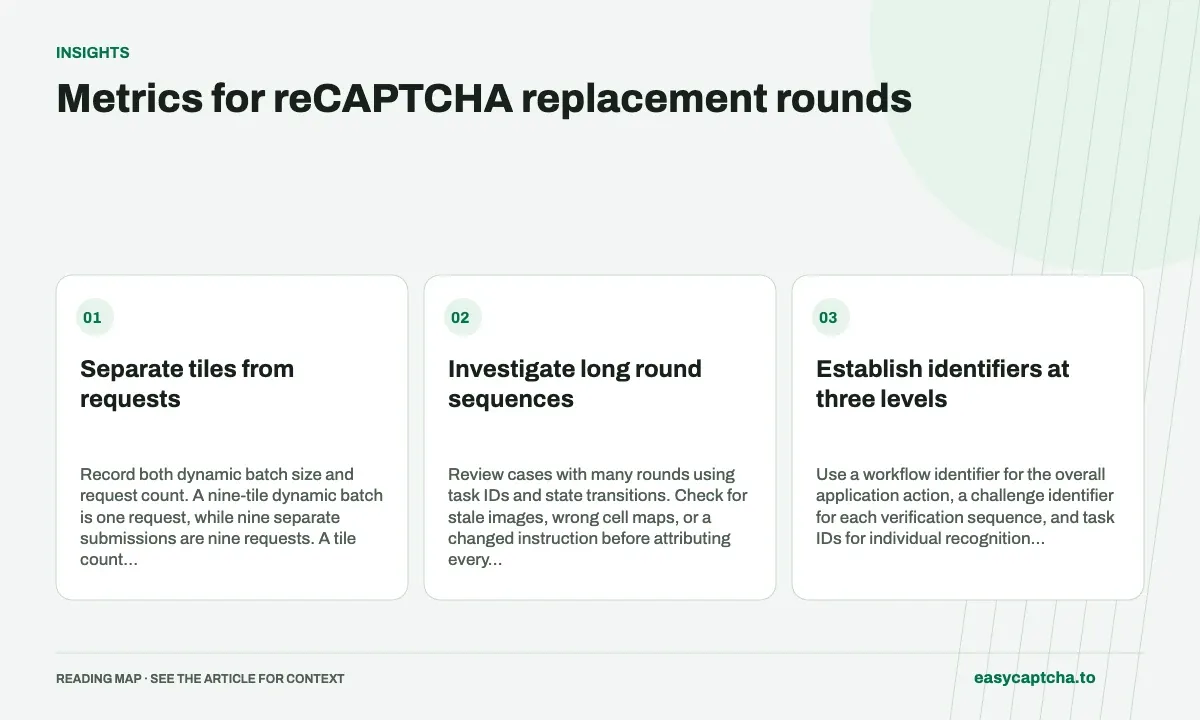
Record both dynamic batch size and request count. A nine-tile dynamic batch is one request, while nine separate submissions are nine requests. A tile count alone cannot explain billing or repeated waits.
Investigate long round sequences
Review cases with many rounds using task IDs and state transitions. Check for stale images, wrong cell maps, or a changed instruction before attributing every repeat to recognition quality. Record when the challenge ended or observation stopped.
Establish identifiers at three levels
Use a workflow identifier for the overall application action, a challenge identifier for each verification sequence, and task IDs for individual recognition requests. One action can encounter a reset or another challenge, and one challenge can contain several recognition requests. Keeping those relationships explicit prevents a new task from being mistaken for a new user attempt.
For each task, record grid mode, round number, submitted image count, creation time, terminal observation, and application outcome. Routine records do not need full image data to describe those relationships. Keep any diagnostic image capture separately scoped rather than embedding large base64 payloads into every analytics event.
Define metrics whose units cannot be confused
| Metric | Suggested definition |
|---|---|
| Replacement requests per challenge | Dynamic request count for one challenge |
| Dynamic batch size | Images submitted in a dynamic request |
| Total request count | Initial full-grid requests plus replacements and any repeated work |
| Challenge round depth | Ordered recognition rounds within the sequence |
| Completion coverage | Challenges with known final outcomes divided by started challenges |
State whether repeated submissions count as another round or as duplicate work within the same round. Either convention can support diagnosis if it is consistent, but hiding duplicates inside an ordinary depth metric can obscure the reason request volume increased.
Read a short sequence as a diagnostic example
Consider a challenge with one initial grid, a three-image dynamic batch, and a one-image dynamic batch. It uses three recognition requests and submits four replacement images. Its replacement-request count is two, while its total recognition round count is three if the initial grid is round one. All figures describe the same sequence with different units.
If another integration sends those first three replacement images individually, it can use more requests for the same changed cells. That does not by itself prove better or worse recognition. Compare image identity, instruction, mapping, and final outcome before attributing the difference to model quality or deciding that batching caused the change.
Investigate distributions and transitions
Report the distribution of replacement depth rather than only an average. A small group of very long sequences can dominate wait time and request cost while most challenges appear quick. Segment by grid mode, release version, and observed outcome to determine where those long cases concentrate.
Review state transitions for the longest sequences: were images captured before replacement finished, did a reset preserve an old instruction, or did a transport retry duplicate creation? The stale-result guide and batching guide help distinguish repeated recognition of current input from accidental repeated work on an obsolete snapshot.
Track state changes that explain extra rounds
Round depth tells you how much sequential work occurred, but not why. Add a small set of transition reasons such as expected replacement, challenge reset, stale response discarded, or duplicate creation detected. Keep the reasons tied to observed application events instead of inferring them solely from a longer-than-usual sequence.
For example, a sequence of one full grid and three dynamic requests can be legitimate replacement work. A sequence with the same apparent depth can instead contain an obsolete image submitted twice after a capture race. Task counts alone look similar; snapshot identity and transition records distinguish the two. That distinction matters when deciding whether to improve batching, capture readiness, or result freshness checks.
Review aggregate metrics with a few representative timelines from the longest sequences. Use sanitized records containing task IDs, times, and local state rather than broad recordings of private forms. Once a cause is established, reproduce the boundary with a controlled fixture and monitor its specific transition reason after the fix. A lower average depth without the cause disappearing may simply reflect a different challenge mix.
Frequently asked questions
Which metric helps reveal repeated replacement work?
Track replacement requests per challenge together with round depth and completion outcome.
What identifiers make round metrics interpretable?
Keep workflow and challenge identifiers with the individual task IDs so several requests can be associated with one verification sequence.
Why report batch size as well as request count?
Several replacement images can share one dynamic request. Tile count alone cannot explain request billing or the number of sequential waits.