Integration performance
Batching reCAPTCHA replacement tiles without losing cell identity
Batching reCAPTCHA replacement tiles without losing cell identity. Measure recognition requests, workflow outcomes, and integration errors with clear criteria.
By the easycaptcha team · Published
Dynamic accepts one to nine replacement images. Collect the cells that finished replacing under the same instruction and submit them together. Keep an ordered position map beside the batch.
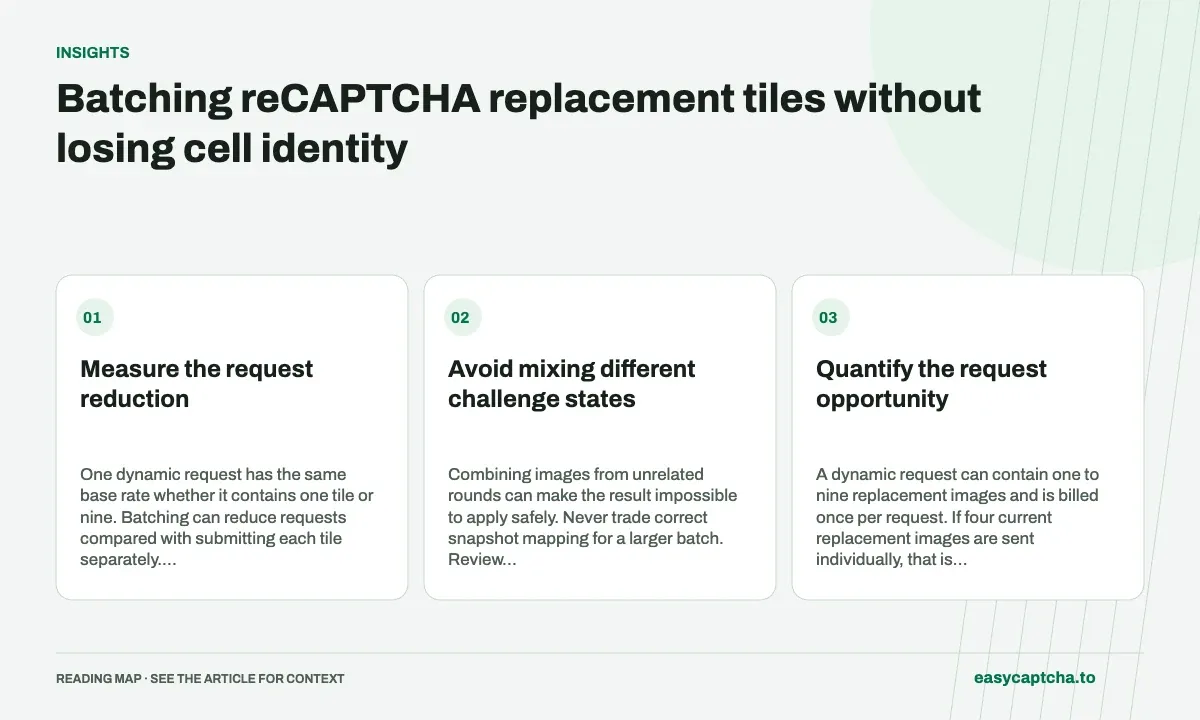
Measure the request reduction
One dynamic request has the same base rate whether it contains one tile or nine. Batching can reduce requests compared with submitting each tile separately. Measure actual batches and account for the time needed for replacements to load.
Avoid mixing different challenge states
Combining images from unrelated rounds can make the result impossible to apply safely. Never trade correct snapshot mapping for a larger batch. Review submitted tile count, waiting time, and stale-result rate alongside request cost.
Quantify the request opportunity
A dynamic request can contain one to nine replacement images and is billed once per request. If four current replacement images are sent individually, that is four recognition requests. If the same coherent set is sent together, it is one. This arithmetic describes request count, not a guarantee about completion time or recognition quality.
The saving depends on images that are available under the same current instruction and snapshot context. Do not hold unrelated images across resets just to fill a batch. An answer that cannot be safely mapped back to its original current cell has little operational value even if its request count looks efficient.
Define a batch boundary around browser readiness
After applying positive selections, track which cells are expected to replace and when their new images become ready. Form a batch from the current ready replacements in a deliberate order. Keep each cell position and image identity with that order through encoding, submission, and response handling.
Avoid two opposite mistakes: submitting before new pixels arrive and waiting indefinitely for cells that will not change. The right readiness condition depends on your controlled browser workflow. Measure it explicitly rather than assuming a fixed sleep proves image loading finished. Review replacement mapping for the sparse-cell case that often exposes ordering bugs.
Compare batching policies with more than cost
| Measurement | Why to retain it |
|---|---|
| Dynamic images per request | Shows whether batching actually changed |
| Requests per challenge | Shows the billed work opportunity |
| Wait before batch submission | Reveals added browser delay |
| Stale responses | Detects snapshots held too long |
| Known challenge completions | Keeps the intended outcome visible |
A policy can reduce requests while increasing wait time or losing more snapshots to resets. Conversely, sending every tile immediately may add avoidable requests without improving total completion time. Use matched cohorts and complete workflows to decide whether the tradeoff helps your application.
Keep retries from undoing the benefit
A batched creation request that times out has an uncertain outcome. Automatically resubmitting the whole batch can duplicate paid work and complicate cell mapping if both tasks later complete. Save a returned task ID immediately and retrieve that known work rather than creating another task during ordinary polling.
Once a batch result arrives, validate that its length equals the number of submitted images and that the round remains current. Preserve false entries until mapping is complete. If one image no longer belongs to the snapshot, apply your explicit freshness policy rather than silently shifting indexes or using the remaining answers against a reconstructed list.
Evaluate a batching change with a stated hypothesis
A useful hypothesis is that collecting available replacements from the same round reduces requests without materially harming completion or total wait. Record the old and new readiness rules and compare matched cohorts. Do not choose the winning policy using request count alone after the experiment has already run.
Use local fixtures to establish that both policies preserve input order and freshness. In the live pilot, examine batch-size distribution, requests per challenge, time waiting to submit, stale responses, and known outcomes. A larger average batch can coexist with poor recovery if images are held across a reset, so review a few complete timelines as well as aggregate numbers.
If the change helps only workflows with several simultaneous replacements, show that segment explicitly. Single-replacement cases have no batching opportunity within that round and may only experience added waiting. This avoids a universal recommendation based on a workload whose challenge mix happens to favor one policy. Keep the decision tied to the application evidence and revisit it if replacement behavior or capture timing changes.
Frequently asked questions
Does a nine-image dynamic request cost nine recognitions?
No. It is billed once as a reCAPTCHA recognition request.
Can batching increase delay?
It can add waiting before submission, so measure whole-workflow time, batch readiness waits, and stale responses alongside request reduction.
What should I do after a batched creation timeout?
Treat submission as uncertain. Preserve any known task ID and avoid an unconditional resubmission that can duplicate paid work.