Team workflows
Rolling out CAPTCHA recognition assistance to a team
Pilot the browser extension with clear task scope, separately revocable credentials, version evidence, and a support plan before wider adoption.
By the easycaptcha team · Published
One team member completing a challenge does not show that the extension fits everyone else’s browser, permissions, or task. A rollout needs a defined use case and a controlled pilot rather than a shared key sent to every employee with an instruction to install something.
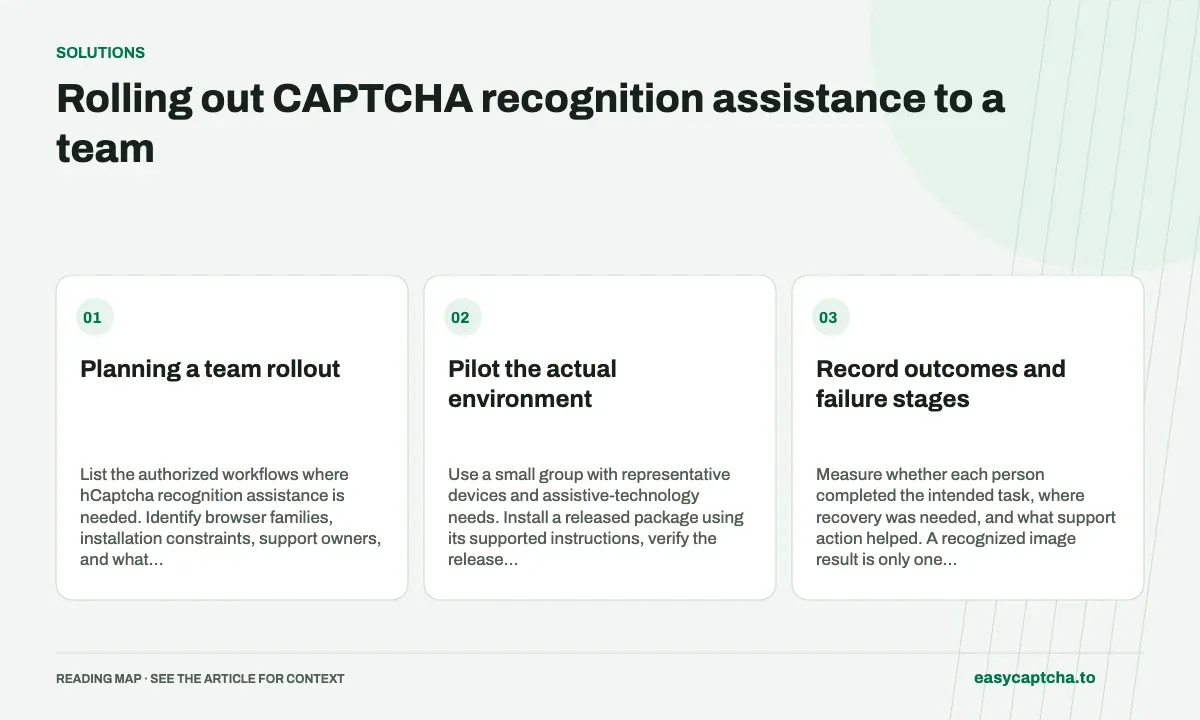
Planning a team rollout
List the authorized workflows where hCaptcha recognition assistance is needed. Identify browser families, installation constraints, support owners, and what final application success means. easycaptcha’s extension targets Chromium; do not imply compatibility with every browser or CAPTCHA provider.
Pilot the actual environment
Use a small group with representative devices and assistive-technology needs. Install a released package using its supported instructions, verify the release evidence, and configure settings through the popup. Use the SDK configuration helpers to set manifest defaults before installation. Saved popup settings in existing profiles take precedence.
Keep paid credentials independently revocable where the account setup permits it. A label identifying the installation makes later support and key replacement clearer than one indistinguishable credential across the whole team.
Record outcomes and failure stages
Measure whether each person completed the intended task, where recovery was needed, and what support action helped. A recognized image result is only one stage. Preserve task or request identifiers where available, but do not collect complete private forms or profile directories by default.
Test a revoked key, insufficient credit, disabled solving, and a provider delay. Confirm that a member can understand the next step instead of receiving a generic failure that encourages repeated paid submissions.
Plan maintenance before scaling
Document who updates packages, verifies versions, rotates keys, and handles incidents. A browser update or profile reset can remove settings even when the underlying recognition service is unchanged. Keep a supported recovery procedure for reinstalling and configuring the extension.
Include an uninstall or disable path when a workflow no longer needs assistance. Do not let an old deployment continue using a credential no one owns operationally.
Make the adoption decision evidence-based
Compare recovered tasks, legitimate completion, support burden, and costs in recognition groups. Do not extrapolate a single easy challenge into an unsupported team-wide success claim.
Download instructions cover package handling, release integrity covers version evidence, and support-assisted completion helps establish a route for the cases recognition assistance cannot resolve alone.
Frequently asked questions
Should a team rollout begin with every browser at once?
Start with representative users and workflows. Review settings, permissions, recovery, and outcomes before extending the rollout.
Can a team start with the extension's free plan?
Yes. The free plan requires no account or credit and provides 25 recognitions a day. Connect a paid API key where additional usage is needed.
Can I try easycaptcha browser assistance for free?
Yes. Install the Chromium extension and activate its free plan for 25 recognitions a day, without an account or credit. Larger or multi-round challenges can use multiple recognition groups.