Release analysis
Version evidence matters in a CAPTCHA workflow
Tie an evaluation to the browser, extension package, configuration, and API contract actually used rather than a moving latest label.
By the easycaptcha team · Published
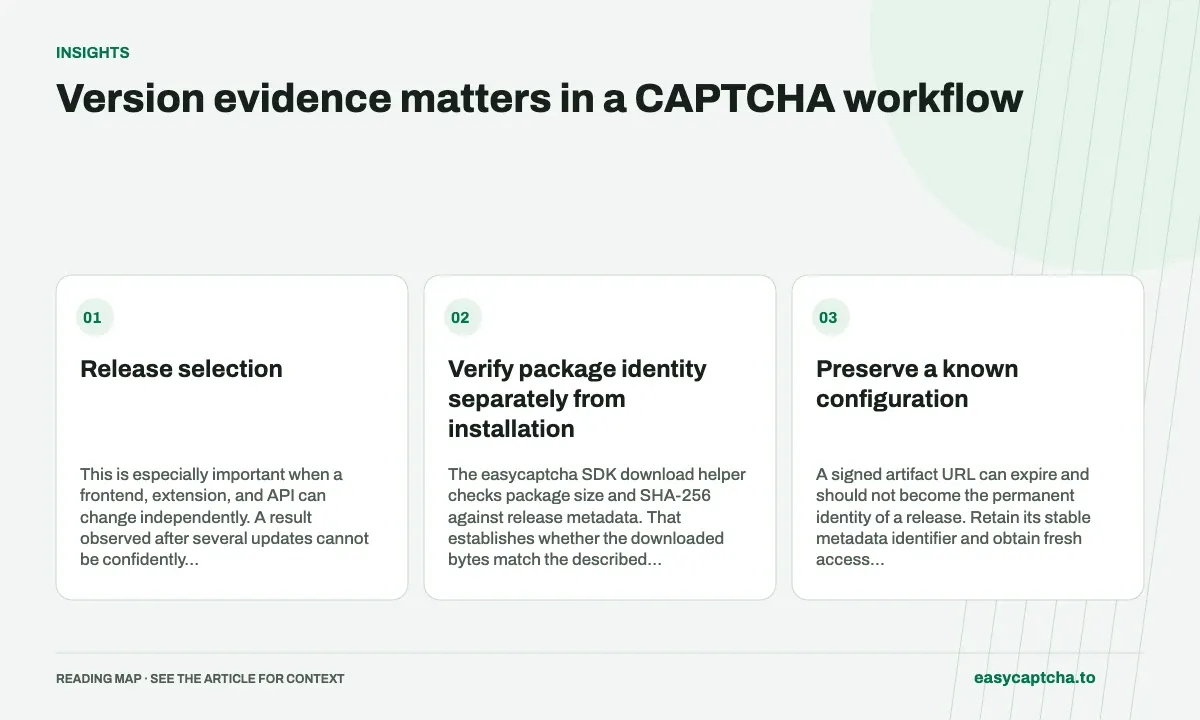
A latest release can change between runs. If an evaluation records only that label, a later investigator may not know which package produced its result. Keep the actual release identifier and integrity metadata alongside the trial environment.
Release selection
This is especially important when a frontend, extension, and API can change independently. A result observed after several updates cannot be confidently assigned to one component without version evidence.
Verify package identity separately from installation
The easycaptcha SDK download helper checks package size and SHA-256 against release metadata. That establishes whether the downloaded bytes match the described artifact. It does not prove the package was installed, activated, or configured as intended.
| Evidence | What it proves |
|---|---|
| Release metadata | Which artifact was selected |
| Verified digest | Downloaded bytes match metadata |
| Browser extension version | Which installation is running |
| Settings review | Relevant controls were configured |
Keep those claims separate when writing a rollout report.
Preserve a known configuration
A signed artifact URL can expire and should not become the permanent identity of a release. Retain its stable metadata identifier and obtain fresh access according to the supported contract.
Record application and browser versions too. A package update can coincide with a browser-policy change or a reset profile. Do not call every changed result a recognition regression without investigating those conditions.
Test the workflow after an update
Verify loading, key handling, pending work, terminal status, and the application’s intended completion. Include a rejected proof and a revoked credential. An artifact integrity check alone cannot show that negative paths remain enforced.
Keep secrets and complete profile state out of routine release artifacts. Limited identifiers and stage observations are sufficient for many regressions.
SDK downloads provides product instructions, release regression testing defines the functional review, and profile hygiene prevents configuration loss from being confused with the behavior of the newly verified bytes.
Frequently asked questions
Does a latest download URL identify an immutable build?
No. Latest is a selection rule that can change. Record the release identifier used when investigating behavior or reproducing a test.
Where should I get the easycaptcha extension?
Use the easycaptcha download page and its installation guidance. Record the version you install when reporting an issue.
Can I try easycaptcha browser assistance for free?
Yes. Install the Chromium extension and activate its free plan for 25 recognitions a day, without an account or credit. Larger or multi-round challenges can use multiple recognition groups.