Task choices
reCAPTCHA image recognition vs token solving
reCAPTCHA image recognition vs token solving. Compare inputs, responsibilities, and limits before choosing your reCAPTCHA integration.
By the easycaptcha team · Published
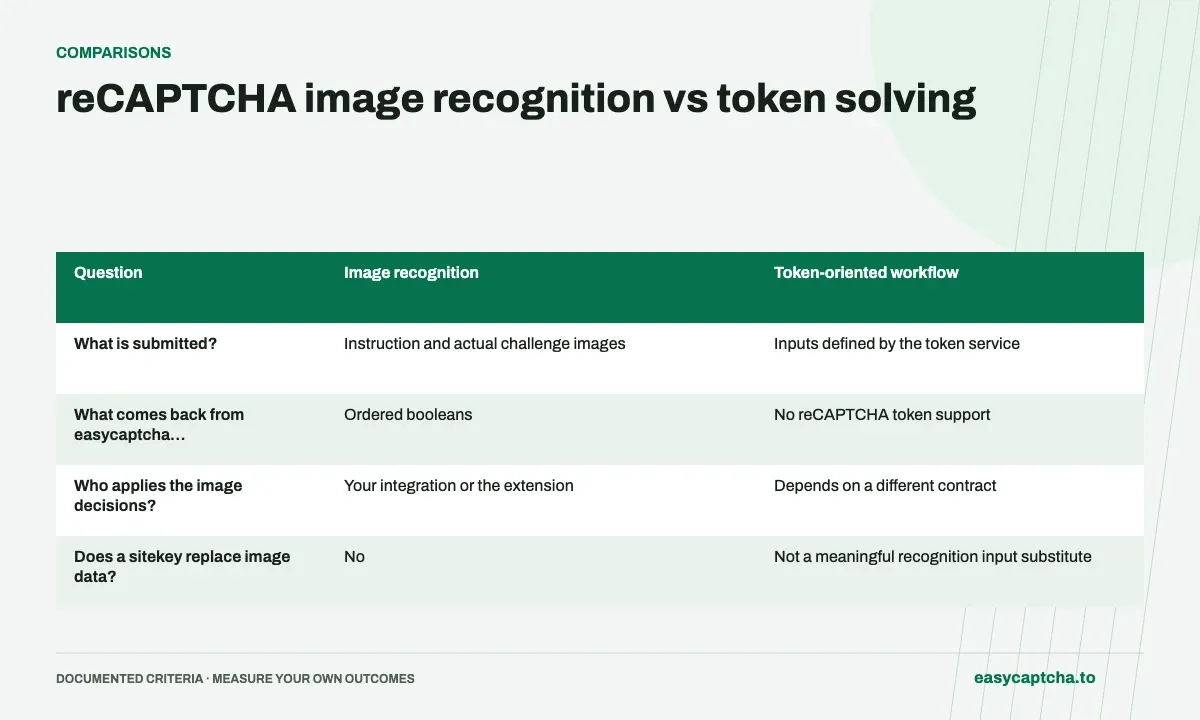
Recognition accepts an instruction and image data, then returns boolean image selections. A token-oriented integration expects a verification value. These are different contracts with different inputs and completion logic.
Match easycaptcha support to the contract
easycaptcha supports reCAPTCHA recognition through its API and Chromium extension. It does not support reCAPTCHA token submission. Do not replace a token request by changing only the task type or sending a sitekey without images.
Measure the appropriate outcome
For recognition, test image selection mapping and subsequent browser behavior. A completed classification does not establish that a protected action succeeded. Keep challenge acceptance and application completion visible in your evaluation.
Compare what the integration must already possess
| Question | Image recognition | Token-oriented workflow |
|---|---|---|
| What is submitted? | Instruction and actual challenge images | Inputs defined by the token service |
| What comes back from easycaptcha reCAPTCHA recognition? | Ordered booleans | No reCAPTCHA token support |
| Who applies the image decisions? | Your integration or the extension | Depends on a different contract |
| Does a sitekey replace image data? | No | Not a meaningful recognition input substitute |
This table describes the contract boundary, not a claim that the approaches are interchangeable. An application built around image selection needs cell mapping. An application built around a returned token expects a different artifact and completion handler. Reusing a generic field called result does not remove that difference.
Inspect the code that consumes the answer
If your code reads result.token, places a verification value into a form handler, or expects a string, the native reCAPTCHA recognition array will not satisfy it. If your code already interprets selected image positions, recognition may fit, but you still need to verify boolean ordering and dynamic replacement behavior.
This check is often more revealing than the service name in a dashboard. “CAPTCHA solving” can describe several different operations. Follow the data from collection to the next application step and identify exactly what that step requires. Then choose a supported contract rather than adapting by trial and error after paid submissions have started.
Understand what recognition completion establishes
A completed array establishes that the recognition task returned decisions for the submitted images. A valid all-false answer is still a result. Applying those decisions, handling replacements, observing challenge acceptance, and finishing the protected action are later events that your workflow needs to observe separately.
This affects feedback and monitoring. A browser reset before application is not evidence that the classifier made the wrong decision about its input. A form validation error after challenge acceptance is not a recognition failure either. Keep outcome labels specific enough to distinguish those events when reviewing an integration or comparing releases.
Plan a migration around the actual operation
If an existing system requires token submission, document that requirement explicitly before evaluating easycaptcha reCAPTCHA recognition. There is no supported conversion where a sitekey-only token request becomes image recognition merely by changing its type. Image collection and selection application are additional application responsibilities.
Where recognition is appropriate, use the grid guide and result-ordering guide to define inputs and mapping. Where direct browser assistance is the goal, review the extension comparison. Choosing the correct operation first avoids building a client around an output the application cannot use.
Avoid misleading comparisons in a solver evaluation
A recognition benchmark may count a returned array as completed work, while a token-oriented benchmark may observe a different integration artifact or later verification boundary. Comparing those headline completion numbers directly can obscure what each service was actually asked to do. State the input, returned artifact, and observed application stage before comparing rates or time.
The same caution applies to price units. A recognition workflow may need several replacement requests for one challenge, while another product defines a task differently. Normalize around a clearly observed business or application outcome when the goal is to compare completed workflows, and disclose any stages the test did not observe. Avoid inventing a fixed conversion between one image request and one token task.
For easycaptcha reCAPTCHA recognition, validate that the application can use image decisions before investing in a broader performance trial. A perfectly returned array is still the wrong product artifact for a handler that requires a token. This contract check is inexpensive and can prevent an evaluation from producing large amounts of precise but irrelevant timing and cost data.
Frequently asked questions
Can recognition output be read from result.token?
No. A completed reCAPTCHA recognition result is a flat boolean array.
What inputs does recognition require?
Supply the English instruction, supported grid mode, and actual image data. A sitekey-only request does not provide those inputs.
What code reveals whether an existing integration expects tokens?
Inspect the completion handler. Reading a token string or result.token is a different contract from applying a boolean selection array.