Integration comparison
Browser extension or CAPTCHA API: which should you use?
Compare in-browser recognition assistance with server-side token or recognition requests, including setup, credentials, and responsibility for the final action.
By the easycaptcha team · Published
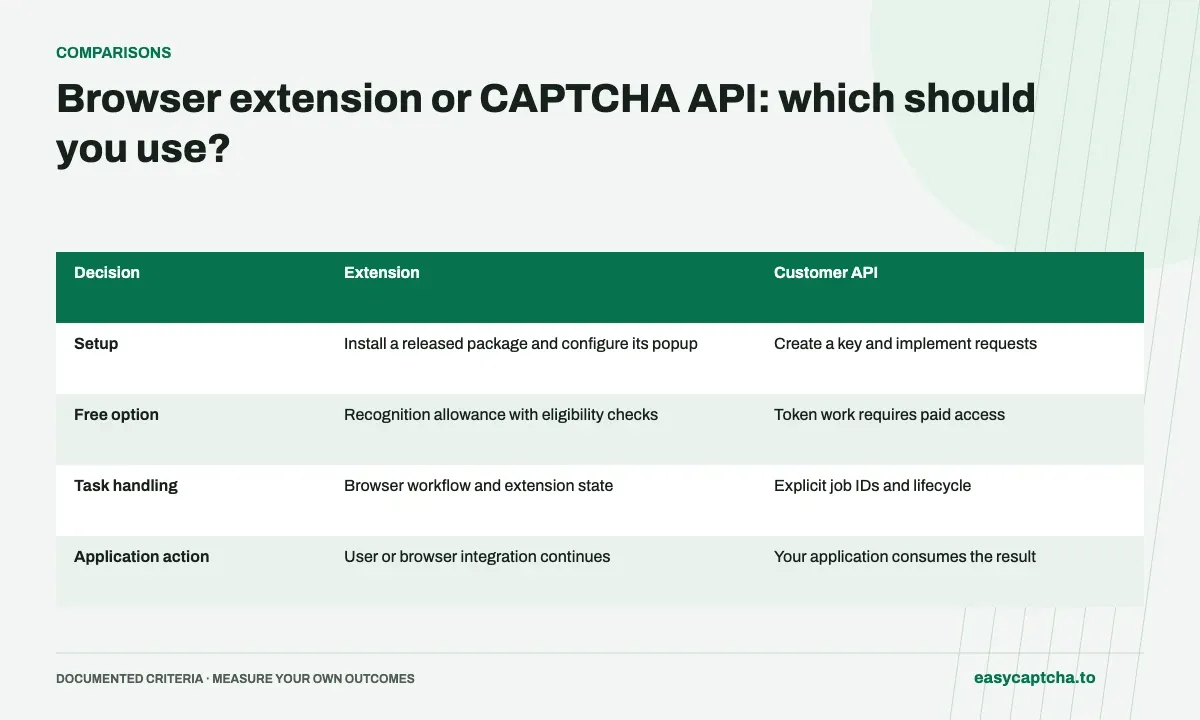
If a person is browsing a site and needs hCaptcha recognition help there, the easycaptcha Chromium extension fits the browser workflow. If an application already owns structured challenge input or needs a token result, the customer API gives that application explicit control of task creation and observation.
Where the work happens
These choices are different integration boundaries. An extension does not submit every surrounding form, and an API response does not automatically apply itself to a webpage.
Compare setup and control
| Decision | Extension | Customer API |
|---|---|---|
| Setup | Install a released package and configure its popup | Create a key and implement requests |
| Free option | Recognition allowance with eligibility checks | Token work requires paid access |
| Task handling | Browser workflow and extension state | Explicit job IDs and lifecycle |
| Application action | User or browser integration continues | Your application consumes the result |
Use the extension documentation for supported settings and the API reference for wire contracts. Neither path expands provider coverage beyond documented support.
Keep credentials at the right boundary
For paid extension usage, configure a separately revocable key for the installation. For a public application, keep paid customer-key requests on protected server infrastructure rather than embedding a shared key in frontend code. A website’s public sitekey is not a customer spending credential.
An installed extension also has package and profile state to maintain. An API integration has request persistence, result interpretation, and error handling to maintain. Compare that operational work rather than only the initial number of setup steps.
Test the intended action
An image answer being applied and a token being returned are intermediate outcomes. Verify that the user or application completes its actual task. Measure unknown outcomes, retries, and support effort separately.
Start with extension assistance, JavaScript jobs, or persistent browser profiles, depending on which environment owns your workflow.
Frequently asked questions
When should I use the easycaptcha extension?
Use it for recognition assistance where supported hCaptcha challenges appear in your Chromium browser. It offers a free recognition allowance.
When should I use the easycaptcha API instead?
Use the API when your software creates jobs, retrieves results, and handles their application. Typed Python and JavaScript SDKs are available.
Can I try easycaptcha browser assistance for free?
Yes. Install the Chromium extension and activate its free plan for 25 recognitions a day, without an account or credit. Larger or multi-round challenges can use multiple recognition groups.