Education workflows
Reducing CAPTCHA friction in student enrollment
Separate saved enrollment choices from temporary verification, support longer sessions, and confirm the actual enrollment outcome after a retry.
By the easycaptcha team · Published
Enrollment can combine account access, course selection, and scarce places. An image challenge can interrupt students who otherwise navigate the portal successfully. During a deadline or registration window, the cost is not only another click: a student may lose their selections or become uncertain whether a place was reserved.
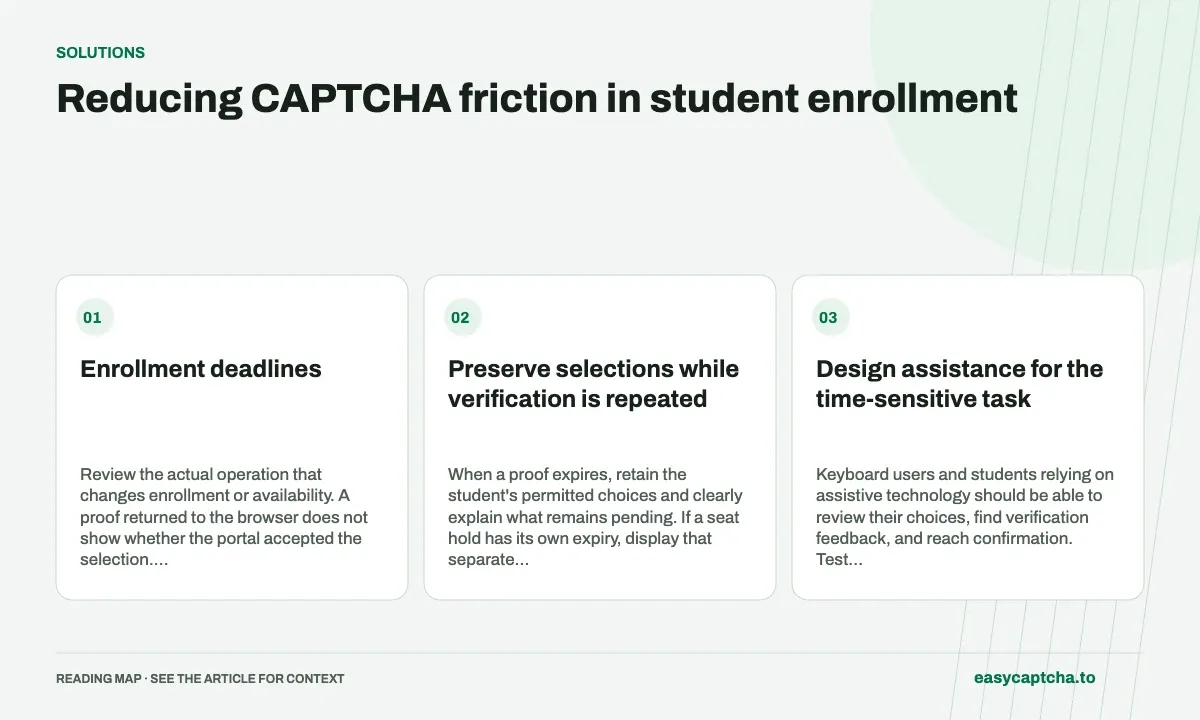
Enrollment deadlines
Review the actual operation that changes enrollment or availability. A proof returned to the browser does not show whether the portal accepted the selection. Keep enrollment state, seat holds, and verification state distinct in both the interface and operational records.
Preserve selections while verification is repeated
When a proof expires, retain the student’s permitted choices and clearly explain what remains pending. If a seat hold has its own expiry, display that separate deadline rather than implying the CAPTCHA token controls everything.
A retry should use fresh verification according to the provider’s policy. It should not silently create a second reservation or submit conflicting selections. The portal must use its own authoritative transaction state to determine whether an enrollment already occurred.
Design assistance for the time-sensitive task
Keyboard users and students relying on assistive technology should be able to review their choices, find verification feedback, and reach confirmation. Test with realistic task lengths rather than an empty form that takes seconds to complete.
For hCaptcha in Chromium, the easycaptcha extension can assist with recognition. It does not grant enrollment permissions, increase seat availability, or change the institution’s rules. A support route should be able to identify the blocked task without asking the student to disclose their password or reproduce the same inaccessible challenge elsewhere.
Test the race between verification and enrollment state
Exercise a completed proof followed by a full course, an expired proof while a draft remains saved, a failed response after a reservation was created, and a normal successful attempt. Each case should offer a next step that reflects the portal’s actual state.
Use test students and controlled courses or mock availability. Do not stress a production registration window merely to evaluate a widget. Review stock or seat release rules separately; inventory hoarding explains why reservation controls cannot be replaced by a challenge.
Look for recovered participation
Measure known enrollments, recoverable drafts, support-assisted completion, and unresolved attempts. A higher challenge completion rate is useful only if students can finish the intended operation.
Read long-form recovery for draft ownership and CAPTCHA accessibility for interaction testing. Keep a record of environment and provider changes so a busy registration period is not mistaken for a recognition regression.
Frequently asked questions
Does completing a CAPTCHA guarantee enrollment?
No. Enrollment availability, eligibility, and confirmation are decisions of the application. Verification is one step before those decisions.
What should happen when verification expires during enrollment?
Preserve appropriate form work, explain how to verify again, and check current enrollment conditions before final confirmation.
Can I try easycaptcha browser assistance for free?
Yes. Install the Chromium extension and activate its free plan for 25 recognitions a day, without an account or credit. Larger or multi-round challenges can use multiple recognition groups.