Quality assurance
Catching CAPTCHA regressions before a release
Build a release review that distinguishes widget loading, proof verification, answer application, and final business action rather than relying on one happy-path test.
By the easycaptcha team · Published
A frontend release can change rendering, form timing, content policy, or network headers without intentionally touching CAPTCHA logic. A backend release can change configuration or error handling while the widget still looks normal. The release check needs to detect both.
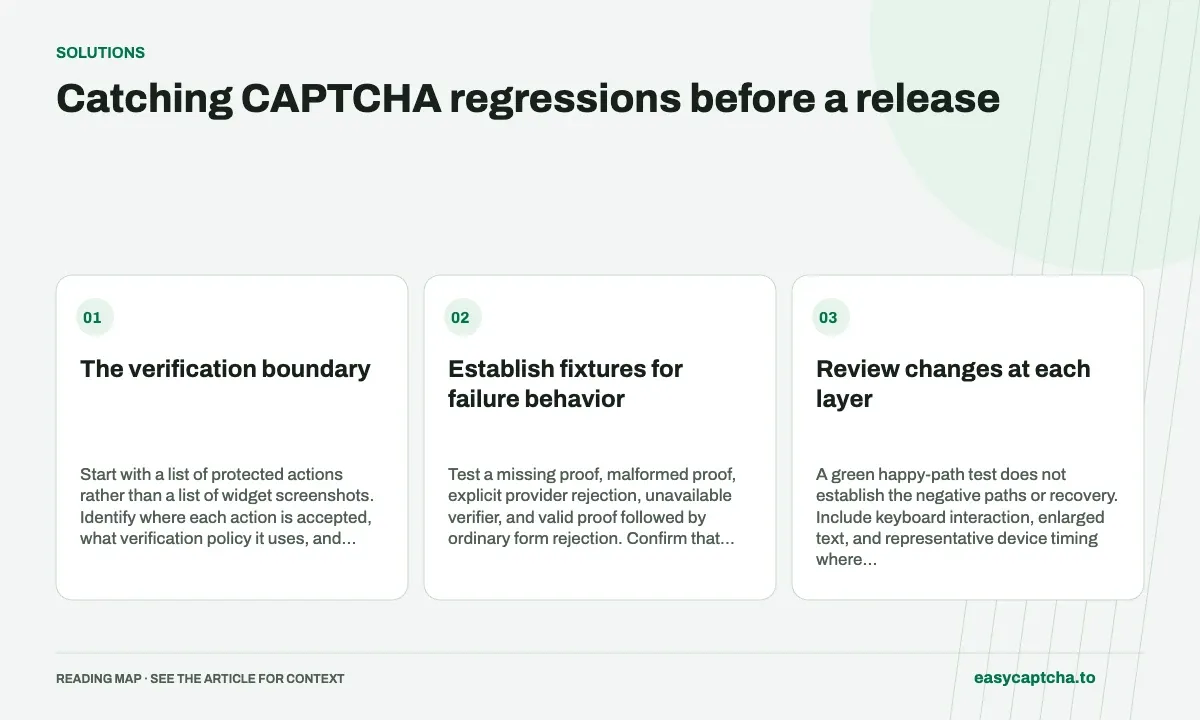
The verification boundary
Start with a list of protected actions rather than a list of widget screenshots. Identify where each action is accepted, what verification policy it uses, and how the visitor retries after failure.
Establish fixtures for failure behavior
Test a missing proof, malformed proof, explicit provider rejection, unavailable verifier, and valid proof followed by ordinary form rejection. Confirm that protected work is prevented where required and that the application preserves appropriate input.
Do not depend on live providers to repeatedly simulate an outage. Use deterministic server-to-provider fixtures for business behavior, and keep a smaller live integration check for configuration and network compatibility.
Review changes at each layer
| Layer | Release evidence |
|---|---|
| Browser | Expected script and frame loading |
| Widget lifecycle | Completion, expiry, reset, and retry |
| Server | Enforced verification before the action |
| Application | Known acceptance and receipt behavior |
| Assistance | Reachable error and support path |
A green happy-path test does not establish the negative paths or recovery. Include keyboard interaction, enlarged text, and representative device timing where relevant.
Control version and environment changes
Record the browser, extension release where used, application release, and public provider configuration. Avoid evaluating two changes simultaneously and then attributing every difference to the solver.
For an extension workflow, verify package integrity and profile settings after an update. Downloading new bytes is not evidence that the expected settings remained enabled.
Make the release decision reviewable
Keep a short report of cases, expected outcomes, actual outcomes, and unresolved states. An intermittent unknown result should not be relabeled a successful action merely because a later unrelated attempt passed.
Browser testing shows the functional-testing split, release integrity explains version evidence, and widget-load debugging covers browser errors that should be caught before they become visitor support requests.
Frequently asked questions
Which changes can affect a verification integration?
Page structure, event handling, layout, timing, and surrounding application state can alter how a result is obtained or applied.
How should I test an hCaptcha flow after a release?
Exercise success, expiration, rejection, and recovery with representative data. Track the application outcome separately from job completion.
How can easycaptcha fit into my integration tests?
Use the documented recognition or token API for the hCaptcha stage, preserve task IDs, and inspect terminal results. Measure verifier acceptance and application completion separately from job completion.