Browser testing
Testing hCaptcha with Playwright and Selenium
Separate CAPTCHA verification tests from application tests. Use test keys, exercise rejected proofs, and evaluate live integrations in a controlled environment.
By the easycaptcha team · Published
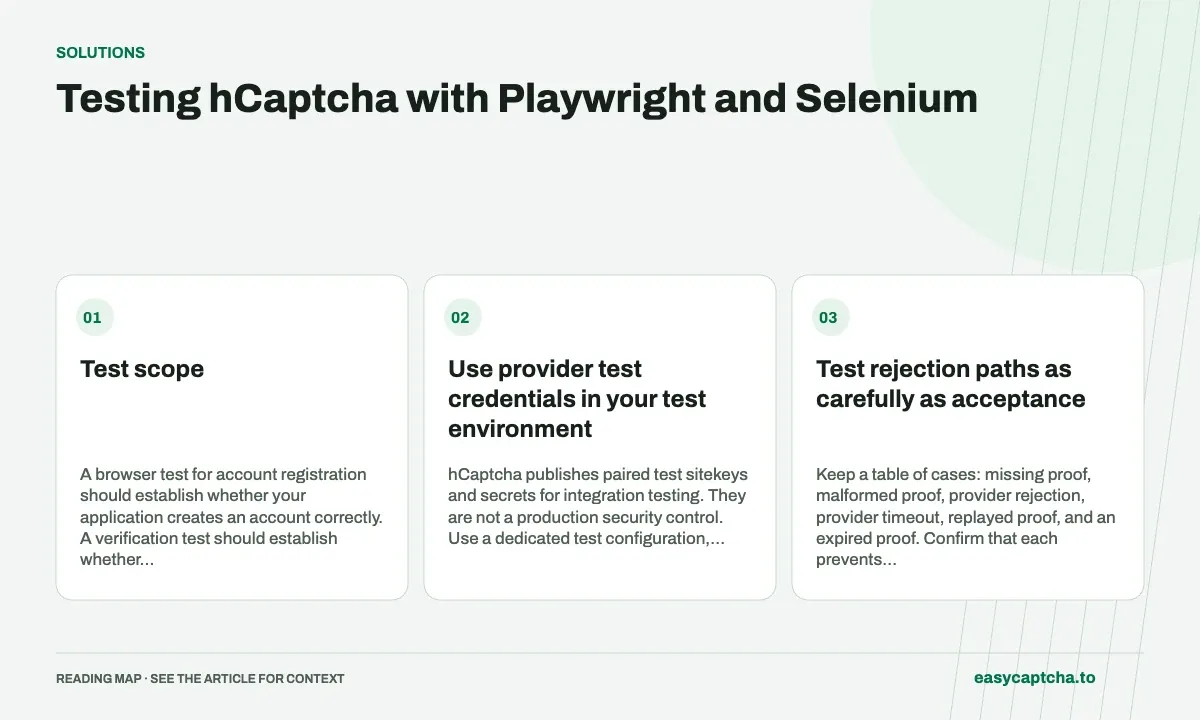
A verification step can make a browser test unreliable even when the surrounding application works correctly. Some teams need to test their form and checkout logic; others need evidence that the real challenge integration still works. Those goals call for different test setups.
Test scope
A browser test for account registration should establish whether your application creates an account correctly. A verification test should establish whether your server accepts valid proofs and rejects invalid ones. Combining both into every test makes failures harder to diagnose: a script error, network outage, expired proof, and form validation problem can look like the same broken registration.
Make routine Playwright or Selenium tests deterministic. Keep a smaller, controlled set of live integration checks for the provider boundary. Measure that boundary independently of your application’s own success conditions.
Use provider test credentials in your test environment
hCaptcha publishes paired test sitekeys and secrets for integration testing. They are not a production security control. Use a dedicated test configuration, keep production credentials separate, and include a deployment check that test credentials cannot reach the production environment. See the official testing guidance.
The application assertion should describe the business action, such as a visible confirmation or a created record. Avoid asserting only that a CAPTCHA checkbox turned green. Playwright’s web-first assertions wait for page state and are useful for these checks.
import { test, expect } from "@playwright/test";

test("a contact message is accepted in the test environment", async ({
  page,
}) => {
  await page.goto("/contact");
  await page.getByLabel("Email").fill("[email protected]");
  await page.getByLabel("Message").fill("An integration test message.");
  // Complete your test widget or fixture before submission.
  await page.getByRole("button", { name: "Send message" }).click();
  await expect(
    page.getByText("Message received", { exact: true }),
  ).toBeVisible();
});
This is a pattern for your own contact form, not a selector contract for the easycaptcha website. Adapt labels and confirmation text to your application. In Selenium, use an explicit wait for the same meaningful outcome rather than a fixed delay.
Test rejection paths as carefully as acceptance
Keep a table of cases: missing proof, malformed proof, provider rejection, provider timeout, replayed proof, and an expired proof. Confirm that each prevents the protected operation. Also check that the user can retry with a fresh proof without losing their form content.
Mock your server-to-provider call for deterministic error cases. A live network check is useful for verifying credentials and environment configuration, but it is a poor way to repeatedly simulate outages. Do not make every negative test wait for a real provider timeout.
Evaluate a live solver separately
When evaluating easycaptcha against a challenge in your own integration, choose between a token task and the browser extension’s recognition flow. The JavaScript guide covers token creation. The extension automation documentation covers browser profiles and loading the extension; the extension does not fill the rest of your form.
Record the task ID and application result. A returned token, recognized image, or successful HTTP response is only one stage. The final check is whether the intended action completed. Include that distinction in your evaluation report so a slow queue does not get confused with a verification failure or a form bug.
Frequently asked questions
Should every automated test solve a real challenge?
No. Separate deterministic application tests from tests of the real verification integration. Each setup answers a different question.
What does a real challenge integration test need to observe?
Track result production, verifier acceptance, and the final application action. Handle pending jobs and failures explicitly.
How can easycaptcha fit into my integration tests?
Use the documented recognition or token API for the hCaptcha stage, preserve task IDs, and inspect terminal results. Measure verifier acceptance and application completion separately from job completion.