Team workflows
Rolling out reCAPTCHA recognition to a QA team
Rolling out reCAPTCHA recognition to a QA team. Follow practical setup steps and checks for your easycaptcha reCAPTCHA workflow.
By the easycaptcha team · Published
Choose the supported Chromium package and document the required Global and reCAPTCHA switches. Decide whether the pilot uses the browser Free plan or a paid account key. Keep the setup reproducible across team members.
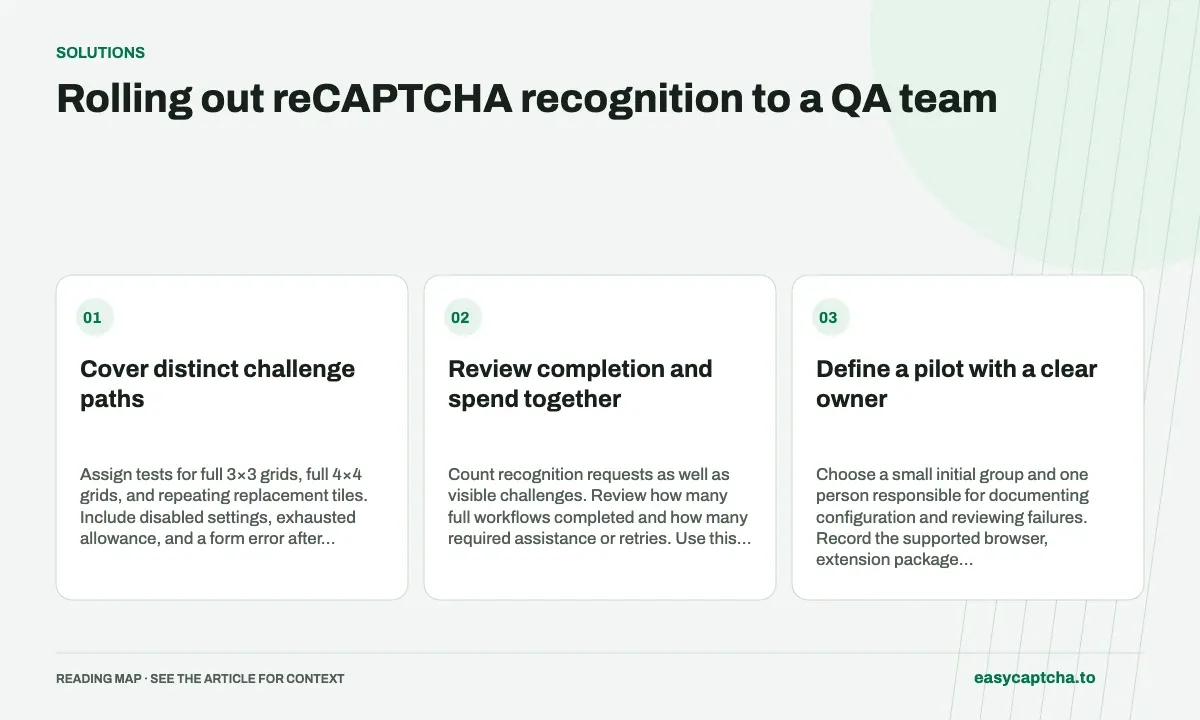
Cover distinct challenge paths
Assign tests for full 3×3 grids, full 4×4 grids, and repeating replacement tiles. Include disabled settings, exhausted allowance, and a form error after recognition. These paths exercise different parts of the workflow.
Review completion and spend together
Count recognition requests as well as visible challenges. Review how many full workflows completed and how many required assistance or retries. Use this evidence to size the rollout rather than multiplying a single-round trial by the team size.
Define a pilot with a clear owner
Choose a small initial group and one person responsible for documenting configuration and reviewing failures. Record the supported browser, extension package version, selected plan, and required provider switches. Without a shared setup, differences between testers can be mistaken for inconsistent recognition behavior.
Define the actions the pilot needs to complete in environments you control. Include a clear success observation, such as a confirmation page or stored test record. The goal is to establish whether the team can use assistance within its testing workflow, not merely whether someone saw images selected once during installation.
Assign coverage by failure boundary
| Coverage area | Scenario to exercise |
|---|---|
| Setup | Disabled Global or provider switch |
| Recognition | Full 3×3 and 4×4 image grids |
| Replacements | Several nonadjacent cells change |
| Access | Allowance or paid-account error |
| Recovery | Challenge reset during outstanding work |
| Application | Form error after image assistance |
Assign these cases deliberately instead of asking every tester to repeat the easiest path. Keep evidence at the relevant boundary, including available task IDs and visible state transitions. This produces a useful defect report when a problem affects only replacement handling or only one configuration.
Estimate team usage from observed sessions
Count requests in representative sessions, including replacement rounds and work that did not lead to a completed form. The extension free allowance is shared across providers, and a visible challenge can consume several recognitions. A team using paid access should review effective rates and available credit before expanding the pilot.
Use an illustrative calculation to explain the estimate: if a session averages twelve requests and the team runs twenty comparable sessions, the starting estimate is 240 requests. Label that as an extrapolation from the pilot, and revisit it if challenge mix or round depth changes. Do not present it as a guaranteed allowance coverage or spend figure.
Set evidence-based expansion criteria
Before rollout, agree on acceptable completion behavior, usable recovery instructions, and the support information testers can collect. Review unresolved stale-state or wrong-cell defects before increasing the audience. Faster recognition does not compensate for a workflow that applies delayed answers to a new challenge.
Keep configuration changes and extension updates visible in pilot records so a later regression can be associated with a known version. Provide a short internal setup guide linking to the extension documentation, reCAPTCHA contract, and troubleshooting guide. The team should be able to distinguish a settings problem from an integration defect without sharing private account keys.
Turn pilot findings into a usable team guide
The rollout guide should state how to install the supported package, which controls must be enabled, which plan is intended, and where testers can check allowance or account state. Include a short description of replacement rounds so an expected second recognition is not immediately reported as a failed first attempt.
Give the team a standard report format: version, environment, attempted action, last successful stage, available task IDs, and the final visible outcome. Explicitly exclude passwords and paid API keys from attachments. A shared format helps the owner compare reports without requiring every tester to understand the API’s internal status model.
Review a small set of sessions after expansion to confirm that the pilot’s request counts and challenge mix still resemble actual use. New environments or workflows can introduce more resets, longer replacement sequences, or additional form validation. Update the setup and recovery guide when those differences are observed rather than treating the pilot’s average as permanent. Version the guide alongside the tested extension configuration so later changes can be reviewed against a known baseline.
Frequently asked questions
Why count requests during a team pilot?
One visible challenge can use several recognition requests when replacement tiles appear.
What should be recorded for each pilot setup?
Record browser and extension version, selected plan, provider settings, controlled workflow, and the observation that counts as completion.
How should a team estimate recognition usage?
Measure all requests in representative sessions, including replacements and unsuccessful workflows, then extrapolate with the assumptions stated.