Account workflows
Preventing CAPTCHA friction in membership renewal
Keep renewal eligibility, payment state, and verification retries separate so members can recover a blocked renewal without receiving duplicate charges.
By the easycaptcha team · Published
A member renewing access may already be authenticated and eligible, yet still encounter a verification barrier near payment or confirmation. The service needs to distinguish that barrier from an expired session, a changed membership rule, or a declined payment.
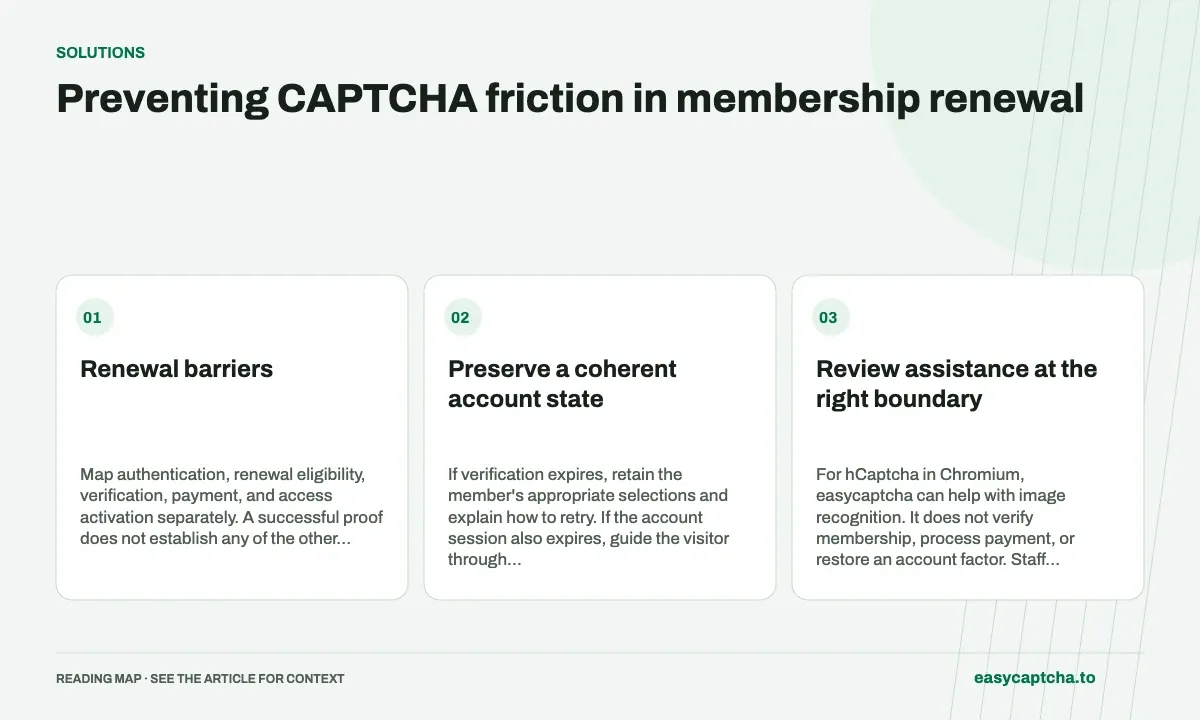
Renewal barriers
Map authentication, renewal eligibility, verification, payment, and access activation separately. A successful proof does not establish any of the other stages. Keep the actual renewal record authoritative when deciding what happens after a retry.
Preserve a coherent account state
If verification expires, retain the member’s appropriate selections and explain how to retry. If the account session also expires, guide the visitor through authentication without silently creating a new renewal attempt.
Do not activate access only because a browser displayed a success tick. Likewise, do not tell someone to pay again merely because the browser lost the response after a payment was accepted. Use the service’s supported receipt or renewal-status lookup.
Review assistance at the right boundary
For hCaptcha in Chromium, easycaptcha can help with image recognition. It does not verify membership, process payment, or restore an account factor. Staff handling a blocked renewal should identify the failed stage before offering a fix.
An appropriate support record includes limited identifiers, timestamps, and the error state. Keep passwords, complete card details, and proof values out of general tickets. A screenshot of an entire account page may collect more information than support needs.
Test transition failures
Exercise a valid proof followed by a renewal validation error, an expired proof, a session interruption, and a lost final response. Verify that retries do not create duplicate payment work or inconsistent access.
Include members who use keyboard navigation, enlarged text, or assistive technology. A short successful test with a developer account does not establish that a long renewal flow remains recoverable for everyone.
Measure renewed access and recovery
Count confirmed renewals, failed-stage categories, known payment outcomes, and assistance completions. If verification success increases but members still cannot regain access, the actual task remains unresolved.
Accessible checkout addresses payment recovery. Account-recovery assistance covers returning to an authenticated session, and MFA versus CAPTCHA explains why a recognition result cannot replace required account evidence.
Frequently asked questions
Does solving hCaptcha complete a membership renewal?
The membership system must still check eligibility, payment, and renewal status. Challenge completion is one stage of that workflow.
How do I measure a renewal improvement?
Compare completed renewals, retries, and support contacts. Distinguish verification barriers from payment or account-policy failures.
Can I try easycaptcha browser assistance for free?
Yes. Install the Chromium extension and activate its free plan for 25 recognitions a day, without an account or credit. Larger or multi-round challenges can use multiple recognition groups.