Scheduling workflows
Making CAPTCHA-gated appointment portals recoverable
Preserve appointment choices, separate verification from availability, and collect limited diagnostics when a scheduling flow is blocked.
By the easycaptcha team · Published
An appointment portal can hold a slot, request verification, and confirm a booking in separate operations. If a challenge expires during that sequence, the visitor may be unsure whether the slot is still available or the booking already happened. An unclear retry can create duplicate requests or cause someone to abandon needed scheduling.
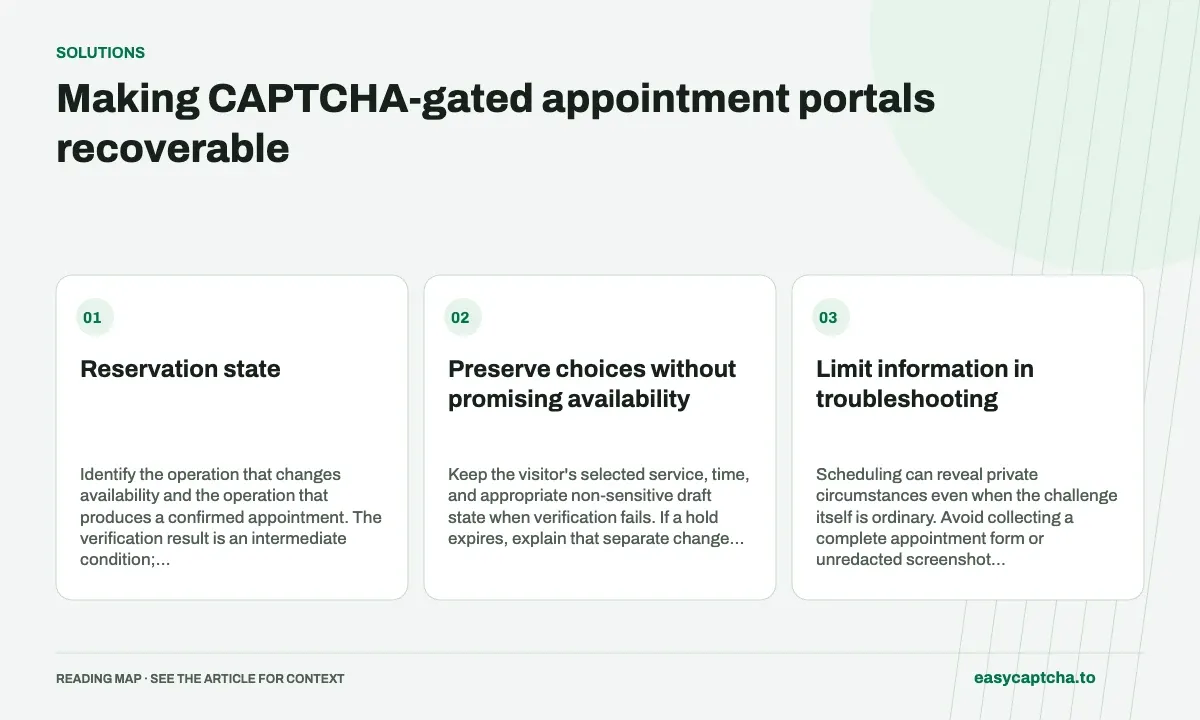
Reservation state
Identify the operation that changes availability and the operation that produces a confirmed appointment. The verification result is an intermediate condition; it is not a receipt.
Preserve choices without promising availability
Keep the visitor’s selected service, time, and appropriate non-sensitive draft state when verification fails. If a hold expires, explain that separate change and let the visitor recheck availability. Do not imply that recognition assistance can extend a hold.
The portal should resolve accepted booking state before starting a replacement booking when a response was lost. Use its supported status or receipt mechanism and keep retries tied to the actual operation.
Limit information in troubleshooting
Scheduling can reveal private circumstances even when the challenge itself is ordinary. Avoid collecting a complete appointment form or unredacted screenshot to diagnose a widget problem. Record the browser state, timestamp, and limited operation identifier where that is sufficient.
For hCaptcha in Chromium, easycaptcha can assist with recognition. It does not determine the appointment’s appropriateness, authorize access, or process the booking. Those decisions stay with the visitor and scheduling service.
Test realistic interruptions
Exercise a proof that expires while the user reviews choices, a slot that becomes unavailable after proof completion, a verification outage, and a lost confirmation response. Each should offer a next step that reflects actual scheduling state.
Include keyboard and assistive-technology use. Review the full task at ordinary and enlarged text sizes, with enough time for the visitor to understand the instructions.
Judge confirmed scheduling and recovery
Count known bookings, recoverable drafts, duplicate-request prevention, and assistance completion. Do not call a proof-generation success a scheduling success before the booking record confirms it.
Inventory holds explains availability control. Public-service forms discusses independent assistance routes, and data minimization helps keep technical diagnostics separate from private scheduling information.
Frequently asked questions
Does successful CAPTCHA verification reserve an appointment?
Not by itself. The booking system must confirm availability and the reservation. Keep verification and booking outcomes separate.
How should an expired challenge affect a booking attempt?
Explain the retry and preserve appropriate selections, while checking current availability again under the booking system's rules.
Can I try easycaptcha browser assistance for free?
Yes. Install the Chromium extension and activate its free plan for 25 recognitions a day, without an account or credit. Larger or multi-round challenges can use multiple recognition groups.