Challenge fundamentals
hCaptcha recognition types: binary, area selection, and drag
Understand the three recognition families in the easycaptcha API and why their input structures, answer models, geometry, and group counts differ.
By the easycaptcha team · Published
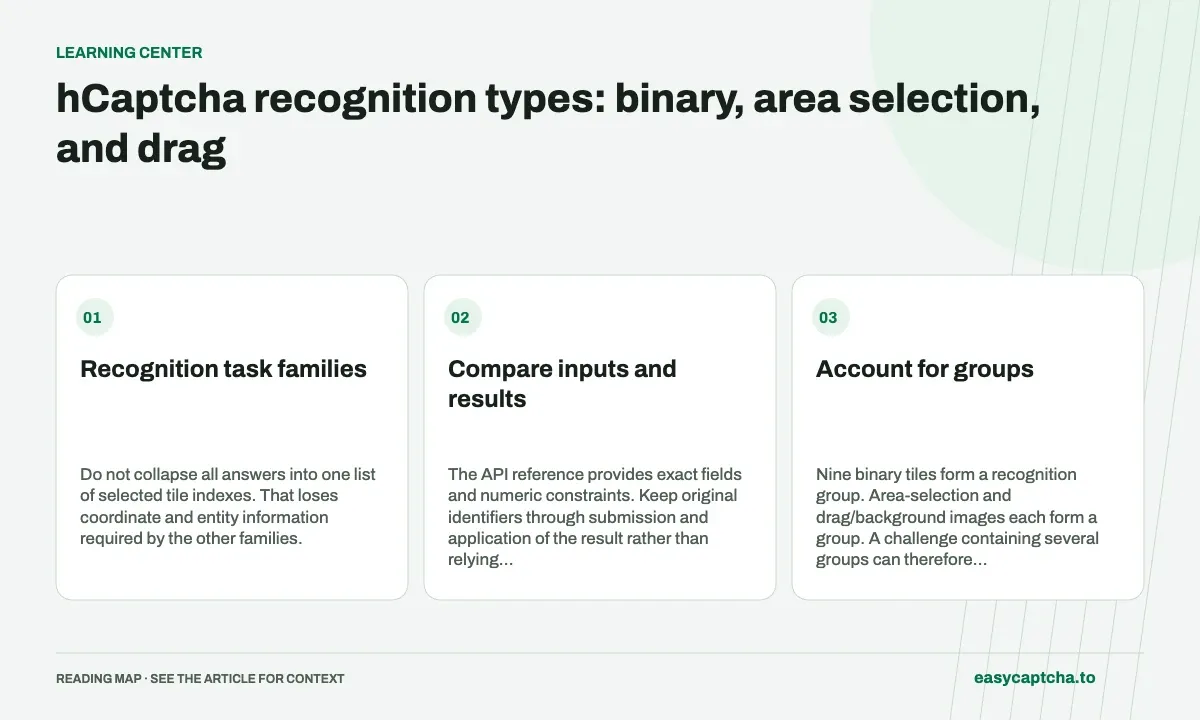
The easycaptcha public schema supports binary image labeling, area selection, and drag-and-drop recognition. Each family uses a different request_type inside the structured challenge. That discriminator determines how your application should interpret the completed result.
Recognition task families
Do not collapse all answers into one list of selected tile indexes. That loses coordinate and entity information required by the other families.
Compare inputs and results
| Family | Important input | Completed answer concept |
|---|---|---|
| Binary | Question and keyed images | Boolean decision per task key |
| Area selection | Question and keyed images | Selection coordinates per image |
| Drag and drop | Background, entities, sizes, coordinates | Placements tied to movable identities |
The API reference provides exact fields and numeric constraints. Keep original identifiers through submission and application of the result rather than relying on an incidental array ordering.
Account for groups
Nine binary tiles form a recognition group. Area-selection and drag/background images each form a group. A challenge containing several groups can therefore use multiple billed recognitions even when the browser displays it as one interaction.
The free extension allowance uses the same group concept. It is not a daily allowance of equivalent token tasks. Consult pricing and the free-plan documentation for the actual products.
Test application mapping before evaluating recognition
Preserve source dimensions and entity identities. A correct coordinate applied to a scaled image incorrectly can be rejected, while a binary answer associated with the wrong key can select the wrong tile. Diagnose those bugs independently of recognition quality.
Read binary requests, area selection, and drag placement for concrete integration boundaries. Record observed acceptance separately from job completion and send feedback only when the relevant outcome is known.
Frequently asked questions
Which hCaptcha recognition task types does easycaptcha support?
The recognition API accepts image_label_binary, image_label_area_select, and image_drag_drop challenges with their original structured task data.
Can datapoint_uri contain an HTTPS image URL?
No. Submit a base64 image/video data URI. Download remote media in your integration and encode the original bytes before creating the recognition job.
How do I start using the easycaptcha API?
Create an account and get an API key, then follow the getting-started guide. Submit recognition or token tasks through raw HTTP or the typed Python and JavaScript SDKs.