Integration concepts
Preparing reCAPTCHA images for the recognition API
Preparing reCAPTCHA images for the recognition API. Learn the inputs, limits, and result handling for easycaptcha reCAPTCHA recognition.
By the easycaptcha team · Published
Each image_data item must be a base64 image data URI, such as a JPEG data URI with an image/jpeg media type. Remote HTTP image URLs are not accepted by the native recognition endpoint. Encode the original image bytes in your integration.
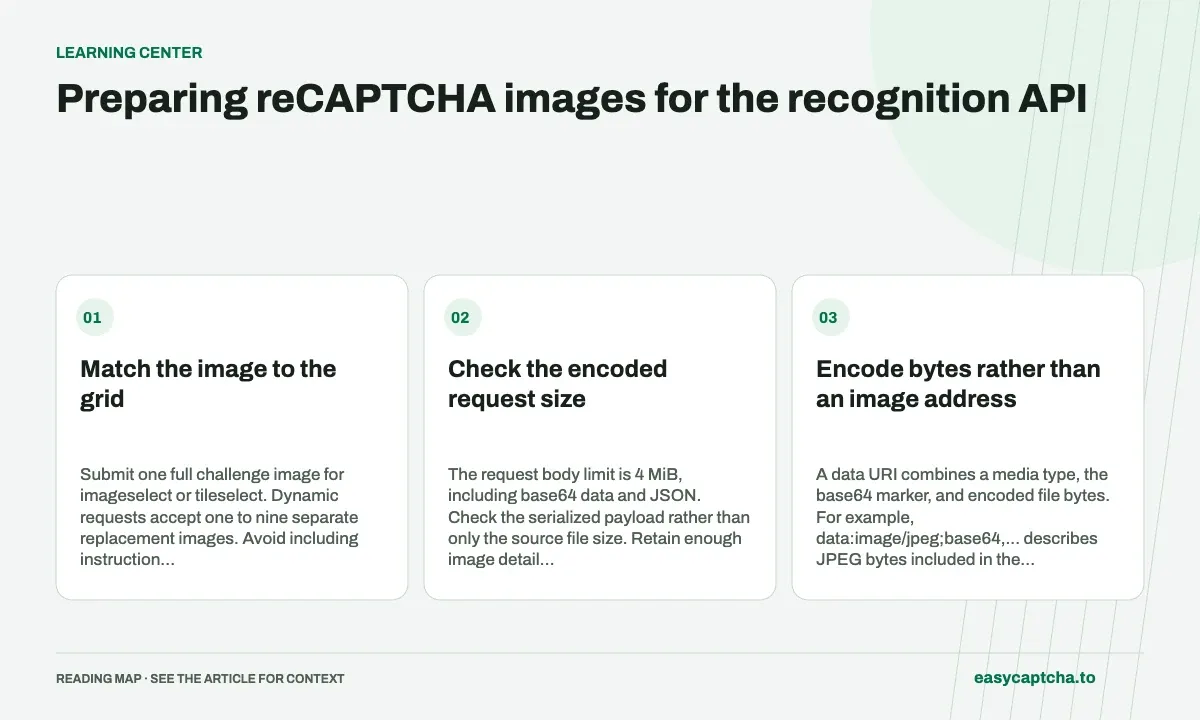
Match the image to the grid
Submit one full challenge image for imageselect or tileselect. Dynamic requests accept one to nine separate replacement images. Avoid including instruction banners or surrounding page controls as if they were grid cells.
Check the encoded request size
The request body limit is 4 MiB, including base64 data and JSON. Check the serialized payload rather than only the source file size. Retain enough image detail for recognition and diagnose payload rejection before changing result mapping.
Encode bytes rather than an image address
A data URI combines a media type, the base64 marker, and encoded file bytes. For example, data:image/jpeg;base64,... describes JPEG bytes included in the request itself. The placeholder dots are not valid image contents. Your integration must read or capture the actual image and encode those bytes before creating the task.
Base64-encoding the text of an HTTPS URL does not download or encode the image. It produces the bytes of the address, which an image decoder cannot interpret as a JPEG or PNG. Likewise, a filesystem path is not image data. Check that decoding the URI yields the image you intended to submit before investigating recognition accuracy.
Preserve the distinction between a grid and tiles
For imageselect, send one complete 3×3 challenge image. For tileselect, send one complete 4×4 image. Each is one entry even though the picture contains several selectable cells. Splitting a full grid into nine separate entries does not conform to the full-grid input shape.
For dynamic, each entry is a separate replacement image, and the batch can contain one to nine entries. Keep the order stable throughout image collection, encoding, and submission. Parallel downloads or image processing can finish in a different order from the source cells; store positions explicitly rather than trusting completion order to preserve the mapping.
Budget for base64 and JSON overhead
Base64 generally increases binary size by about one third, before the data URI prefix and JSON fields are included. A source file that fits comfortably below 4 MiB can therefore produce an oversized request. The documented limit applies to the full request body, including every image and the surrounding serialized object.
As a rough illustration, 3 MiB of image bytes already becomes about 4 MiB of base64 text, leaving no practical room for the rest of the request. Measure the encoded JSON byte length rather than relying on this approximation. If you preprocess images, verify that the resulting grid boundaries and visual detail remain usable instead of reducing size blindly.
Inspect the exact input when diagnosis is necessary
Before uploading a captured image, verify its dimensions and contents in a local development workflow. Look for a crop that includes page margins, an incomplete replacement animation, or an instruction banner mistakenly treated as part of a selectable cell. An API can classify only the image supplied, so input mistakes must be ruled out separately.
Keep diagnostic capture controlled and avoid broad logging of image data URIs: they can make logs large and may reveal surrounding page content if the capture was too wide. Record request size, grid mode, tile count, and task ID for routine operations. Use a narrowly retained fixture when you need reproducible input for a mapping test.
Keep media preparation reproducible
Separate capture, optional image processing, and encoding into identifiable steps. If recognition differs after an application update, you can then establish whether the submitted pixels changed even when the visible challenge looked similar. Store dimensions, encoded body size, mode, and a controlled fixture reference rather than assuming the HTTP client received the same image as before.
An image transformation can also change the coordinate assumptions of the code that later applies an answer. Full-grid boolean positions still refer to logical cells, but capture must preserve the grid those cells describe. Cropping off a row or including a large surrounding border can make your assumed cell layout diverge from the actual input. Review the decoded fixture at the same stage where the request is built.
For dynamic images, preserve source identity through parallel processing. If tile A finishes encoding after tile B, completion order should not decide their meaning. Keep a stable ordered list of records, build the request from that list, and map the response against the identical list. This is a data-preparation guarantee, not something the recognizer can infer from the base64 text.
Frequently asked questions
Can image_data contain an HTTPS URL?
No. The native API requires base64 image data URIs.
Does the body limit include base64 overhead?
Yes. The 4 MiB limit includes encoded images and the surrounding JSON, so measure the serialized request size.
How many images belong in a full-grid request?
Submit one complete image for imageselect or tileselect. Dynamic accepts one to nine separate replacement images.