Cost measurement
Measuring reCAPTCHA cost per completed challenge
Measuring reCAPTCHA cost per completed challenge. Measure recognition requests, workflow outcomes, and integration errors with clear criteria.
By the easycaptcha team · Published
Track the initial full-grid request and every dynamic replacement request under one workflow identifier. A challenge with several rounds uses several recognitions. Count failed or abandoned workflows as part of the cost cohort rather than discarding their spend.
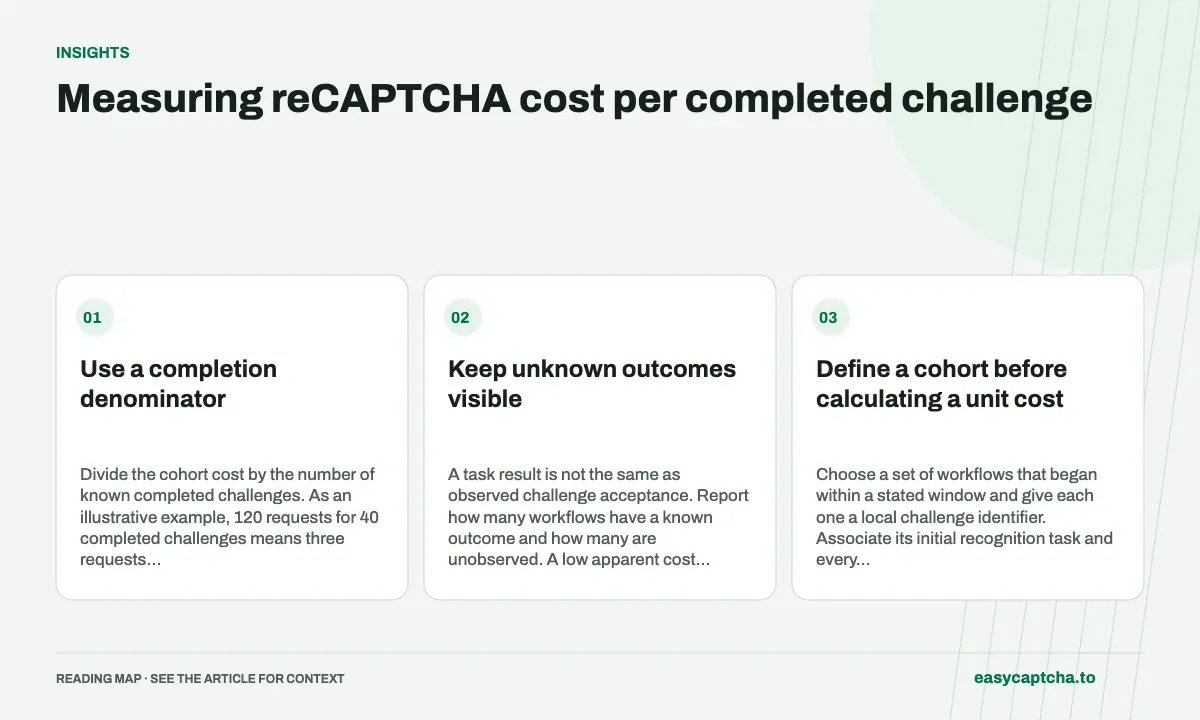
Use a completion denominator
Divide the cohort cost by the number of known completed challenges. As an illustrative example, 120 requests for 40 completed challenges means three requests per completion. Multiply by your effective request rate, including selected multipliers, to estimate recognition cost.
Keep unknown outcomes visible
A task result is not the same as observed challenge acceptance. Report how many workflows have a known outcome and how many are unobserved. A low apparent cost can be misleading if the system never records later failures.
Define a cohort before calculating a unit cost
Choose a set of workflows that began within a stated window and give each one a local challenge identifier. Associate its initial recognition task and every replacement task with that identifier. Keep the cohort stable while late results arrive; otherwise the numerator can describe one set of requests while the denominator describes a different set of completions.
Include the cost attributable to unsuccessful and abandoned workflows in that cohort. Excluding their requests answers a narrower question about successful cases only and can make an unreliable integration appear inexpensive. Also define whether “completion” means challenge acceptance or the final application action. Those are useful but different denominators, and the report should name the one it uses.
Work through an illustrative calculation
Suppose a controlled cohort starts 50 challenge workflows and submits 120 recognition requests in total. Forty workflows have an observed completed challenge, five have a known negative outcome, and five remain unknown at the reporting cutoff. These are illustrative counts, not measured easycaptcha performance.
At an illustrative effective rate of $0.10 per 1,000 requests, recognition cost is 120 × $0.10 / 1,000 = $0.012. Dividing that cohort cost by 40 known completions gives $0.0003 per known completed challenge. The calculation assumes that rate applies uniformly, with no selected multipliers or adjustments. Use the dashboard’s actual effective rate and reconciled cost for a production report.
Report the figures that explain the average
| Metric in the example | Value | What it explains |
|---|---|---|
| Started workflows | 50 | Cohort size |
| Recognition requests | 120 | Total recognition work |
| Known completions | 40 | Stated cost denominator |
| Known final outcomes | 45 | Completion plus known negative outcomes |
| Outcome coverage | 90% | How much of the cohort is observed |
The average alone cannot reveal whether cost rose because more workflows failed or because successful challenges required more replacements. Break out initial and dynamic requests, then segment by round depth. Retain the cost of unknown workflows while describing what is not yet known about their outcome.
Use cost changes to choose the next investigation
If requests per workflow increase while the effective rate stays fixed, inspect replacement depth, batch size, duplicate creation, and stale-state retries. If request counts stay stable but billed cost changes, inspect effective pricing and selected options. These are different investigations and should not be collapsed into a generic solver-cost regression.
Reconcile delayed outcomes and financial adjustments after a defined interval, preserving the initial cutoff report. A later completion can change the denominator without changing the original request count. The success-rate guide and replacement metrics guide provide the companion measurements needed to interpret the financial result.
Separate batching changes from recognition-rate changes
If a release batches three available replacement images into one dynamic request instead of sending three requests, request count can fall while the effective rate remains unchanged. That can improve cohort cost even when the same cells are recognized and the same number of challenges complete. Record dynamic images per request so the mechanism behind the cost change is visible.
Conversely, a lower cost can be a bad sign if the application stopped submitting necessary replacement work or stopped observing incomplete attempts. Compare request count with known completions, stale responses, and outcome coverage before calling the change an efficiency improvement. Financial arithmetic cannot validate browser correctness on its own.
A useful review presents cost, requests per started workflow, requests per known completion, and final observation coverage together. Keep the cohort and cutoff fixed across releases where possible. If challenge mix changed, show the segments rather than hiding the change in one blended average. This gives the team a concrete next action: review batching, repair state handling, inspect selected pricing options, or gather more complete outcome evidence.
Frequently asked questions
Is cost per request the same as cost per completed challenge?
No. A completed challenge can require several requests and some requests belong to unsuccessful workflows.
Should unsuccessful workflows contribute to cohort cost?
Yes. Include the recognition cost attributable to the whole stated cohort, then divide by its known completions using a clearly named outcome.
What should accompany the cost-per-completion figure?
Report started workflows, request count, known outcomes, observation coverage, effective rate assumptions, and any selected multipliers or adjustments.