Challenge design
Proof-of-work CAPTCHA: benefits and tradeoffs
Understand how background computation changes CAPTCHA friction, and evaluate device performance, recovery, accessibility, and server-side enforcement.
By the easycaptcha team · Published
A proof-of-work challenge asks a device to perform computational work and present a result for verification. It can avoid an image-selection task, but it introduces a different cost: time and resources on the visitor’s device. Friendly Captcha’s discussion of proof-of-work variance explains why device performance matters to the experience.
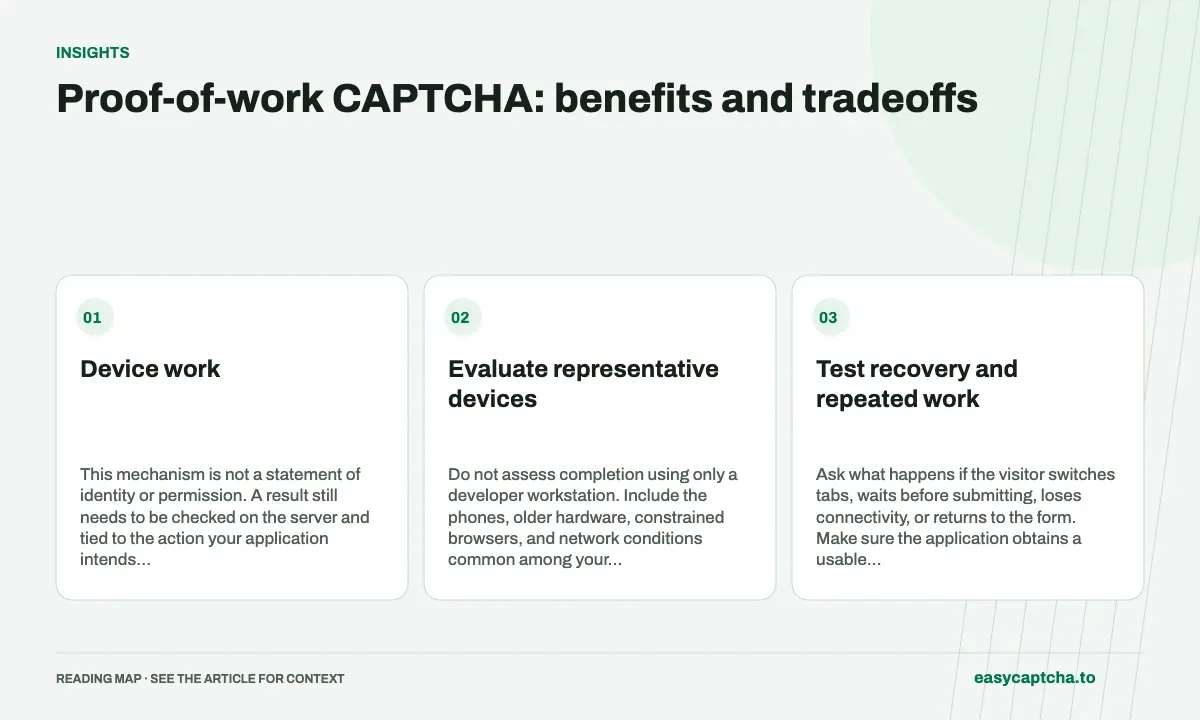
Device work
This mechanism is not a statement of identity or permission. A result still needs to be checked on the server and tied to the action your application intends to protect. Keep account and payment decisions separate from the challenge mechanism.
Evaluate representative devices
Do not assess completion using only a developer workstation. Include the phones, older hardware, constrained browsers, and network conditions common among your visitors. Review what the interface says while work is in progress and whether it stays responsive.
Measure the time between starting verification and being able to continue, not just an isolated computation time. Initialization, resource loading, background scheduling, and error recovery can all affect the task from the visitor’s perspective.
Test recovery and repeated work
Ask what happens if the visitor switches tabs, waits before submitting, loses connectivity, or returns to the form. Make sure the application obtains a usable fresh proof when needed and preserves the form’s non-sensitive content.
Repeated resets can make a nominally unobtrusive challenge frustrating. Watch for application rerenders or duplicate widgets that restart work unnecessarily. Show a clear state instead of an indefinite spinner, and allow an appropriate retry when the provider is unavailable.
Background does not mean accessible by default
Removing image recognition can remove one barrier, but it does not fix mislabeled form controls, missing focus states, or unexplained errors. Test the complete flow with assistive technology. The CAPTCHA accessibility checklist applies to background verification too.
Compare alternatives against your own threat model and user needs. Cloudflare describes Turnstile as a verification product using non-interactive challenges; that is a separate design from treating every background widget as pure proof of work. Evaluate providers on documented behavior instead of grouping them only by appearance.
Define what a deployment must establish
Document the protected endpoint, server-side enforcement, retry behavior, and monitoring. An attractive checkbox is not evidence that the backend rejects missing or invalid proofs. Test a direct request to the operation, and confirm that a verification failure prevents it.
When comparing a design change, report completion and rejection alongside user impact. Use the success-rate measurement model to distinguish provider outcomes from application outcomes. This article discusses verification design; easycaptcha’s customer API currently offers hCaptcha recognition and token tasks, rather than a general-purpose website protection product.
Frequently asked questions
How does proof of work differ from an image challenge?
Proof of work asks a device for computation and verifiable evidence. An image challenge asks for an answer based on supplied media.
Should device work be evaluated only by completion rate?
Also consider visitor experience, recovery, and the devices involved. A completed computation is one stage before the protected action.
Can I try easycaptcha browser assistance for free?
Yes. Install the Chromium extension and activate its free plan for 25 recognitions a day, without an account or credit. Larger or multi-round challenges can use multiple recognition groups.