Pricing comparison
Recognition pricing vs token pricing: compare the unit
Understand why a recognition group, a token job, and a completed application action are different cost units when comparing CAPTCHA services.
By the easycaptcha team · Published
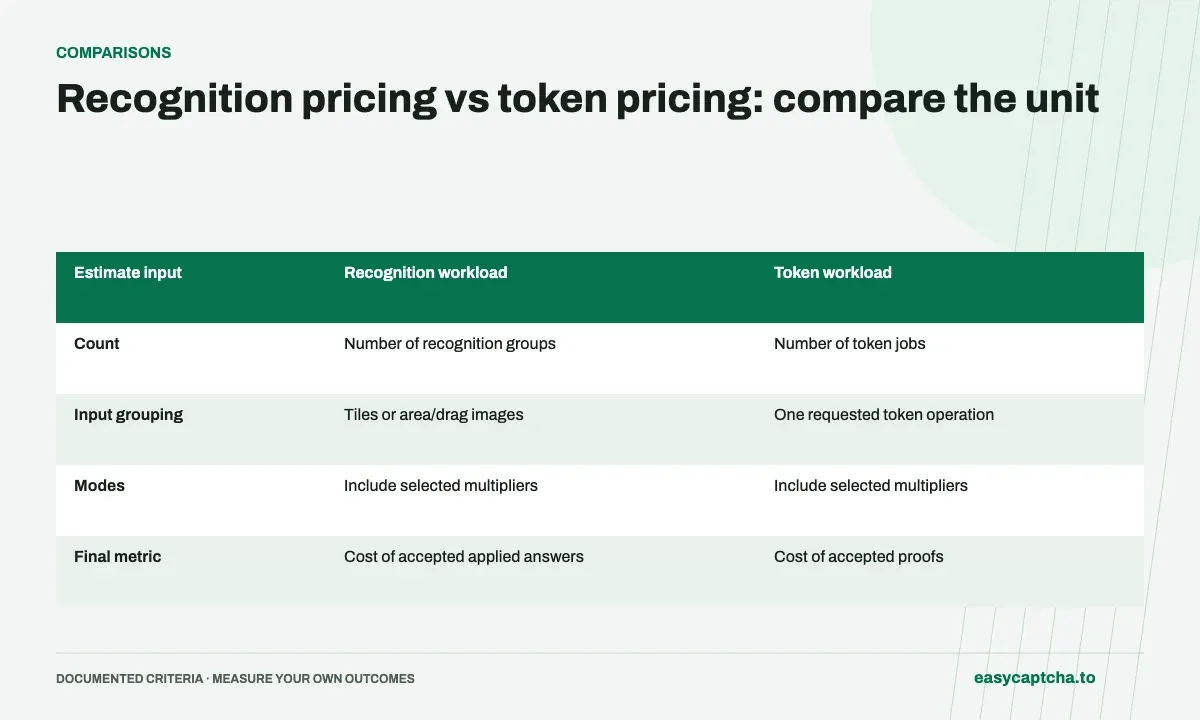
A price per thousand image-recognition groups is not a price per thousand tokens. easycaptcha publishes separate rates for recognition, regular tokens, and enterprise tokens. Comparing only the dollar numbers can favor a cheaper-looking product that does not return the output your integration needs.
Billing units
Start by listing the result and billed unit, then the amount of work your application submits. A complete challenge can contain several recognition groups.
Work through a small estimate
| Estimate input | Recognition workload | Token workload |
|---|---|---|
| Count | Number of recognition groups | Number of token jobs |
| Input grouping | Tiles or area/drag images | One requested token operation |
| Modes | Include selected multipliers | Include selected multipliers |
| Final metric | Cost of accepted applied answers | Cost of accepted proofs |
Nine binary tiles constitute a group; each area-selection or drag image is a group. Use current pricing and mode documentation for actual calculations rather than a guessed price per whole browser interaction.
Include unsuccessful and unknown work
Estimate charges from actual admitted activity and adjustments, not only successful results. A result can arrive after your client stopped waiting. Unknown submissions and incomplete observations must remain visible or the cost report can omit expensive cases.
If a provider bills differently on failure, document the exact current policy and verify the settlement evidence. Do not assume a refund rule simply because another vendor uses it.
Compare cost per intended outcome
The application cares whether an action completed. Count generation, acceptance, and completion separately, then compute the relevant costs with clear denominators. Include your own integration overhead when deciding between an API and browser workflow.
Use integer microcents for accounting and round only at documented boundaries. Balance budgeting shows exact units, while cost per outcome describes a report that does not mistake a returned result for a completed action.
Frequently asked questions
Are image groups and tokens the same billing unit?
No. Recognition is priced by its defined groups; token solving is priced by token tasks. Compare the unit your integration actually submits.
Can one browser interaction use multiple recognition groups?
Yes. Additional images or rounds can create multiple units of work. Include them when calculating the cost of a completed interaction.
How can I evaluate easycaptcha on my own workload?
Start with a small integration trial using representative hCaptcha tasks. Compare observed acceptance, final outcomes, and costs in the actual billing unit rather than relying on a feature table alone.