Solver comparison
easycaptcha vs CapSolver: task APIs and integration choices
Compare easycaptcha with CapSolver on task creation, authentication, result handling, provider coverage, and the work needed to change integrations.
By the easycaptcha team · Published
Choosing a CAPTCHA service affects more than the request that creates a job. It also shapes how your application stores credentials, waits for results, and recovers when work fails. For teams considering easycaptcha and CapSolver, those integration details are a useful starting point for a comparison.
API contracts
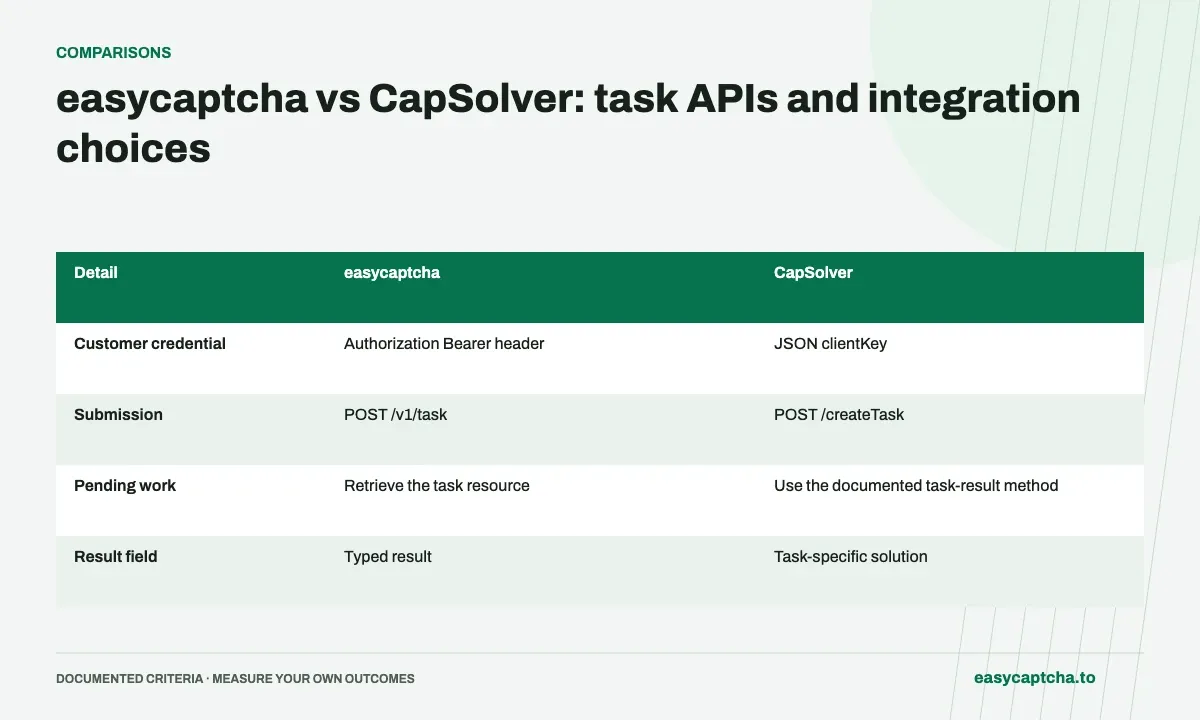
CapSolver publishes a task-creation API with JSON credentials and a task object. easycaptcha authenticates customer work with a Bearer header and a typed task resource. Those differences affect credential redaction, request construction, and response handling. CapSolver’s creation reference documents its contract.
| Detail | easycaptcha | CapSolver |
|---|---|---|
| Customer credential | Authorization Bearer header | JSON clientKey |
| Submission | POST /v1/task |
POST /createTask |
| Pending work | Retrieve the task resource | Use the documented task-result method |
| Result field | Typed result |
Task-specific solution |
| Developer attribution | Request header or developer_tag |
Creation reference documents appId |
This comparison is written by the easycaptcha team. The table is an API comparison, not a latency or accuracy benchmark.
Check the provider you actually need
CapSolver’s getting-started guide lists several task families. easycaptcha’s public customer API focuses on hCaptcha recognition, regular token tasks, and approved enterprise token tasks. Broader provider requirements should be evaluated explicitly rather than translated into an hCaptcha request.
Do not infer present hCaptcha availability from old SDK examples, cached pricing, or a third-party task class. Confirm the current CapSolver task catalog and account eligibility directly before evaluating that workload. An endpoint accepting JSON does not establish support for every historical task name.
Plan a migration around outcomes
Keep a separate adapter for each provider’s credentials, states, result fields, and errors. A successful transport response can still contain a task failure. Preserve submitted IDs and avoid automatically creating replacement work after an uncertain network timeout.
Evaluate a representative set of your own integration attempts. Record completion, observed verification acceptance, final application outcome, and costs in the actual billed unit. The measurement guide gives denominators for those stages. Use easycaptcha’s API reference and each vendor’s current documentation as contracts; do not treat this comparison as proof of equivalence.
Frequently asked questions
How does easycaptcha authenticate customer API work?
It uses an Authorization Bearer header. The comparison identifies CapSolver's JSON clientKey contract, so migration needs an authentication adapter.
Can easycaptcha and CapSolver results be handled identically?
Use each documented result contract. Similar task names do not guarantee identical states, output fields, or error handling.
How can I evaluate easycaptcha on my own workload?
Start with a small integration trial using representative hCaptcha tasks. Compare observed acceptance, final outcomes, and costs in the actual billing unit rather than relying on a feature table alone.