Reservation workflows
Handling CAPTCHA retries during travel reservations
Separate verification from availability and booking state so a failed or delayed challenge does not cause duplicate reservations or lost progress.
By the easycaptcha team · Published
A reservation can involve availability, a temporary hold, a session, a proof, and a final confirmation. Those clocks can expire independently. If the interface labels every failure CAPTCHA failed, a traveler may repeat verification when the actual problem is that availability or price changed.
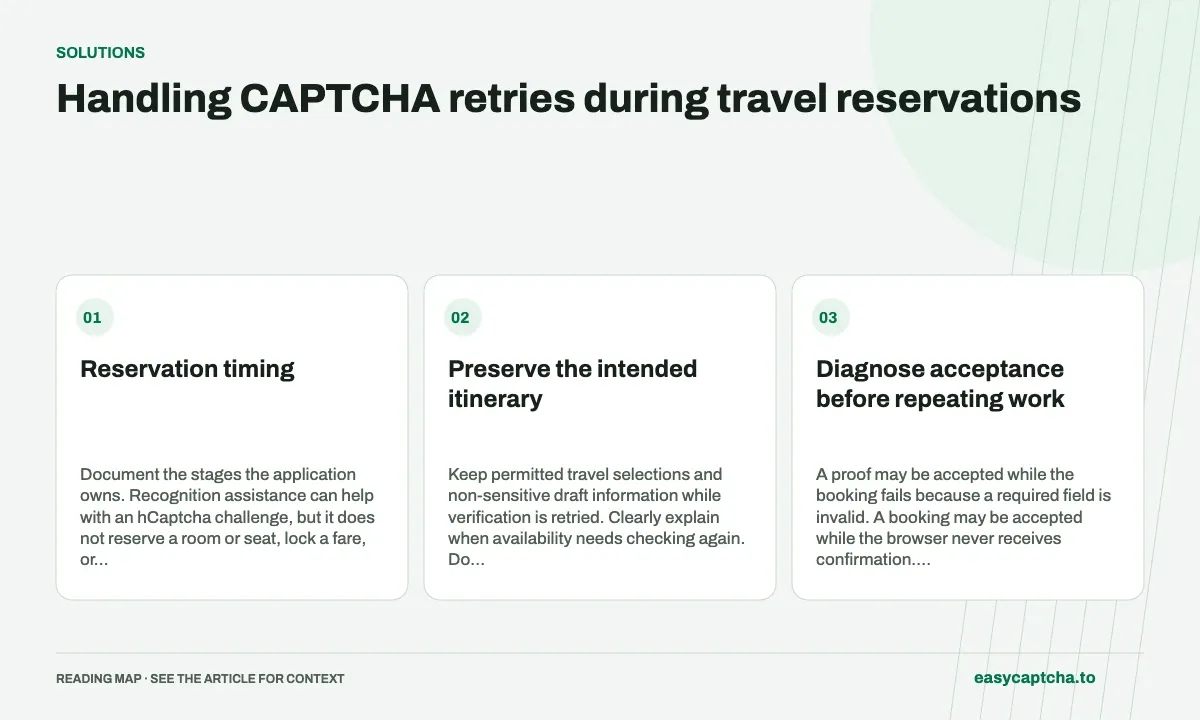
Reservation timing
Document the stages the application owns. Recognition assistance can help with an hCaptcha challenge, but it does not reserve a room or seat, lock a fare, or determine whether a payment or booking was accepted.
Preserve the intended itinerary
Keep permitted travel selections and non-sensitive draft information while verification is retried. Clearly explain when availability needs checking again. Do not imply that a valid proof makes an old reservation quote current.
The final booking operation must rely on the application’s authoritative state and permissions. A retry after a lost response should not automatically create another reservation. Offer the supported confirmation or receipt lookup where your service provides one.
Diagnose acceptance before repeating work
A proof may be accepted while the booking fails because a required field is invalid. A booking may be accepted while the browser never receives confirmation. Keep those observations separate and retain limited operation identifiers for support.
Unknown acceptance should remain unknown until reconciled. Asking visitors to start again can duplicate paid or reserved work and make later support harder. The unknown-outcome article offers a measurement model for that distinction.
Make verification recovery accessible
Test focus, zoom, keyboard input, expired verification, and a slow connection. Keep the next allowed action near the relevant explanation. An indefinite loading state should not leave a traveler guessing whether to abandon a time-sensitive flow.
For a Chromium user encountering hCaptcha, the extension can assist with recognition. Its involvement should not weaken the reservation system’s own authorization, stock, or payment checks. Accessible checkout covers the payment boundary.
Measure confirmed reservations and recovered attempts
Use test inventory and non-production payment configuration for evaluation. Include the case where a hold expires after proof completion and the case where a response is lost after acceptance. Record recovered attempts, confirmed reservations, and support contacts instead of treating every returned proof as a booking success.
Inventory protection explains why a challenge at the payment step may be too late to control reservations themselves.
Frequently asked questions
Does a solved challenge guarantee the quoted fare or room?
No. Availability, pricing, reservation holds, and payment have their own rules and timing in the booking application.
What should I test in a reservation recovery flow?
Exercise verification delays, expiration, reservation changes, and payment errors while keeping those failure stages distinguishable.
Can I try easycaptcha browser assistance for free?
Yes. Install the Chromium extension and activate its free plan for 25 recognitions a day, without an account or credit. Larger or multi-round challenges can use multiple recognition groups.