Monitoring workflows
Monitoring your own CAPTCHA-gated user journeys
Separate availability checks, deterministic business-flow tests, and limited live verification checks so monitoring detects meaningful failures without unnecessary paid work.
By the easycaptcha team · Published
A homepage can be reachable while registration is broken. A widget can render while its server verifier is misconfigured. A task can complete while the final application action fails. Monitoring should identify those boundaries instead of presenting one vague CAPTCHA healthy indicator.
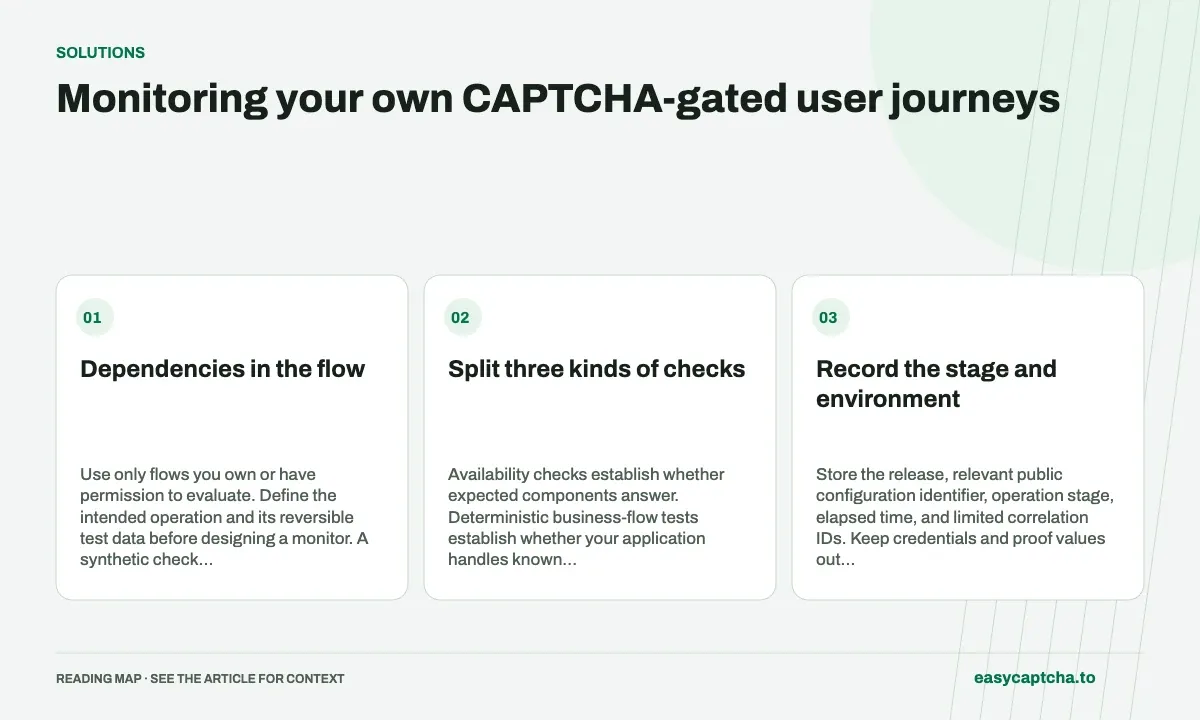
Dependencies in the flow
Use only flows you own or have permission to evaluate. Define the intended operation and its reversible test data before designing a monitor. A synthetic check should not accidentally create valuable production records or send messages to real customers.
Split three kinds of checks
Availability checks establish whether expected components answer. Deterministic business-flow tests establish whether your application handles known verification outcomes correctly. A smaller set of live provider checks establishes whether the deployment can complete the actual integration.
These layers have different schedules and failure costs. A routine application test can use fixtures for provider rejection rather than repeatedly waiting for real provider failures. A live check should have bounded work and an operational owner.
Record the stage and environment
Store the release, relevant public configuration identifier, operation stage, elapsed time, and limited correlation IDs. Keep credentials and proof values out of monitoring dashboards.
When a check times out, record whether creation returned a task ID and whether the action may already have been accepted. Do not automatically repeat paid creation merely to make the monitor eventually turn green. Unknown acceptance needs reconciliation.
Design alerts around useful action
An alert should explain which dependency or operation failed and who can investigate it. A missing configuration, blocked script, rejected proof, and failed business rule require different responses. Group related failures so one provider outage does not create a flood of identical tickets.
Test that your monitoring itself survives a slow response or worker restart. A monitor that loses all pending IDs can create duplicates on its next cycle.
Judge the whole journey
Confirm that an application-defined receipt or record establishes completion. A returned solver result is only an intermediate signal. Compare live checks with real visitor recovery and support observations before declaring a deployment healthy.
Browser testing covers deterministic assertions, environment parity covers configuration differences, and outage planning explains how a failing provider should lead to clear operational action rather than an accidental verification bypass.
Frequently asked questions
Does a green widget check prove the full workflow works?
No. Verification, task results, acceptance, and application completion can fail independently. Monitor the stages you actually depend on.
Which identifiers help correlate an integration failure?
Use limited operation and task IDs with timestamps and observed statuses. Avoid placing private form contents or proof values in general logs.
How can easycaptcha fit into my integration tests?
Use the documented recognition or token API for the hCaptcha stage, preserve task IDs, and inspect terminal results. Measure verifier acceptance and application completion separately from job completion.